48 articles tagged "usb c"
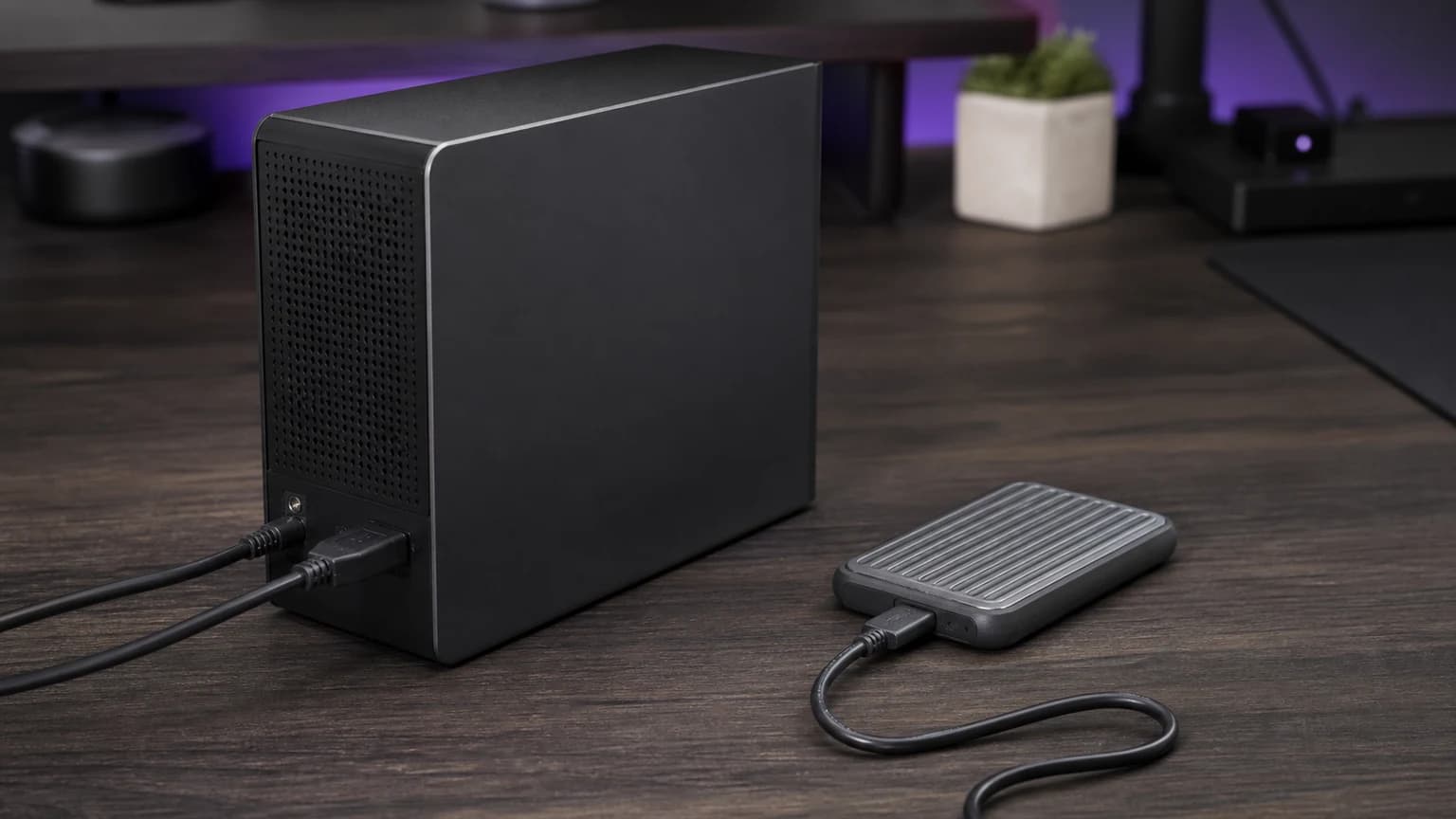
Find whether your external SSD is limited by its USB port, cable, dock or workload before buying another drive or changing its format.
A brief pause can be power sharing. Repeated dropouts need a different fix. Check the port allocation, cable and dock before buying another USB-C charger.
Separate Ethernet link speed from transfer speed, then check the router port, USB connection and cable before replacing your 2.5GbE adapter.
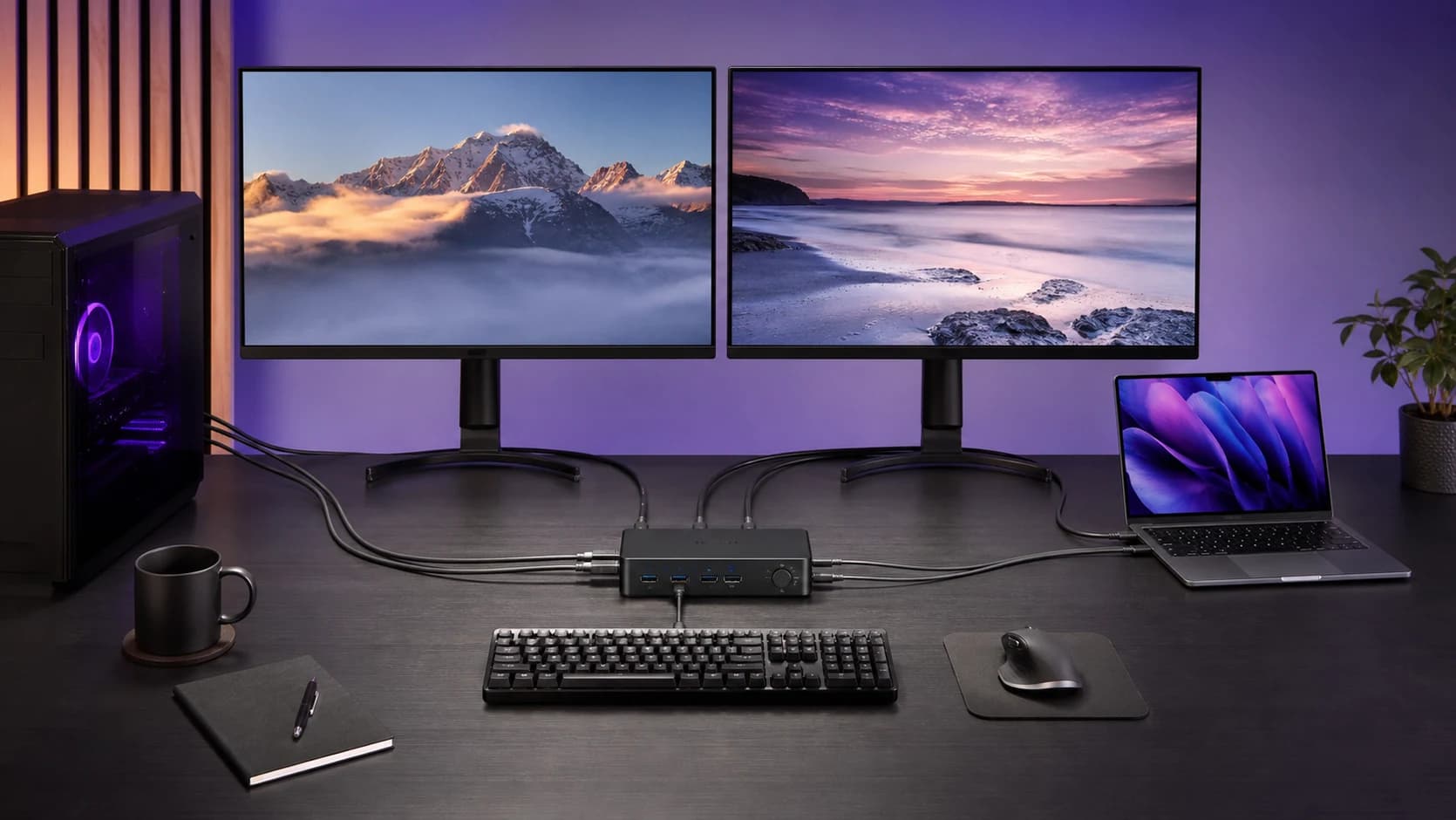
Connect a laptop and desktop to two monitors without buying the wrong KVM. Check video feeds, cable counts, USB-C, Mac support and charging first.
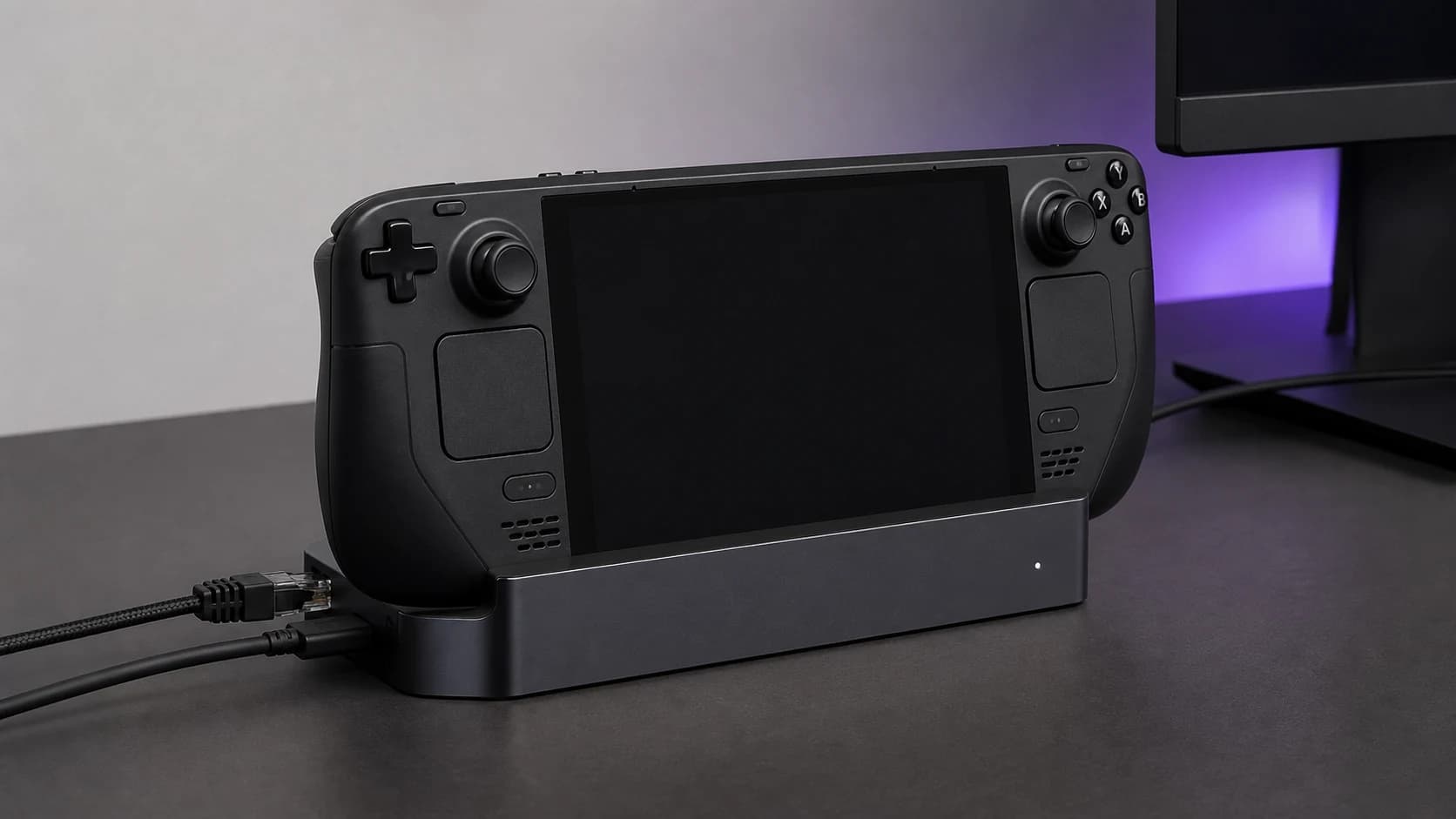
Steam Deck dock shows no signal? Try external display safe mode, isolate the cable and power path, and check the evidence before replacing your dock.
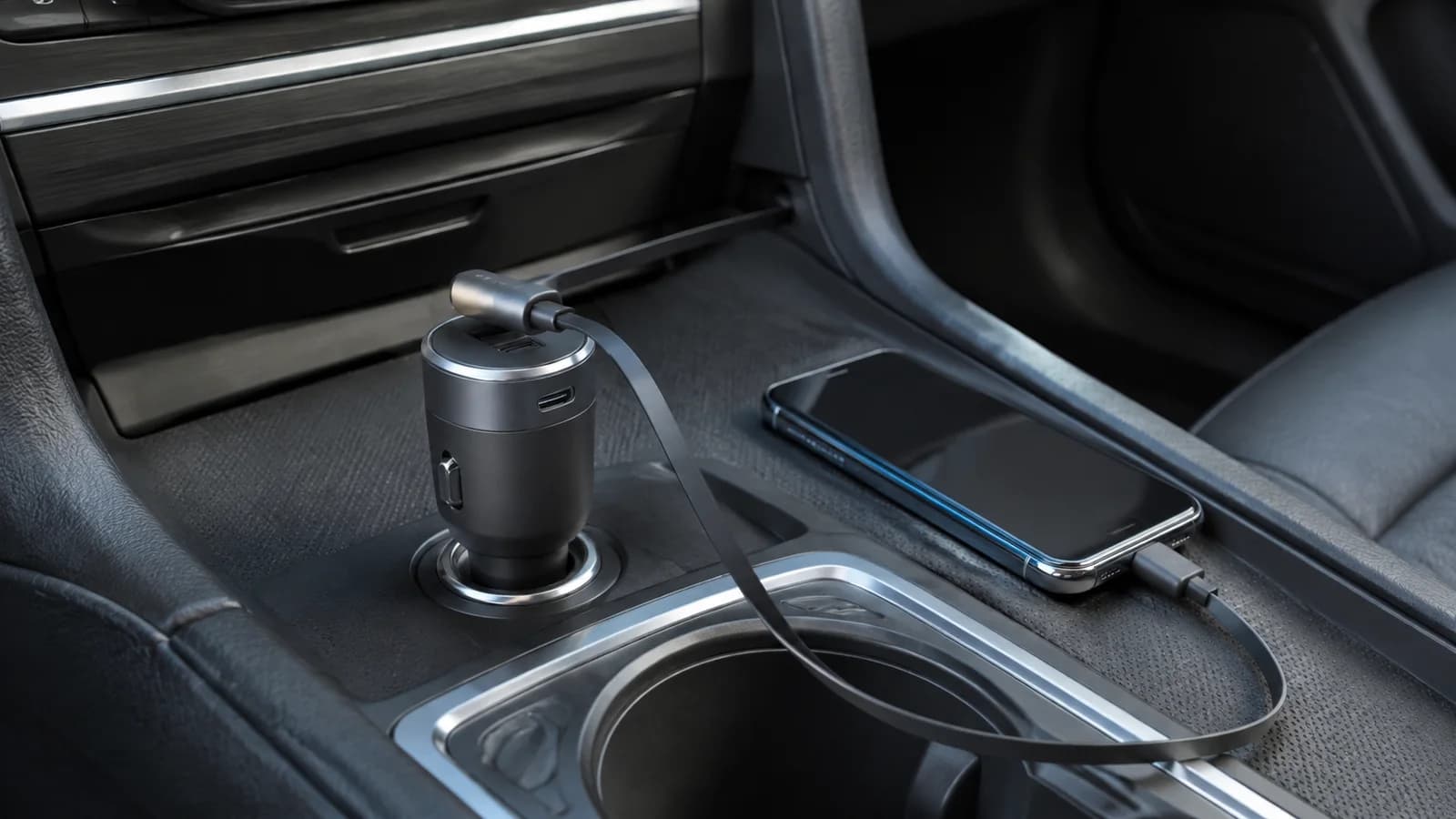
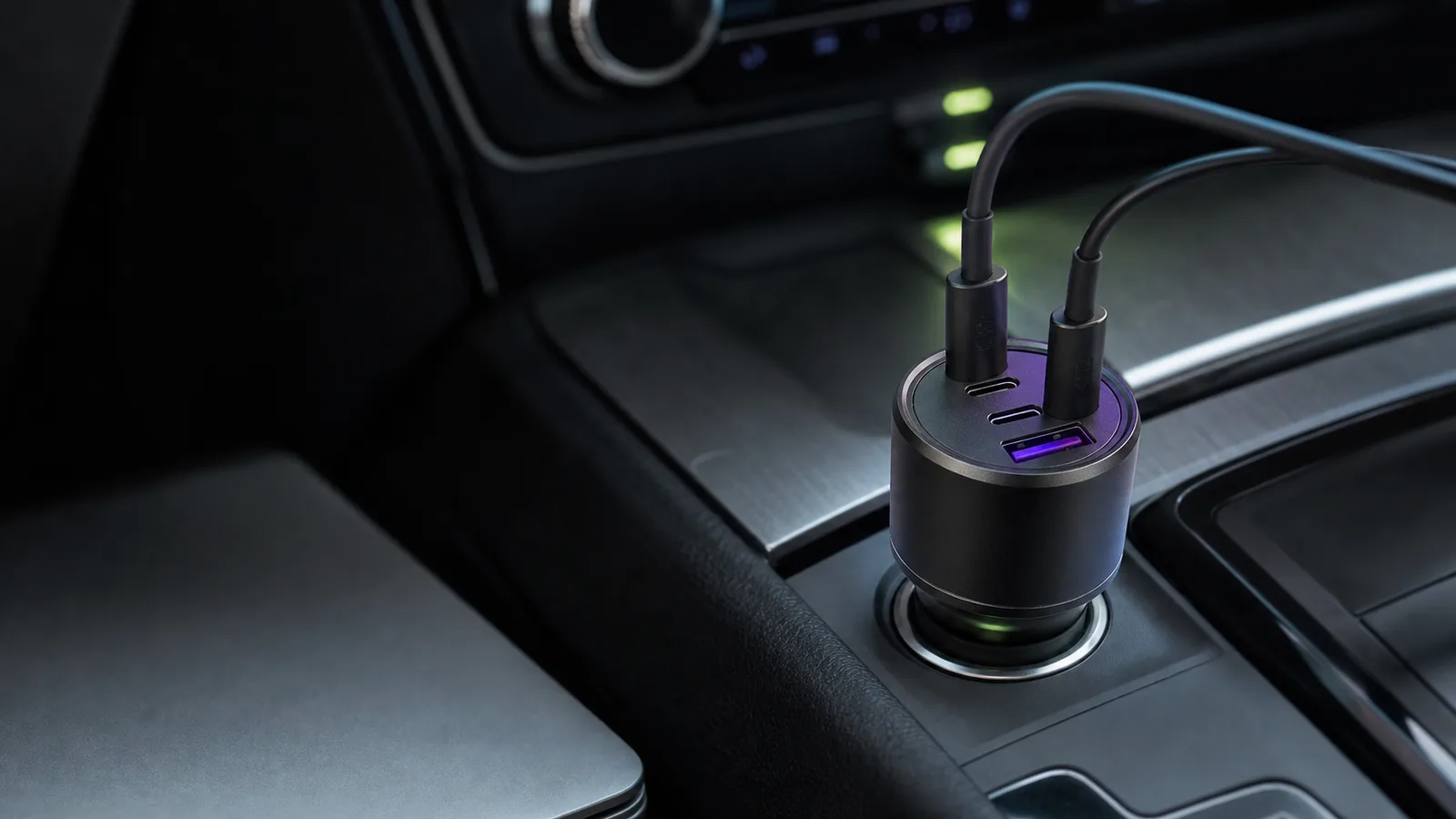
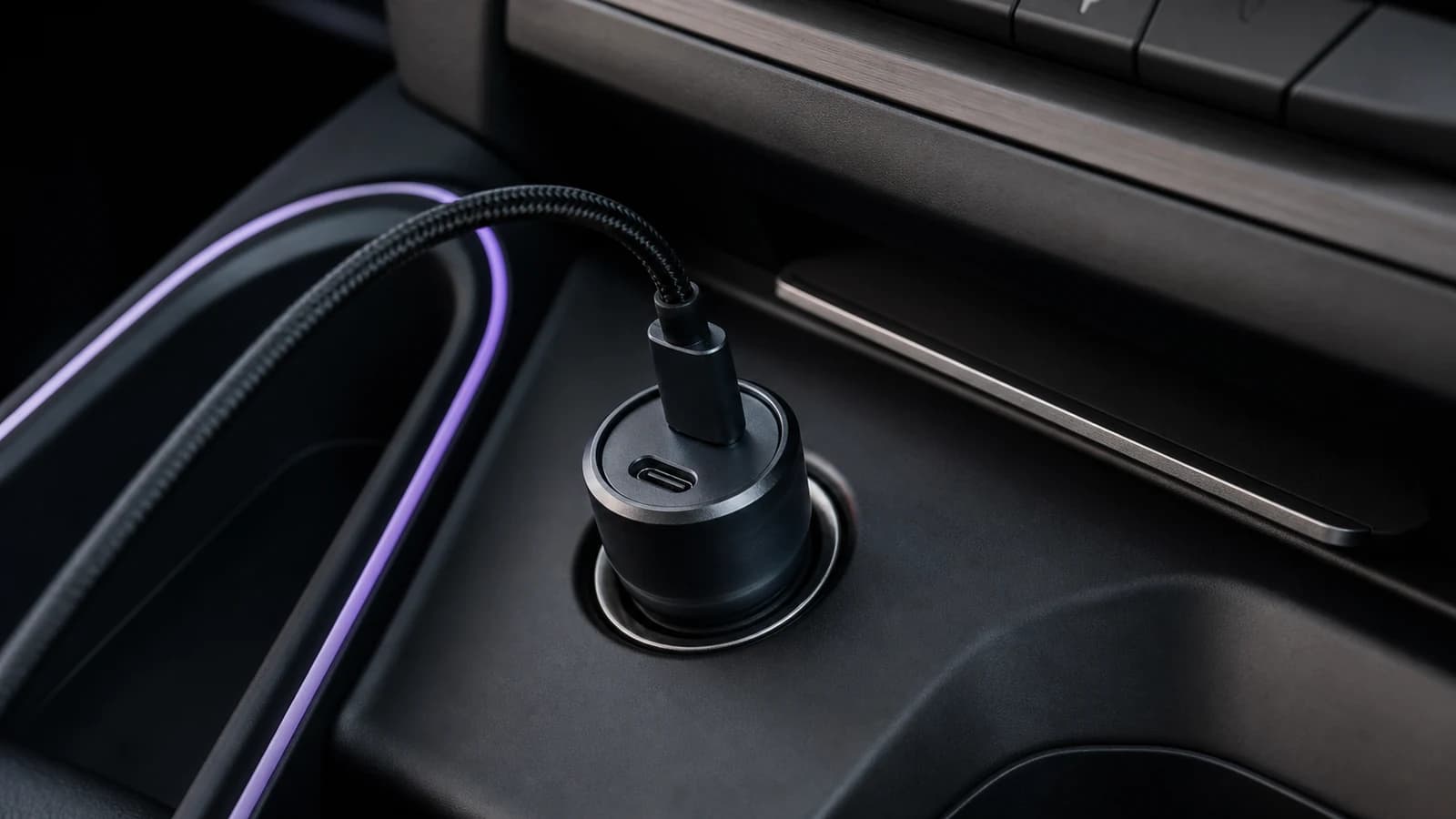
The Anker Nano 75W keeps a 45W USB-C cable in the car, but that cable is not replaceable. Here is who should buy it and who needs more power.
The Anker 317 is a simple 100W USB-C laptop charger with an included 5A cable. It is good value only if you genuinely need one port.
Samsung's T9 2TB can approach 2,000MB/s only on a 20Gbps USB port. Here is who should buy it, who should save money, and what to check.
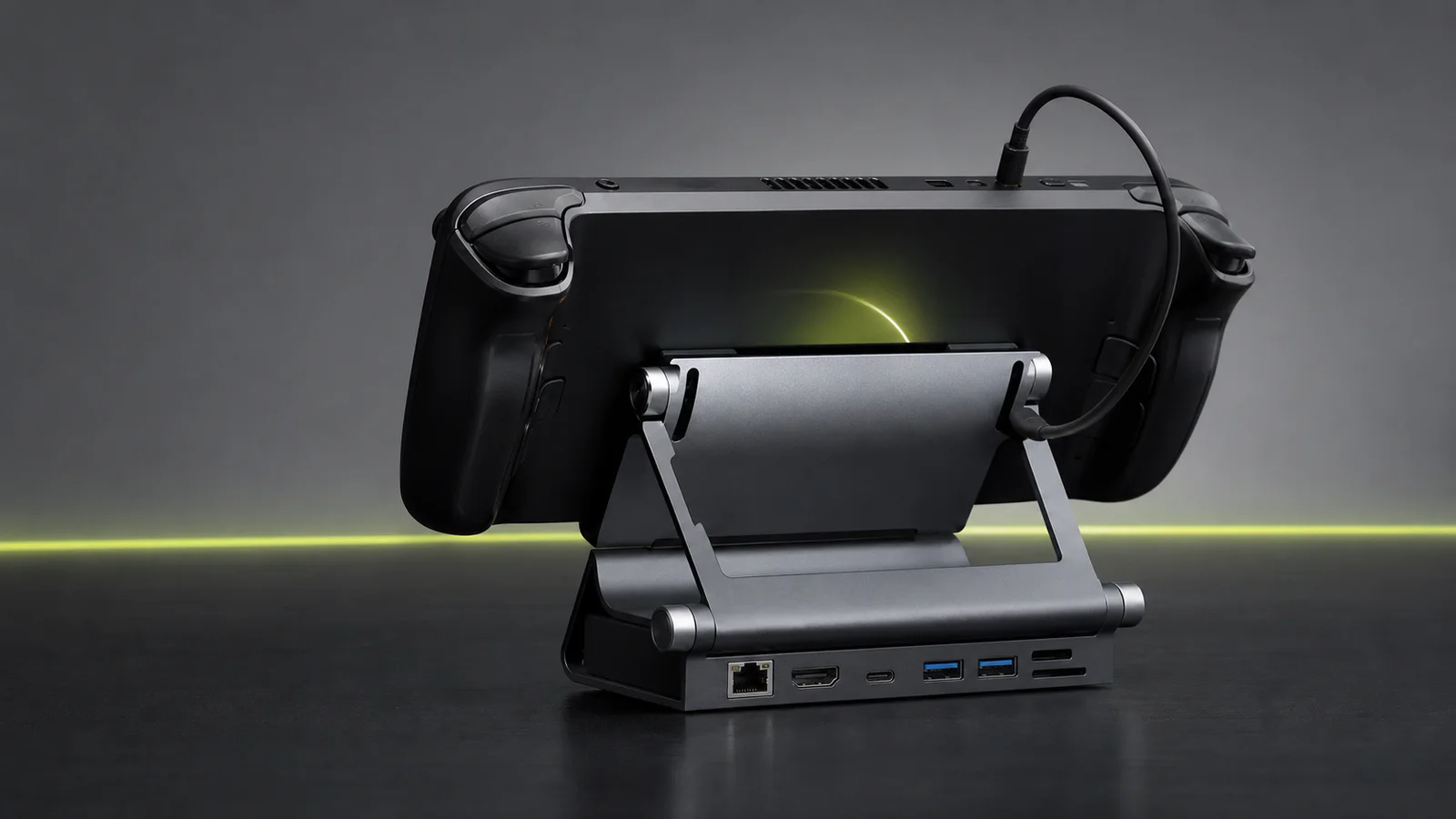
UGREEN gives you an adjustable stand, card readers and faster data ports. Valve adds DisplayPort, VRR, an included charger and first-party firmware.
The Audioengine A2+ Next Gen is a compact USB-C speaker pair with broad inputs and a rear volume knob. Here is who should buy it—and who should not.
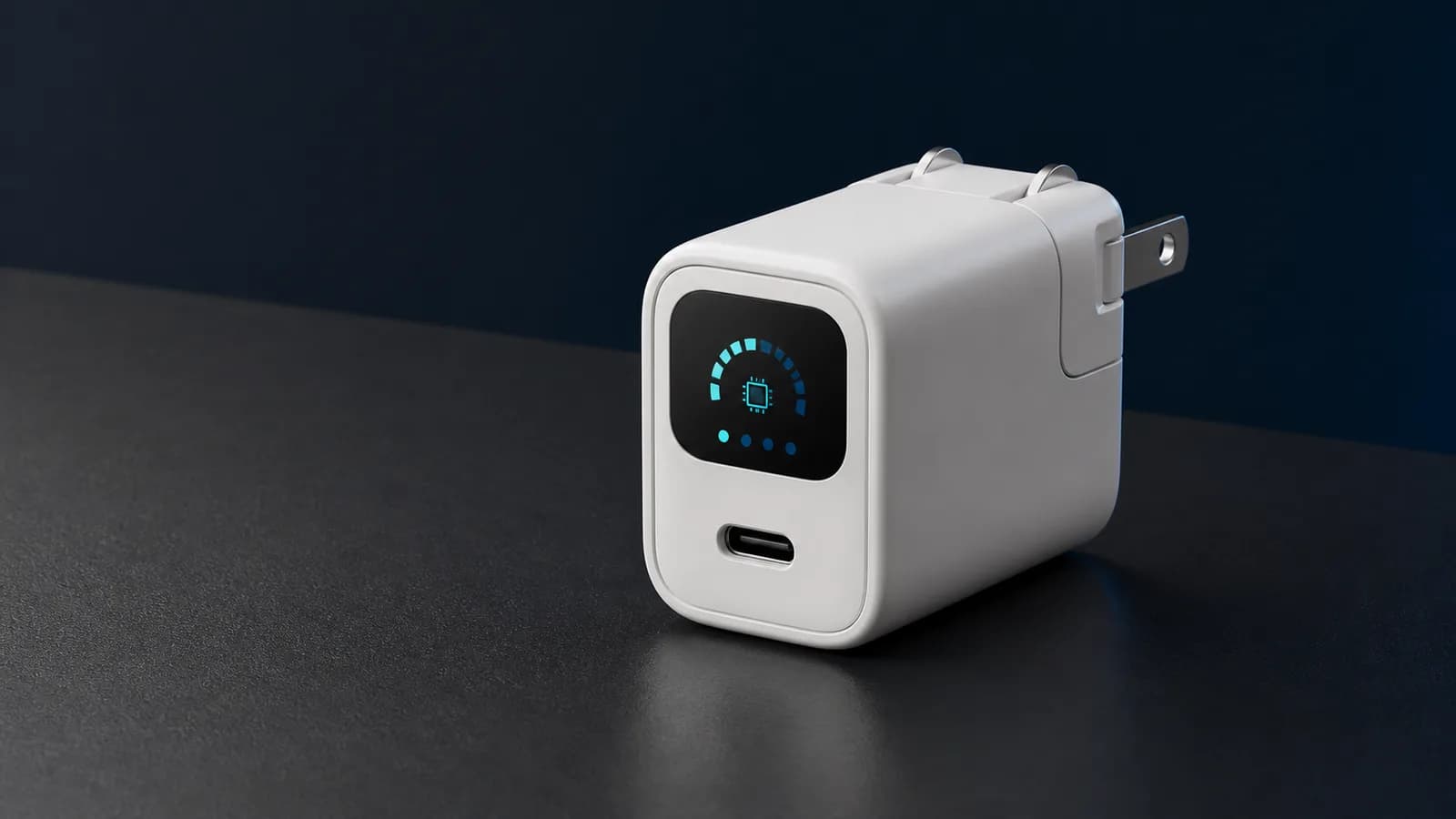
Anker's A121D shows live charging power and adds a battery-care mode. Buy it for visibility and awkward outlets, not because 45W needs a screen.
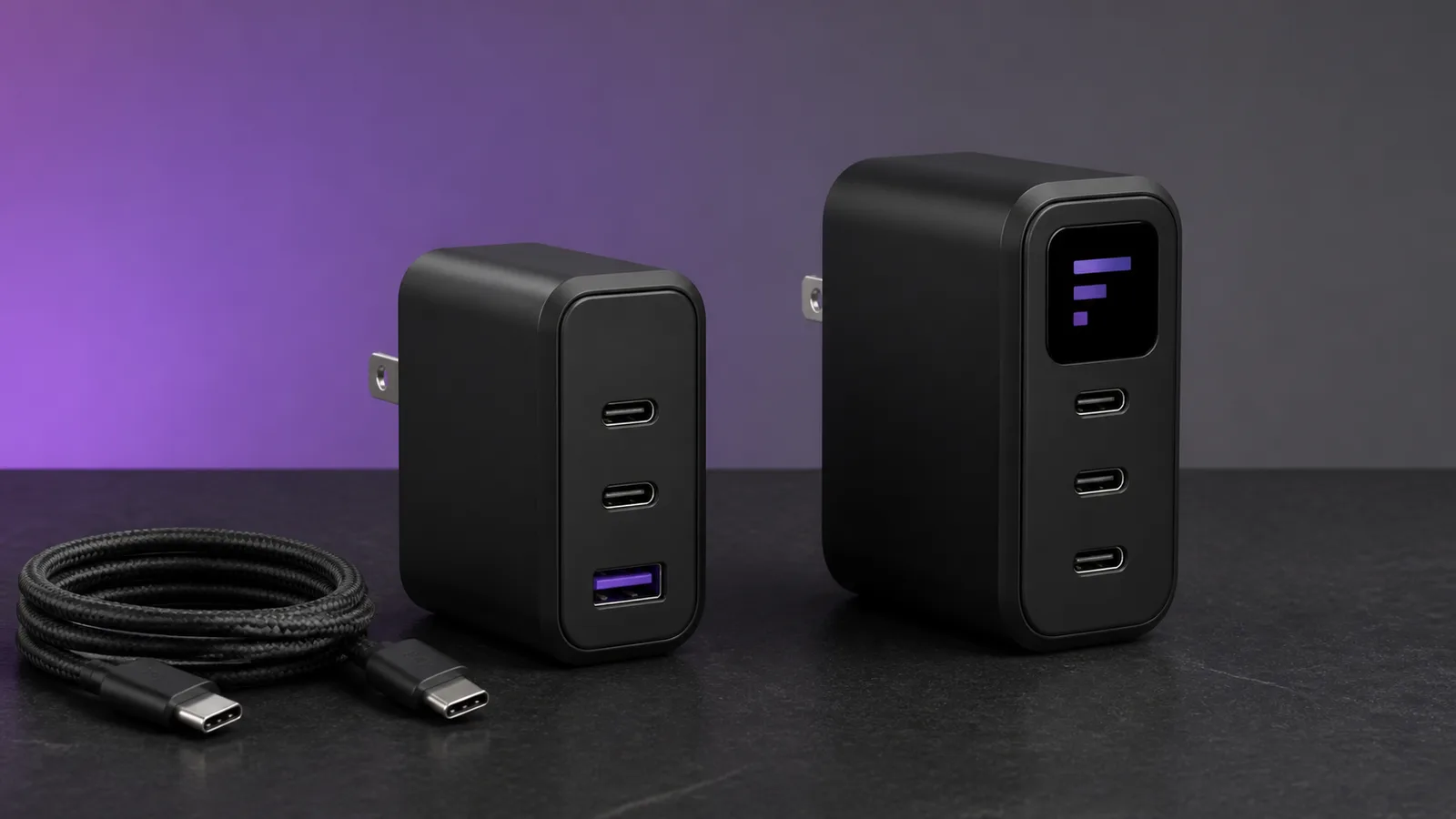
Anker 317 is the cheaper single-port laptop charger; Prime 100W adds two more ports. Compare cables, power sharing, buyer fit, and the trade-offs.
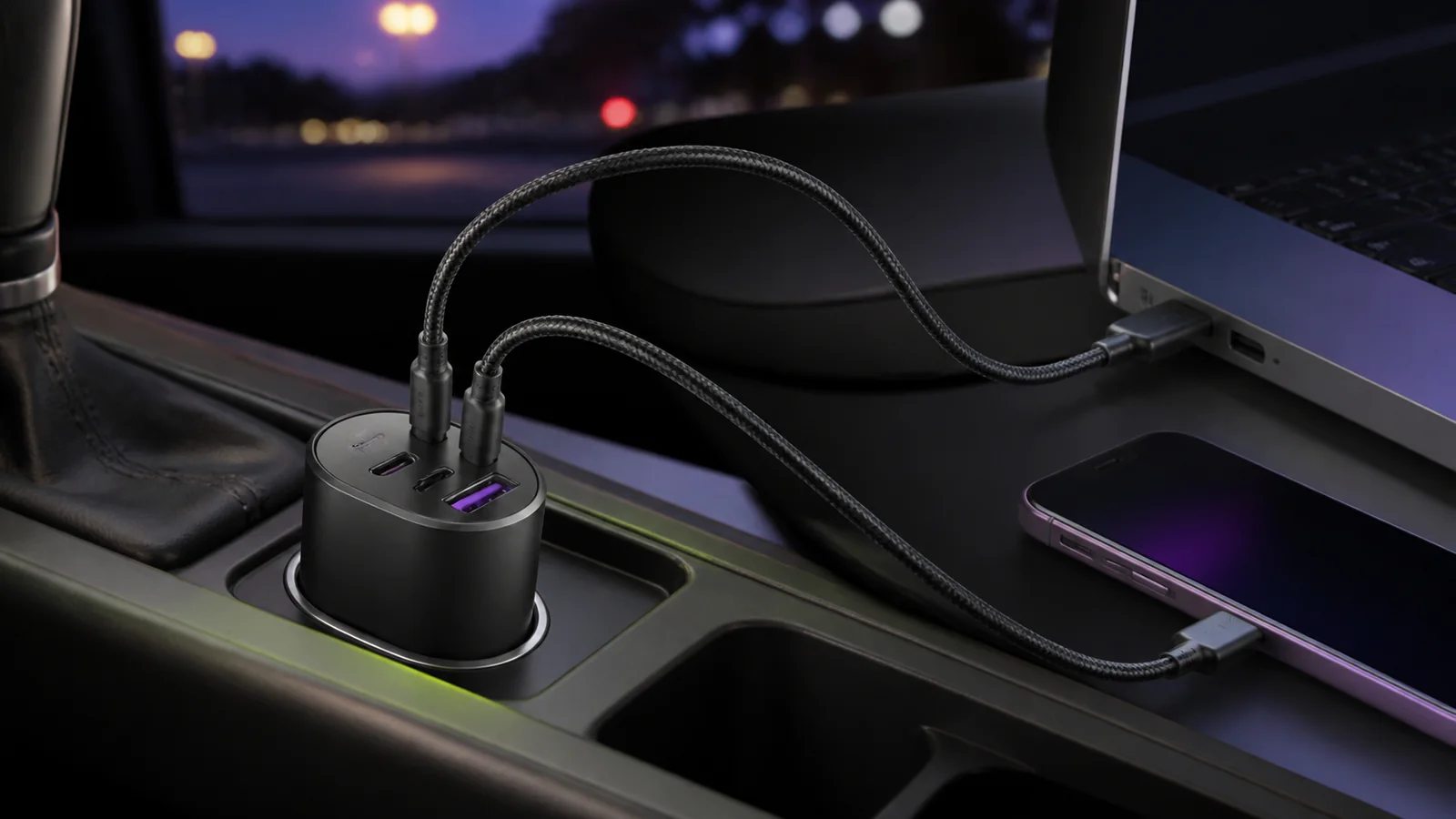
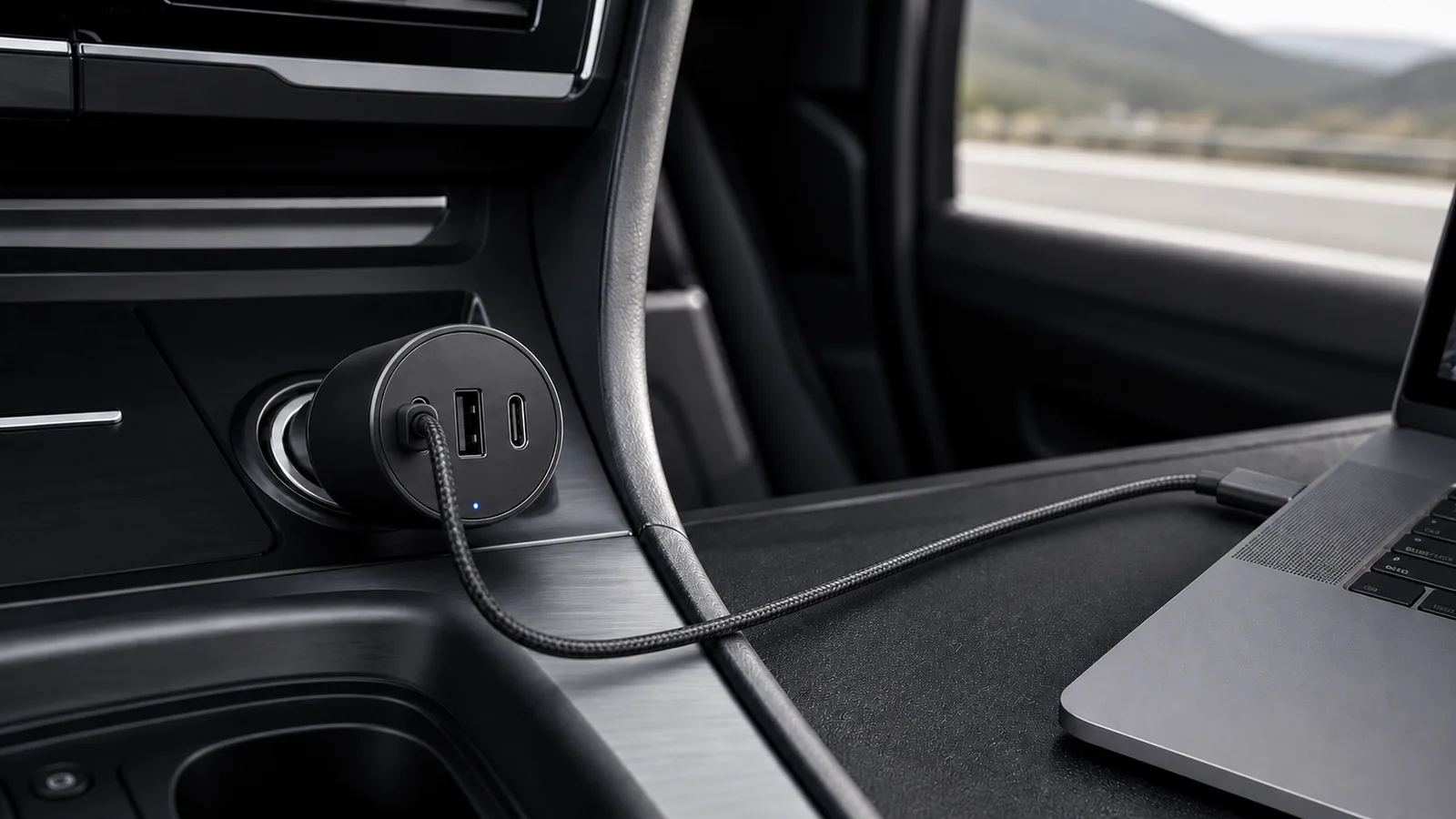
UGREEN's 130W car charger gives a laptop up to 100W and keeps two spare ports, but the vehicle socket, cable, and port split still decide the result.
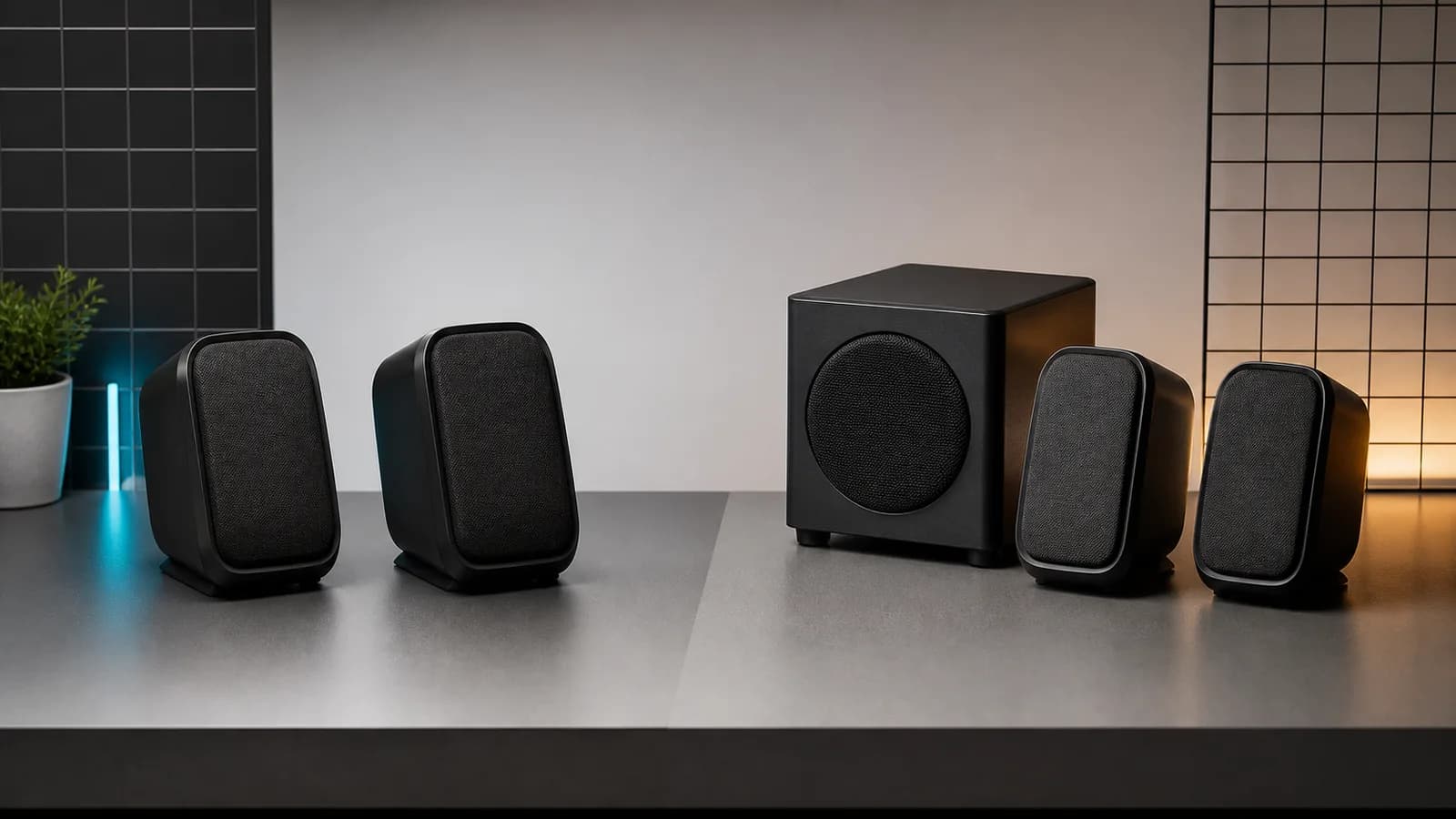
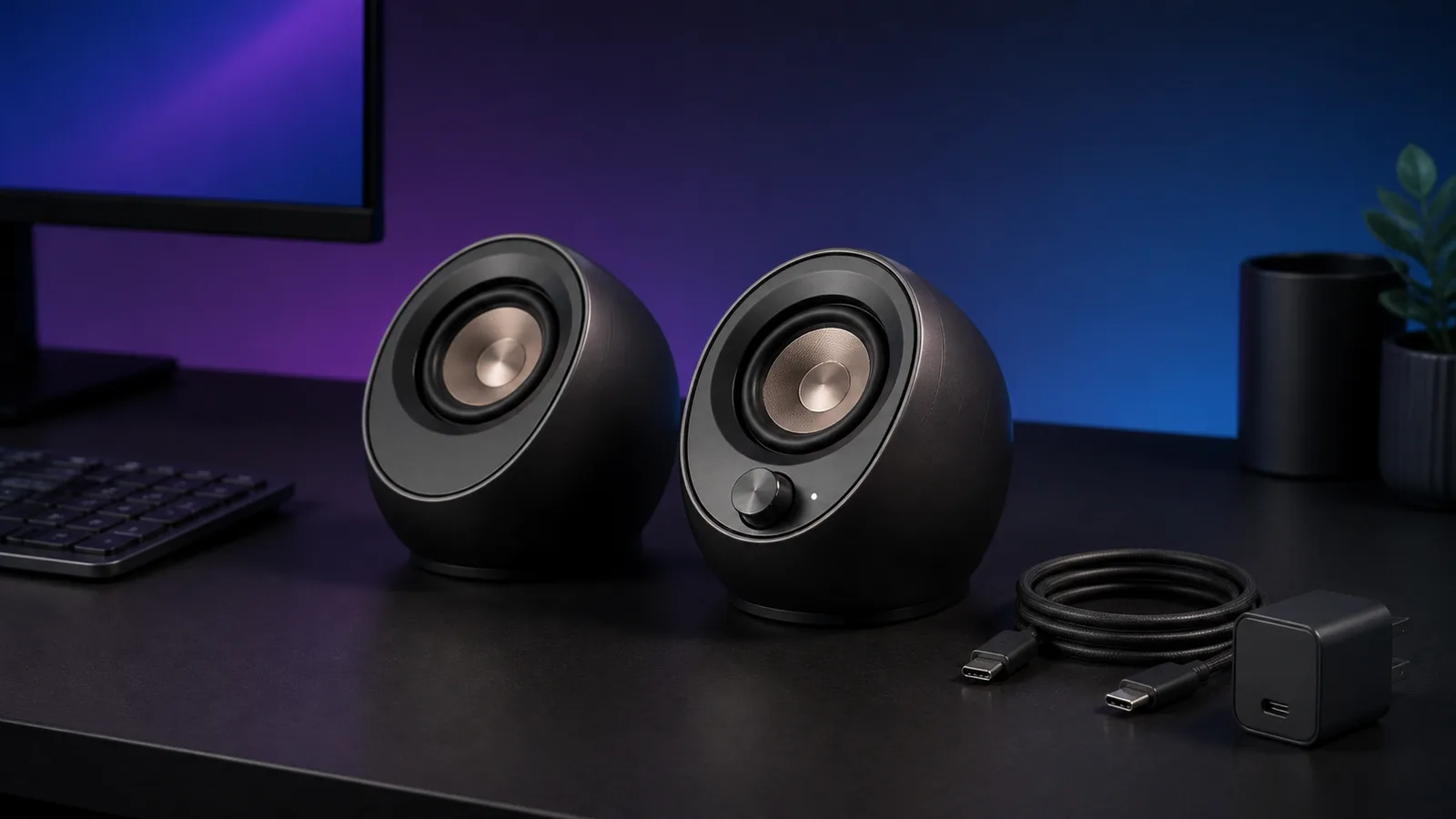
Pebble X and X Plus share the same core connections and power limits. X Plus adds a compact subwoofer. Here is which one fits your desk.
The Prime 100W keeps USB-A; the 160W adds 140W laptop charging, three USB-C ports, a display, and app controls. Here is who should pay more.
Anker's 535 is a practical 2C1A car charger for phones, tablets and light laptops. With all three ports used, only the first USB-C port stays fast.
Creative Pebble Pro is a practical compact speaker pair with USB audio, Bluetooth and AUX. The catch is that its higher-output mode needs a separate USB-C PD adapter.
UGREEN's model 25869 dock adds an adjustable stand, card readers and two 10Gbps ports, but skips DisplayPort and a charger. Here is who should buy it.
Anker's 535 is the calmer three-port choice; UGREEN's 130W model is better for laptop charging. The right pick depends on the main USB-C port, not the total on the label.
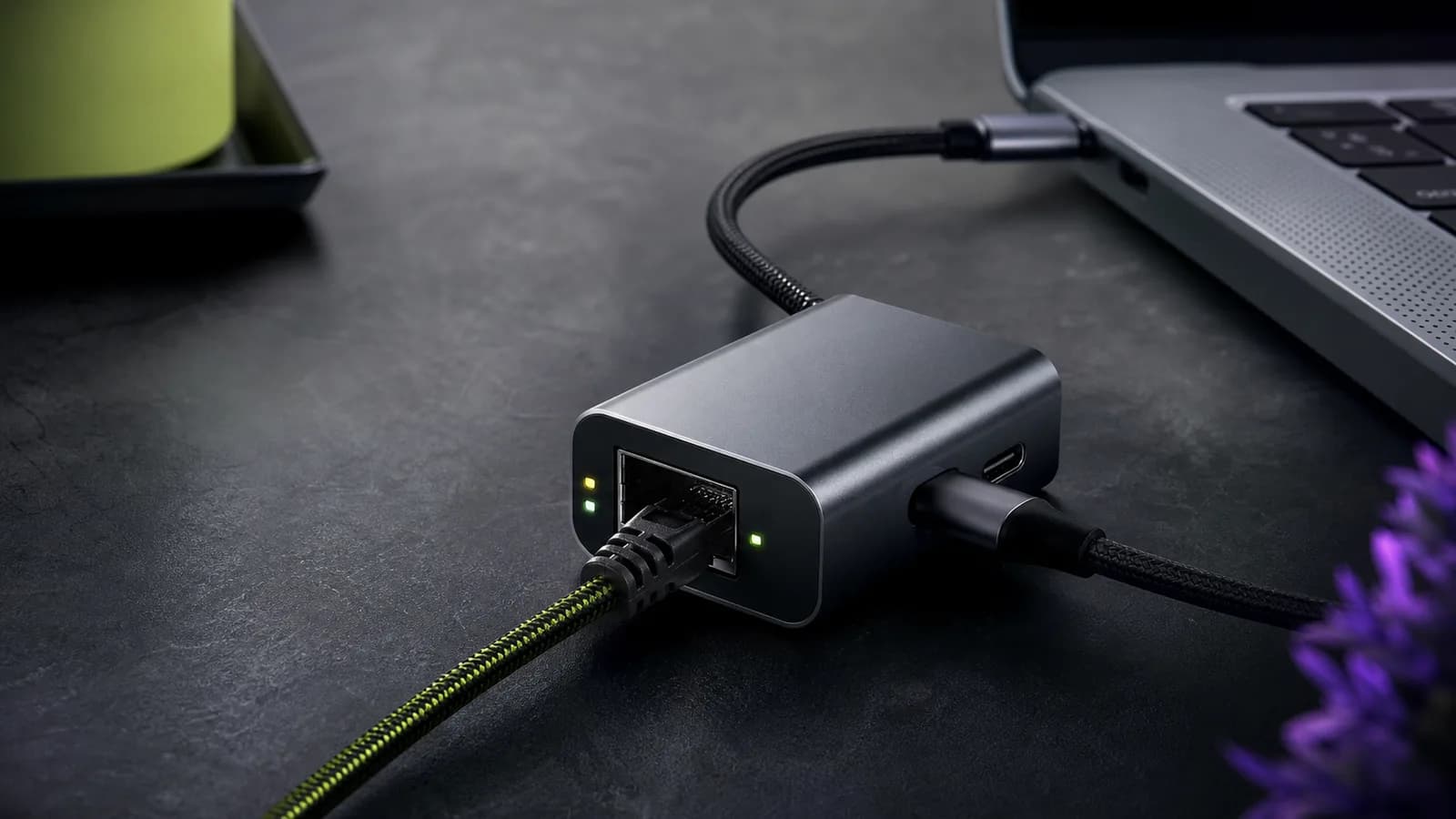
Plugable's E2500PD combines 2.5GbE and USB-C charging in one small adapter. It is useful for single-port laptops and tablets, but unnecessary when you have a spare charging port.
Audioengine's A2+ is easier to place and connect. Kanto ORA adds more rated output and smarter subwoofer integration. Here is which compact speaker pair fits your desk.
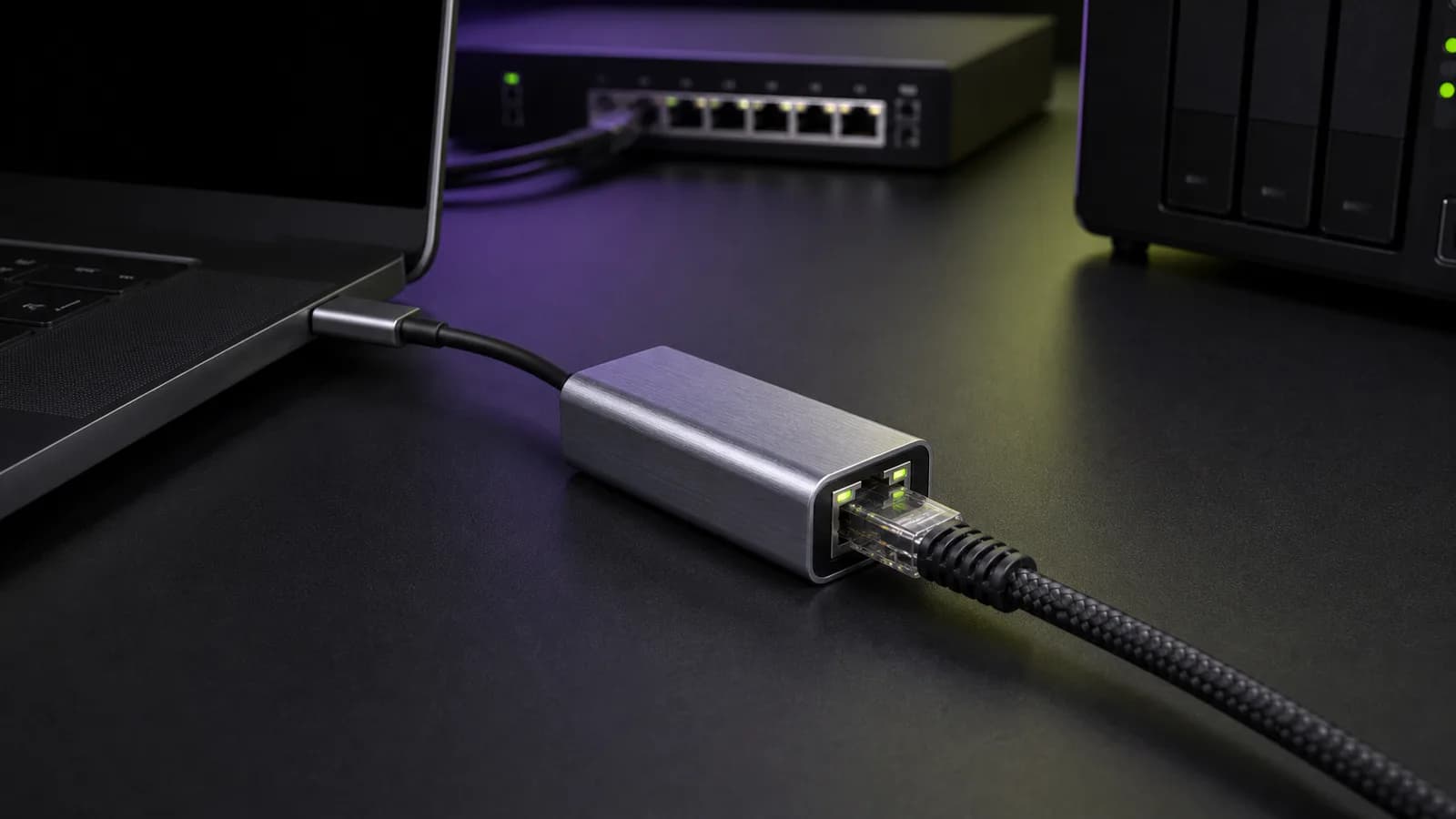
A 2.5GbE USB-C adapter is useful for NAS transfers and multi-gig internet, but only when the port, cable, switch, and driver path all support it. These are the sensible picks.
UGREEN is the flexible Steam Deck dock; Valve is better for DisplayPort and official support. Compare four docks, ports, chargers, and fit limits.
The right dual-monitor KVM depends on your ports, refresh rate, and whether you are switching desktops, laptops, or one of each. These are sensible 2026 picks.
Compare Anker, UGREEN and Belkin USB-C car chargers by port power, cable design and device fit. Find the right pick for a phone, tablet or laptop.
The best GaN chargers for MacBook Pro owners, from compact 100W travel bricks to 140W fast-charge adapters and multiport desktop chargers.
The best external monitors for MacBook Pro users, from sharp 5K displays to practical USB-C and creator-friendly 4K options.
The best work monitors for coding, spreadsheets, laptops, creative apps, and home offices, with buying advice for USB-C, 4K, ultrawide, and ergonomic setups.
Thunderbolt 5 docks promise more display and storage headroom, but many desks are still better served by Thunderbolt 4 or USB4.
Match your charger, cable and device before buying. Understand USB-C wattage, shared ports, Qi2, MagSafe and power-bank capacity.
Two IPS ultrawide work monitors with KVM and USB-C docking. Dell has Thunderbolt 4 and 120Hz. LG has an Ethernet port and lower price. Here is the honest buy-guide.
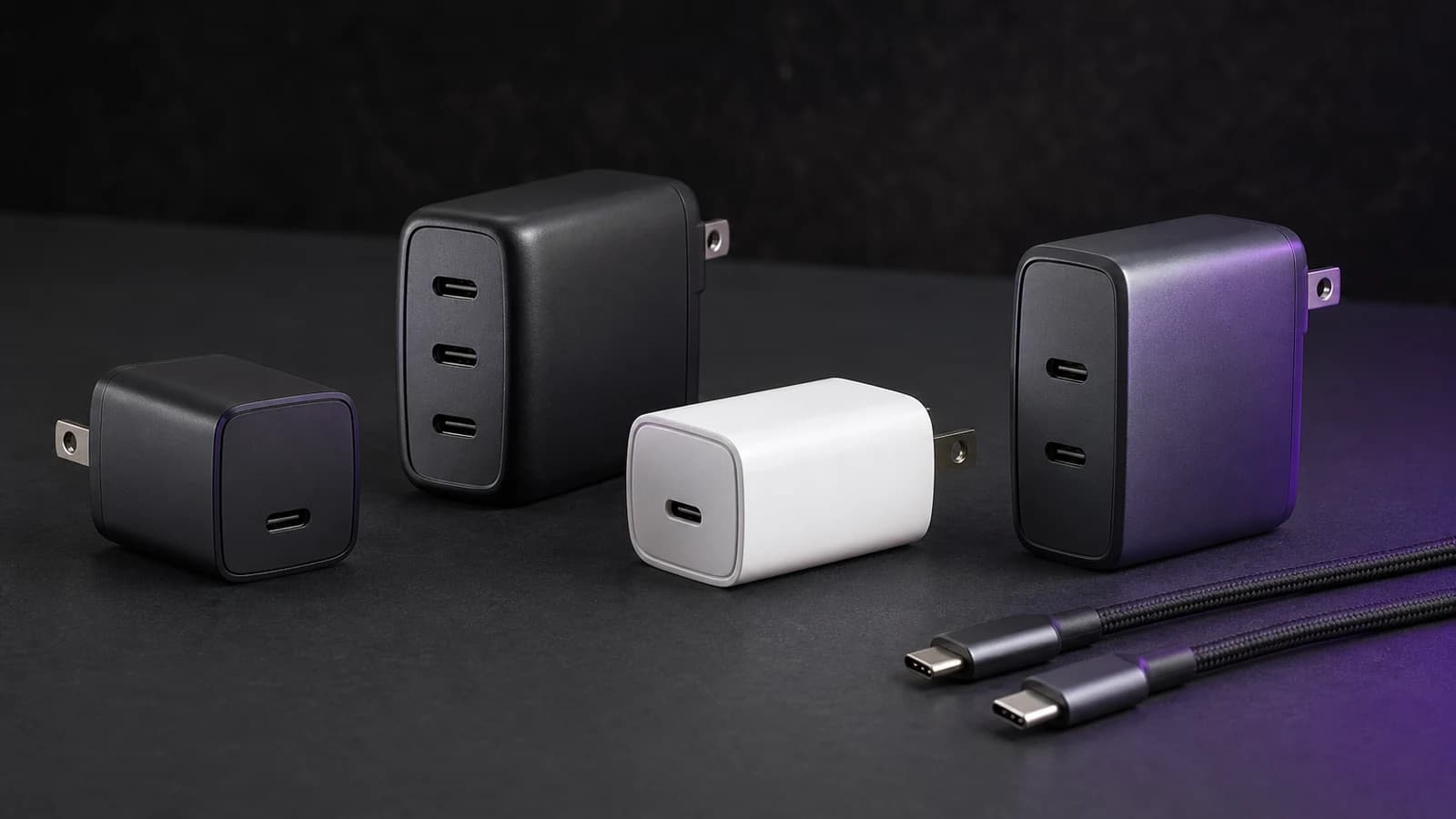
Choose a USB-C laptop charger by required wattage, single-port output, power sharing, cable rating, and port count—from compact 65W to desktop 200W.
The best laptop docking stations of 2026 for dual monitors, fast charging, and clean desk setups. Thunderbolt and USB-C picks compared.
The iPhone accessories that improve your life and the ones that waste your money. Chargers, cases, cables, and audio picks for 2026.
Cheap USB-C cables can cap charging, kill dock features, and waste hours. Here is what to check before buying one.
Anker's A2688 gives one device up to 100W or splits power across two USB-C ports and USB-A. It is a sensible laptop charger if the 65W/35W split fits.
Anker Prime 100W vs UGREEN Nexode 100W compared on ports, size, charging behavior, thermals, value, and who should buy each GaN charger.
Choose a USB-C charger by device, PD/PPS support, cable rating and shared-port output. Know when 30W, 65W, 100W or 140W makes sense.
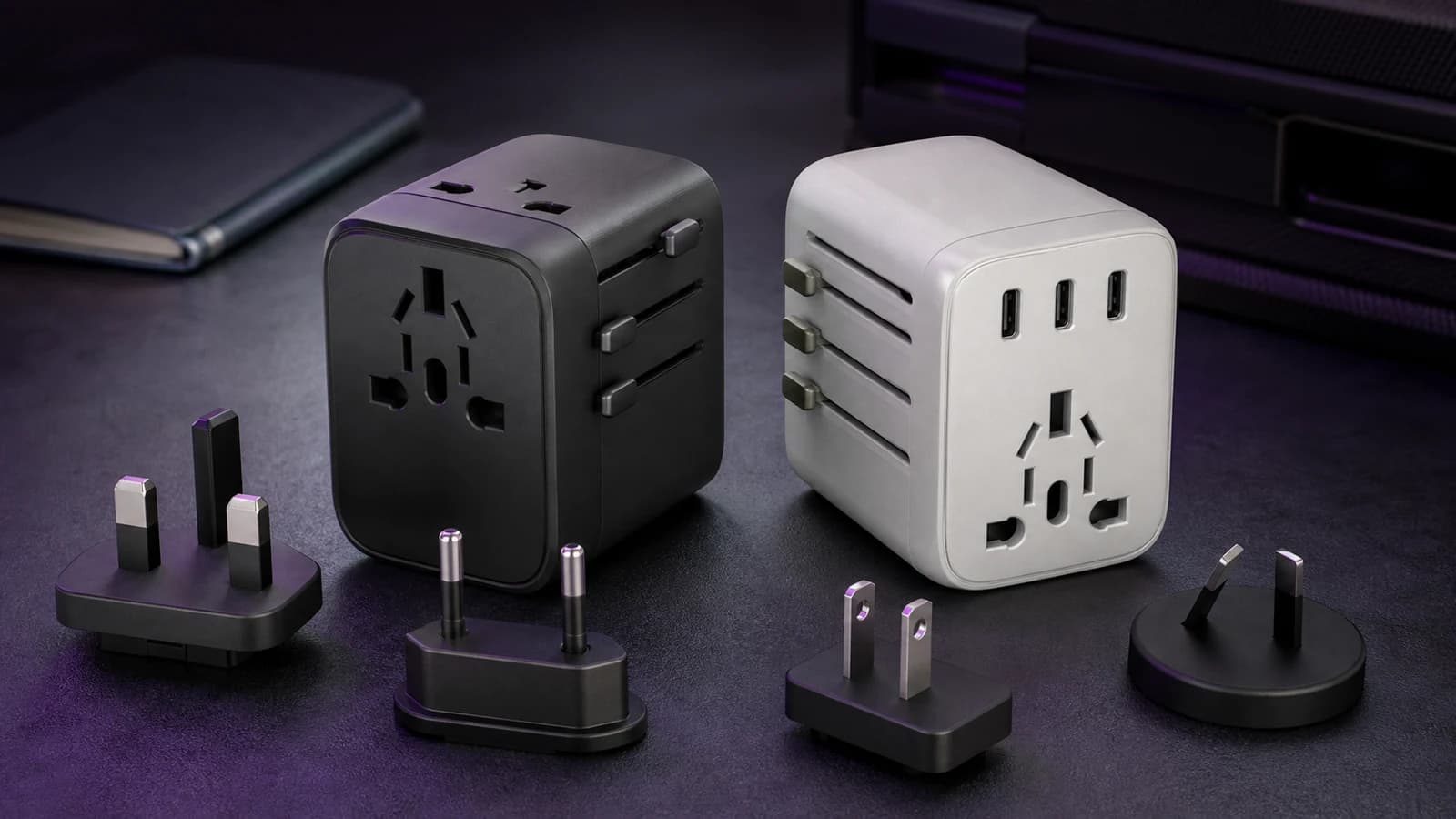
The best USB-C travel adapters of 2026. universal plug, GaN charging, and compact design. What to pack for international trips.
Compare the CalDigit TS4 and Plugable UD-4VPD on ports, charging and display support, including the Mac compatibility limits that matter.
The best 2TB external SSDs in 2026 for photo/video libraries, game installs, and travel backups. What to buy and what to dodge.
Most ‘MacBook USB‑C hubs’ are fine. until you add a second display, fast storage, and a flaky HDMI cable. Here’s what actually matters, what to buy, and what to avoid.
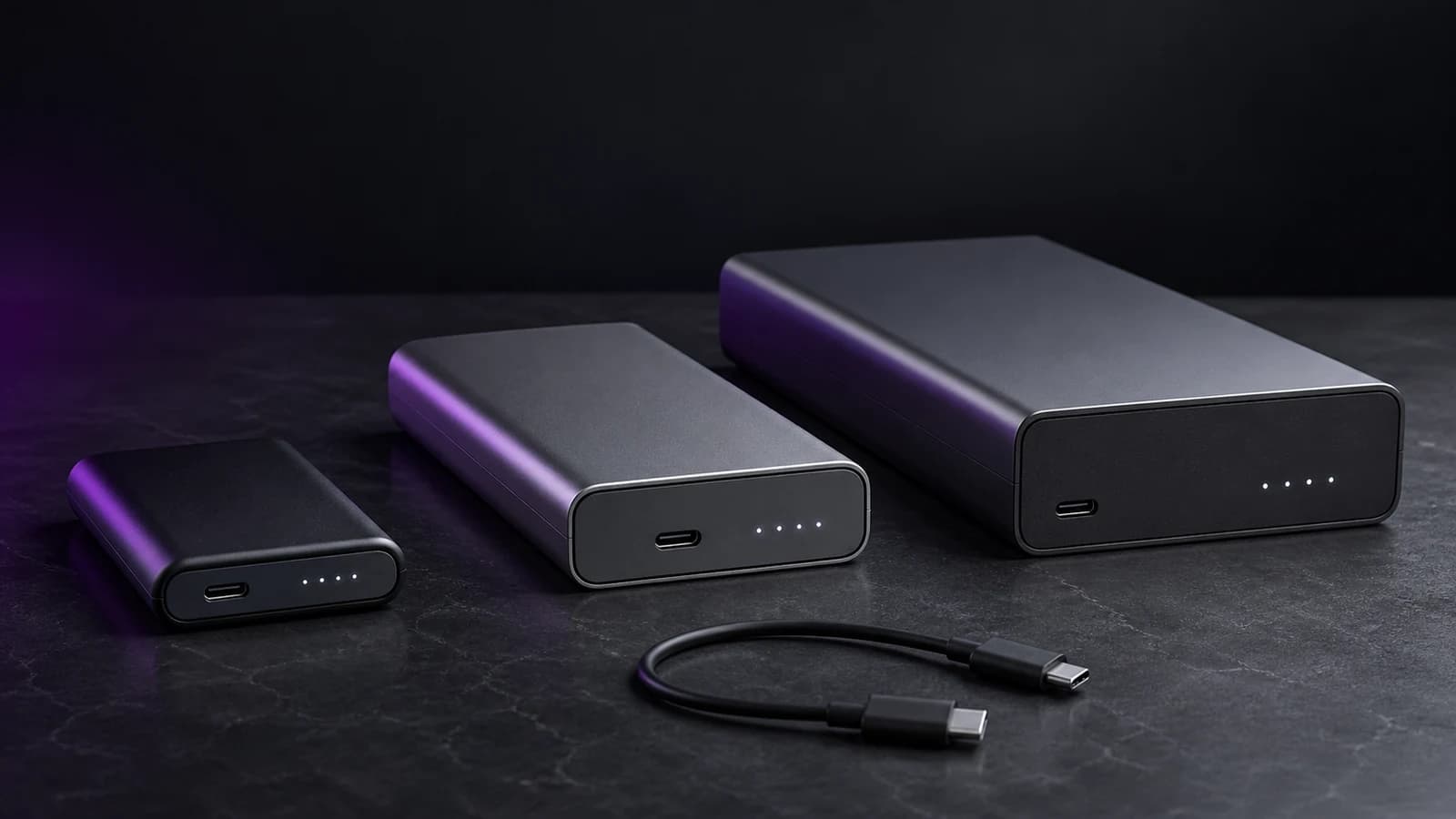
USB‑C power banks are either lifesavers or expensive liars. Here’s how to pick one that actually does USB‑PD properly (and doesn’t faceplant at 30%).
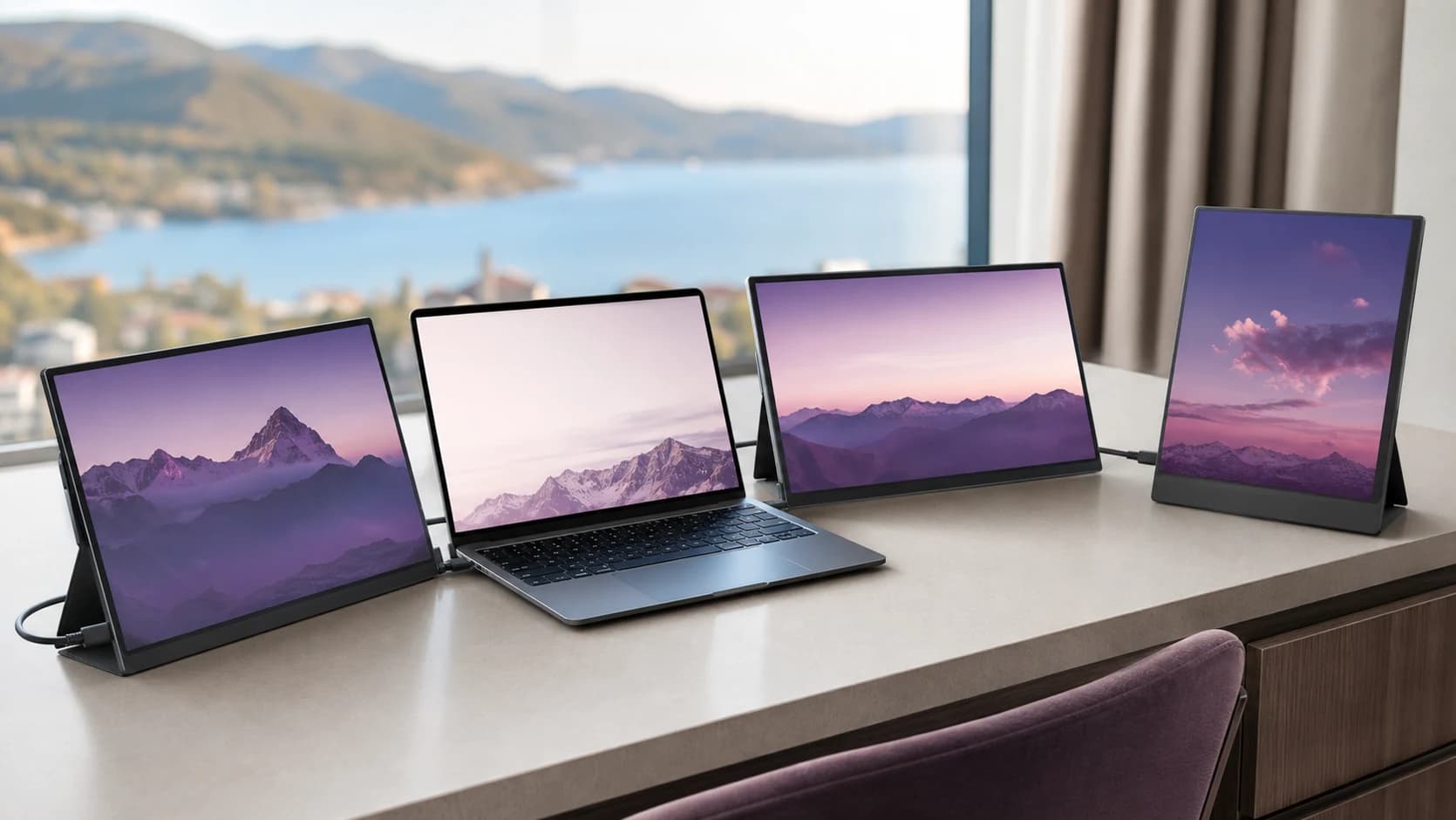
Here’s how to buy a portable monitor that is bright enough, sharp enough, stable over USB-C, and useful for real travel work.
The best 100W USB-C charger depends on port count, power sharing, cables, and where it sits. These four picks solve different laptop-charging jobs.
If you charge a laptop, phone, and tablet daily, 200W chargers make life easier. Here’s what to look for and which specs are theatre.
Most USB‑C cable problems are invisible until you waste an hour troubleshooting. Here’s what to buy for charging, for data, and for docks. without the spec-sheet traps.
USB‑C charging is ‘standard’ now. but the market is full of misleading wattage claims and sketchy safety. Here’s what to buy, what to avoid, and how to choose.