Best 200W USB‑C Chargers (2026): Multi‑Port Picks for Desk Setups
If you charge a laptop, phone, and tablet daily, 200W chargers make life easier. Here’s what to look for and which specs are theatre.
Editorial evidence review
Recommendations are checked against product documentation, availability, comparative evidence, and clearly disclosed hands-on work where it exists.
Quick picks
The short answer, with the trade-off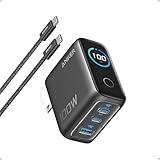
Best overall
Anker Prime Charger (200W, 6 Ports, GaN)
6 ports with 100W USB-C
Trade-off: No power display

Best value
UGREEN Nexode 200W GaN Desktop Charger (6-Port)
Trade-off: Complex power sharing

Best for power users
Belkin BoostCharge Pro 200W 4-Port USB-C GaN Wall Charger
Trade-off: Only 4 ports
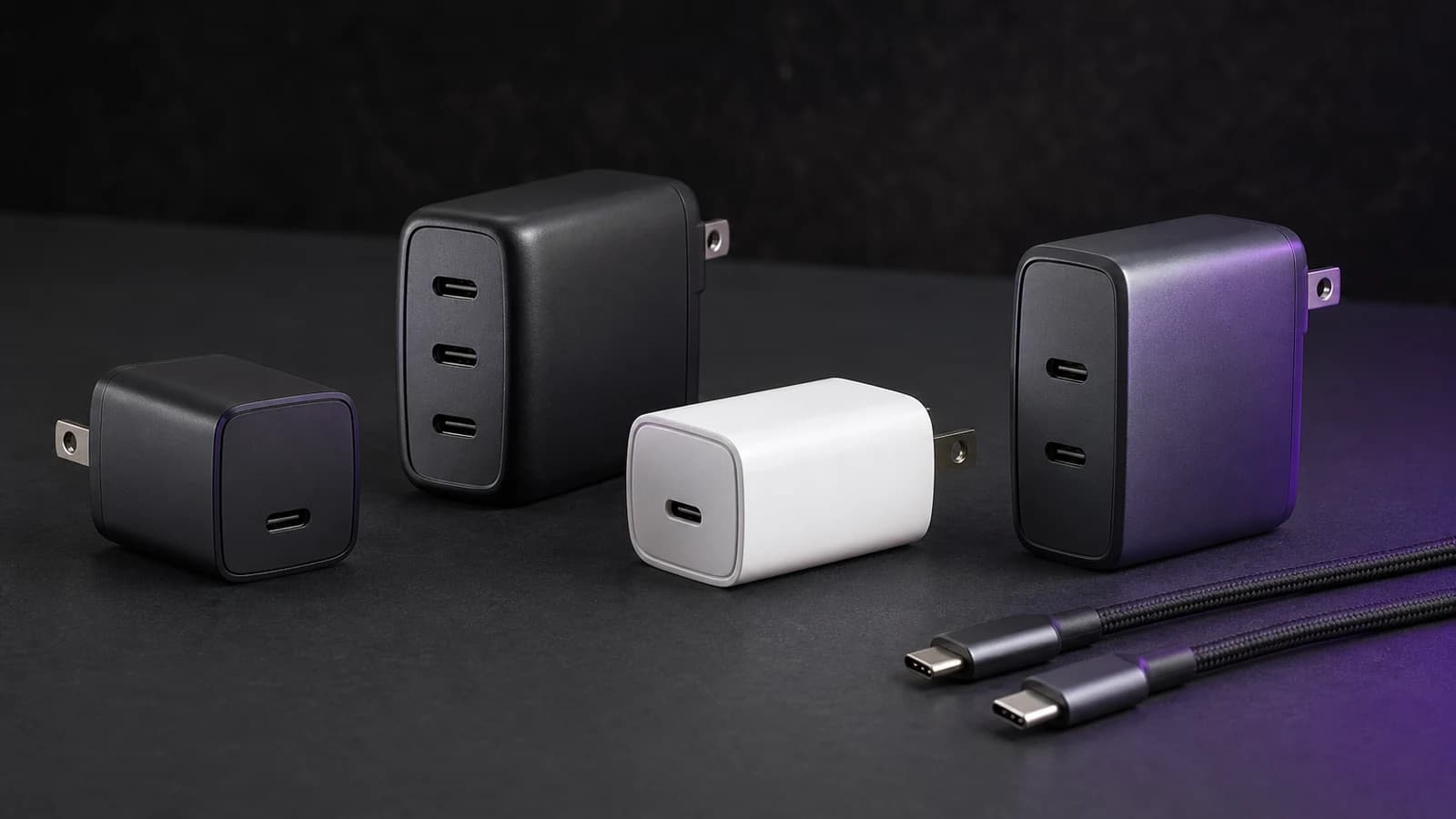
A multi‑port charger is supposed to remove friction: one brick, all your devices.
In reality, the cheap ones turn your desk into a game of “which port gets the watts today?”. especially when you plug in a laptop and a phone at the same time.
The fix is simple: don’t run your charger at the edge of its limits. That’s why 200W+ chargers exist.
SolderMag Take: buy headroom, not hype
For desk charging, the goal isn’t “fastest charge in a lab.” It’s:
- stable output
- predictable power sharing
- low heat
- zero disconnects
Headroom buys stability. Stability buys sanity.
The right 200W charger should let you plug in your laptop, phone, tablet, earbuds, and maybe a second laptop without thinking about port order every morning. If it forces you to memorize which USB-C port gets 100W, it is not solving the desk problem.
What to look for (the spec sheet that matters)
1) A real power allocation table
You want a table that shows what happens when you use:
- 1 port
- 2 ports
- 3+ ports
If it doesn’t show this, you’re buying blind.
2) Enough USB‑C ports (not USB‑A nostalgia)
For 2026 desk setups, a good baseline is:
- 3× USB‑C + 1× USB‑A
USB‑A is still useful for older accessories, but USB‑C should be the main event.
3) Thermal design
200W in a tiny plastic brick is a warning.
Prefer:
- larger enclosures
- reputable brands
- designs that don’t run at “hand warmer” temperatures
4) Laptop realities
If you own a laptop that expects 100W+ charging, you want:
- at least one port that can supply full laptop wattage
- a cable that supports it
The charger is only half the system. pair it with a quality USB-C cable.
Which 200W charger should you buy?
Anker Prime 200W: best overall
The Anker Prime is the safest pick for buyers who want a polished desktop charger with enough ports for a full workstation. It is not the cheapest option, but Anker’s availability, accessory ecosystem, and support make it easy to recommend.
UGREEN Nexode 200W: best value
The Nexode is the value play: plenty of ports, strong total output, and a lower price than many premium alternatives. The tradeoff is that power sharing can feel more complicated, so check the allocation table before buying.
Belkin BoostCharge Pro 200W: best for power users
Belkin makes sense if you prefer four high-quality USB-C ports over a larger mixed-port station. It is a clean choice for laptop-heavy desks, especially Apple-heavy setups.
200W vs 100W: when bigger is actually better
A 100W charger is enough for one laptop and a phone. A 200W charger earns its keep when you have multiple daily devices or two laptops.
Buy 200W if:
- you charge a 14- or 16-inch laptop at your desk
- you regularly charge a tablet, phone, watch, earbuds, or power bank beside it
- two people share one charging station
- you hate swapping cables between adapters
Stay with 100W if:
- you only charge one laptop overnight
- your laptop rarely pulls more than 65W
- portability matters more than desk convenience
For a lighter travel setup, see our 100W USB-C GaN charger guide.
The picks (how to choose)
Best overall desk charger
A reputable 200-240W class GaN charger with 3-4 ports.
Ideal if you want:
- laptop + phone + tablet + accessories
- consistent behaviour
Anker Prime Charger (200W, 6 Ports, GaN)
Why it works
- 6 ports with 100W USB-C
- Charges multiple laptops fast
- Compact premium GaN build
Main trade-off
- No power display
Best for two-laptop households
Look for:
- two USB‑C ports that can supply high wattage simultaneously

UGREEN Nexode 200W GaN Desktop Charger (6-Port)
Why it works
- Compact 6-port station
- 100W laptop charging
- Includes stand, great reviews
Main trade-off
- Complex power sharing
Best “minimal desk”
If you only charge laptop + phone, you may be better off with:
- a rock-solid 100W dual-USB-C charger
Bigger isn’t always better.

Belkin BoostCharge Pro 200W 4-Port USB-C GaN Wall Charger
Why it works
- 4 USB-C ports up to 140W
- Fast MacBook/iPhone charging
- Reliable safety
Main trade-off
- Only 4 ports
Common traps
“Total wattage” is not “per-port wattage”
A 240W charger can still be frustrating if the power split is weird.
Ports that downshift aggressively
Some chargers drop your laptop to 65W just because you plugged in earbuds.
That’s not a feature. It’s a compromise.
Overheating = throttling
If it runs hot, it will either:
- throttle
- trip protection
- die early
Using the wrong cable
A 200W charger cannot push 140W or 240W through a basic 60W cable. Use marked EPR/240W cables for high-power laptop charging.
Forgetting desk layout
Desktop chargers work best when the AC cord reaches cleanly and the USB-C cables are short enough to keep the desk tidy. If the charger will live in a backpack, buy a wall charger instead.
Quick buyer checklist
- At least three USB-C ports.
- Clear power split table for multi-device charging.
- One port that can supply your laptop’s full wattage.
- EPR-rated cables for high-power laptops.
- A return policy from a reliable seller in case the charger runs hot or coil-whines.
Sources
- USB‑IF guidance on USB Power Delivery
- Independent testers who measure sustained output and thermals
If you’re building a full desk charging station, a Thunderbolt 4 / USB4 dock can consolidate charging and data into one cable.
Next in the cluster: Best USB-C cables (240W / USB4) that don’t bottleneck charging.