Dell U3425WE vs LG 34WQ75C-B: Which 34-Inch Work Ultrawide Is Better?
Two IPS ultrawide work monitors with KVM and USB-C docking. Dell has Thunderbolt 4 and 120Hz. LG has an Ethernet port and lower price. Here is the honest buy-guide.
Editorial evidence review
Recommendations are checked against product documentation, availability, comparative evidence, and clearly disclosed hands-on work where it exists.
Quick picks
The short answer, with the trade-off
Best with Thunderbolt 4 + 120Hz
Dell UltraSharp U3425WE (34-inch Thunderbolt)

Best value with USB-C 96W + Ethernet
LG 34WQ75C-B (34-inch USB-C + LAN)
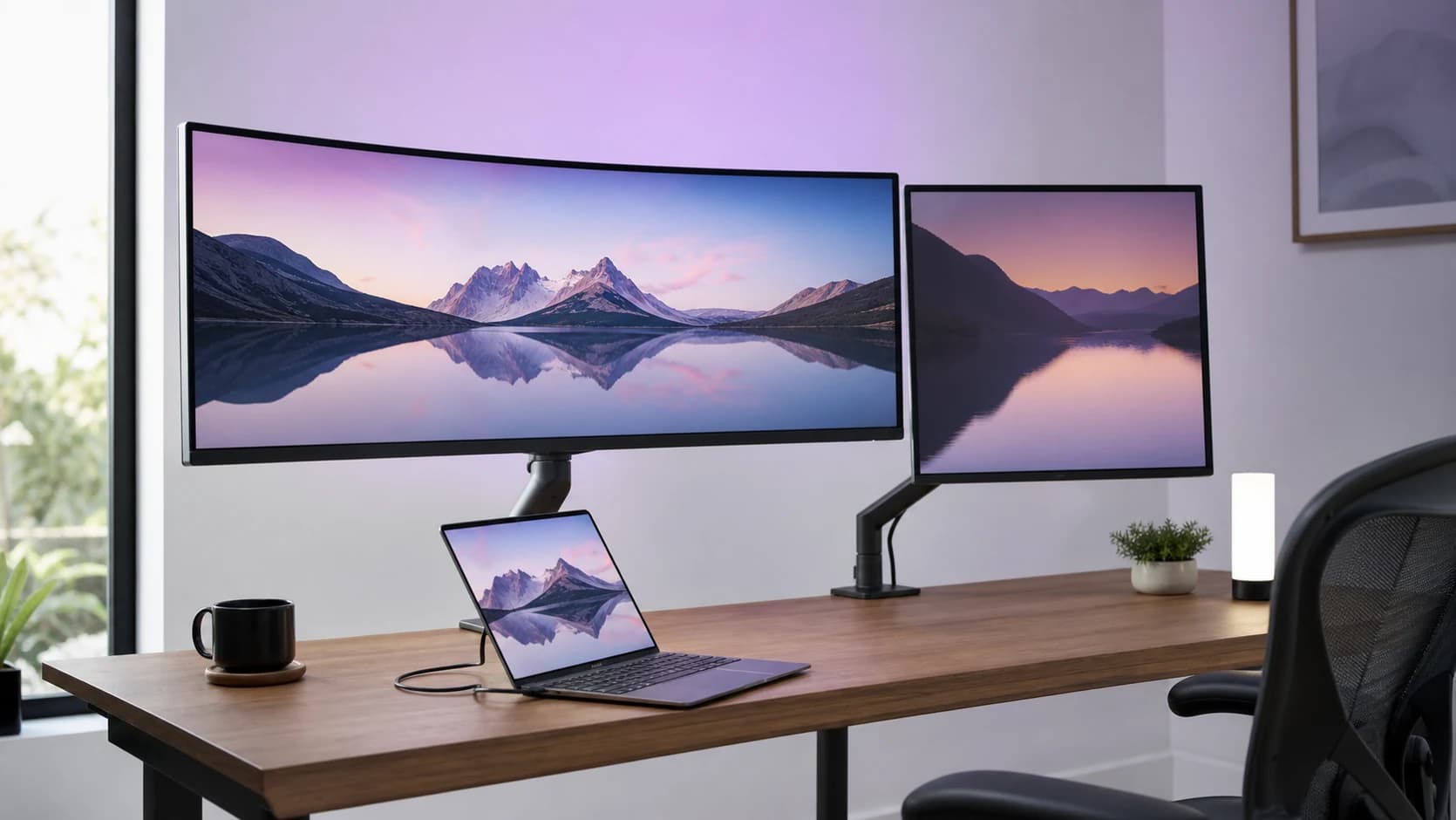
Both monitors are 34-inch 3440x1440 IPS ultrawides with built-in KVM and enough USB-C Power Delivery to dock a laptop. On paper they look similar. In practice, they target different workstations and the price gap is meaningful.
Short version: if you have a 16" MacBook Pro, the Dell wins on charging headroom. If you're on a 14" MacBook and want the cheaper smart-dock experience, the LG is the value play.
Quick verdict
- Buy the Dell U3425WE if: you want the cleanest premium experience — Thunderbolt 4, 140W PD, 120Hz, KVM, IPS Black, 3-year advance-exchange warranty. Pairs best with a 16" MacBook Pro.
- Buy the LG 34WQ75C-B if: you want docking + KVM at a lower price, you mostly do work (60Hz is fine), and the Ethernet-via-monitor feature replaces a travel adapter.
Panel — IPS Black vs classic IPS
Dell U3425WE: IPS Black panel with 2000:1 contrast, 99% sRGB, 98% DCI-P3. The IPS Black generation is noticeably darker in dark UI work compared to classic IPS — you stop seeing that "gray not black" tint on a dark VS Code.
LG 34WQ75C-B: classic IPS panel with ~1000:1 contrast, 99% sRGB. Colours are excellent; blacks are the typical IPS grey-black.
Winner: Dell by a meaningful margin, especially if you work in dark mode or watch video on the monitor.
Refresh rate
Dell: 120 Hz. Smooth scrolling, window drags feel responsive, and casual gaming is usable.
LG: 60 Hz. Fine for work, but noticeable if you're coming from 120 Hz elsewhere.
Winner: Dell. Once you've used 120 Hz for productivity, 60 Hz feels dated.
Connectivity and docking
Dell U3425WE:
- Thunderbolt 4 upstream (full TB4, not just USB-C)
- 140W Power Delivery — enough to run a 16" MacBook Pro at full load
- HDMI, DisplayPort, USB-C alt-mode
- USB-A + USB-C downstream hub
- KVM built-in
LG 34WQ75C-B:
- USB-C upstream with 96W Power Delivery — good for 14" MacBook Pro; the 16" MBP will draw more under load than the monitor provides (laptop still runs, just slowly loses charge on heavy workloads)
- HDMI, DisplayPort
- RJ-45 Ethernet port — unique feature, the monitor bridges your laptop to wired LAN
- USB-A + USB-C downstream hub
- KVM built-in
Winner for: 16" MacBook Pro / gaming laptops → Dell. 14" MacBook + occasional Ethernet need → LG.
KVM implementation
Both have KVM. The feature lets you share keyboard + mouse + webcam between two computers (one plugged into TB4/USB-C, another into HDMI/DP), and switch inputs with a click.
Dell: KVM switching via button on the monitor or via the Dell Display Manager app. Switches are roughly 2-second delay.
LG: KVM switching via monitor button only. Slightly slower response than Dell's.
Winner: Dell, but both work.
The Ethernet port question
The LG's RJ-45 LAN port is the one thing the Dell doesn't have. It solves a real problem: MacBook Air has no Ethernet, and a dock-plus-ethernet setup usually costs $50–100 extra. The LG monitor bridges this natively.
If you regularly work at a desk with wired Ethernet and don't want a separate USB-C adapter hanging off your laptop, this is a compelling feature. If you use Wi-Fi everywhere, irrelevant.
Stand and ergonomics
Dell: tilt, swivel, height-adjust, pivot (VESA 100x100 mount-compatible). Stand is slim with cable passthrough.
LG: tilt, swivel, height-adjust, pivot (VESA 100x100). Similar ergonomic range, slightly bulkier base.
Winner: tied — both are adequate, a monitor arm improves either.
Warranty
Dell: 3-year advance-exchange, premium panel guarantee (zero bright-pixel defects covered).
LG: 3-year limited warranty.
Winner: Dell. Advance-exchange (they ship you a new monitor before you send the broken one back) is meaningfully better than return-and-wait.
Price and value
The LG is usually positioned below the Dell. Compare current prices and pay the Dell premium only if Thunderbolt 4, 140W charging and 120Hz will remove real friction from your setup.
If you already own a capable dock and do not care about high-refresh scrolling or gaming, the LG is the more rational target. If one-cable laptop docking is the point of the purchase, compare the complete monitor-plus-dock cost rather than the panels alone.
Which to buy: by workflow
| Your situation | Pick |
|---|---|
| 16" MacBook Pro, prefers dark UI work, mixed light gaming | Dell U3425WE |
| 14" MacBook Pro / MacBook Air, work-focused, cost-sensitive | LG 34WQ75C-B |
| Wants Ethernet-via-monitor convenience | LG 34WQ75C-B |
| Watches HDR video or needs true deep blacks | Dell U3425WE |
| Games regularly at 100+ fps | Dell U3425WE (120 Hz) |
| Has an existing dock / doesn't need monitor to dock the laptop | Consider Alienware AW3423DWF QD-OLED instead |
Alternatives worth considering
- Dell U3824DW: 38-inch version with even more pixels. Expensive but spacious.
- LG 34WN80C-B: the 60W PD version of the LG — cheapest ultrawide with real USB-C docking, but caps out at lower wattage.
- Alienware AW3423DWF: QD-OLED instead of IPS. Better image, burn-in risk, worse as a dock.
See Best Ultrawide Monitors (2026) for the full roundup.