Best Work Monitors (2026): USB-C, 4K, Ultrawide, and Office Picks
The best work monitors for coding, spreadsheets, laptops, creative apps, and home offices, with buying advice for USB-C, 4K, ultrawide, and ergonomic setups.
Editorial evidence review
Recommendations are checked against product documentation, availability, comparative evidence, and clearly disclosed hands-on work where it exists.
Quick picks
The short answer, with the trade-offBest overall
Dell UltraSharp 27-inch 4K USB-C monitor
Best big workspace
Dell UltraSharp 32-inch 4K USB-C monitor
Best creator class
ASUS ProArt 4K USB-C monitor
Best budget
27-inch 4K USB-C office monitor
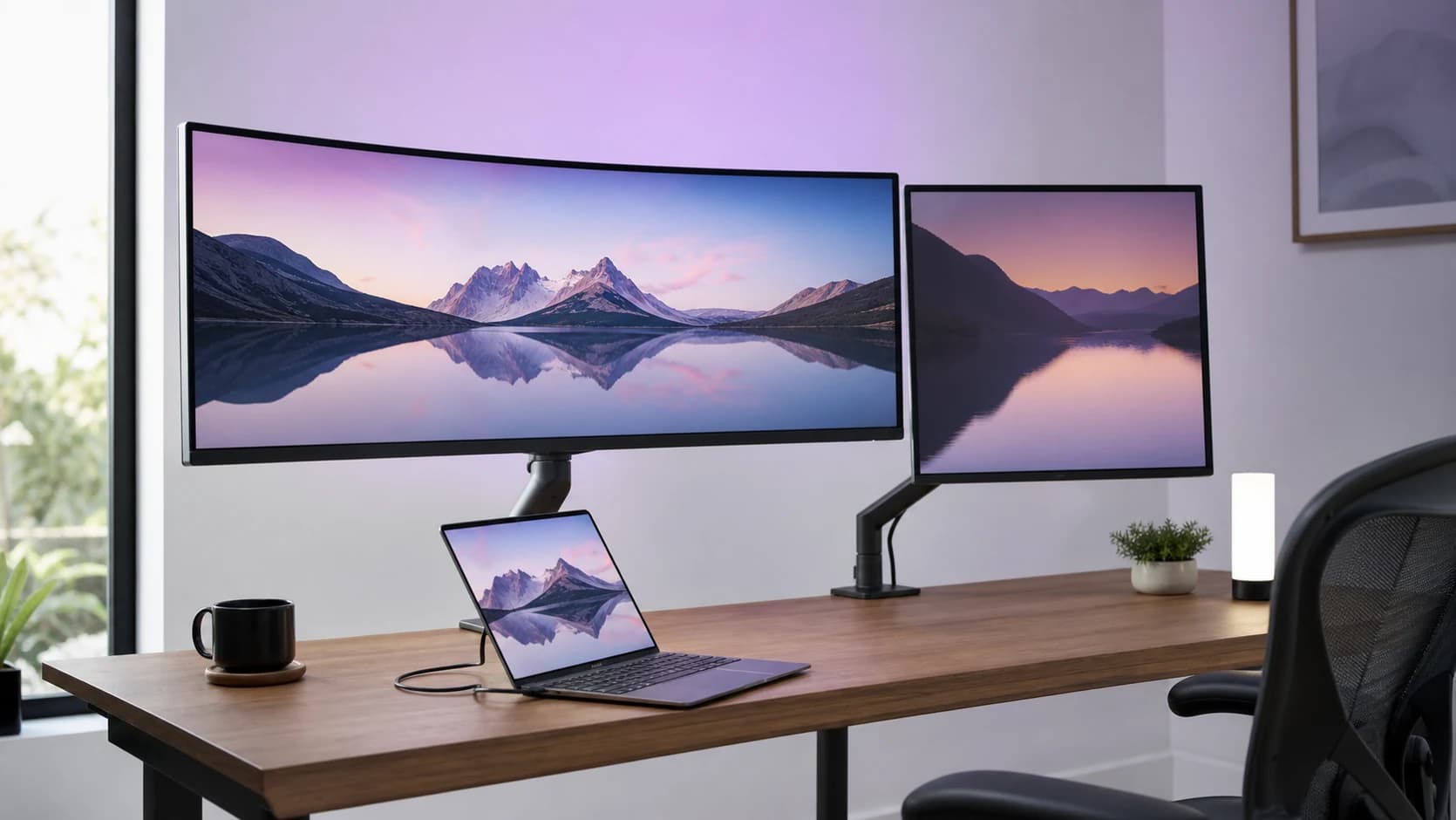
A good work monitor is not the brightest, fastest, or most dramatic screen on the shelf. It is the monitor that lets you run a laptop, write, compare documents, read dense text, share a screen, and finish the day without fighting your desk.
That means the best work monitor for most people is usually a sharp 4K IPS or IPS Black display with USB-C power delivery, a useful stand, low-glare coating, and enough ports to replace a small dock.
SolderMag Take: buy the workflow, not the panel spec sheet
For work, the monitor should solve three problems:
- text should look crisp for long reading sessions
- your laptop should connect with one cable when possible
- the stand, ports, and size should reduce desk friction
Most buyers should start with a 27-inch 4K USB-C monitor. It is sharp, easy to fit on a normal desk, and works well with macOS, Windows, and modern laptops. Move to 32-inch 4K if you need larger panes and have desk depth. Choose ultrawide only if your work benefits from one continuous horizontal canvas.
If your main device is a MacBook, also read our best monitors for MacBook Pro guide. If you know you want a larger display, our best 32-inch 4K monitors guide goes deeper.
Best work monitor types
27-inch 4K USB-C: best for most home offices
This is the default recommendation because it balances sharpness, price, desk fit, and laptop convenience. A 27-inch 4K panel gives you high pixel density without making the screen physically huge.
Look for:
- USB-C with at least 65W power delivery
- height, tilt, swivel, and pivot adjustment
- VESA mount support
- IPS or IPS Black panel technology
- a USB hub if you use a webcam, keyboard, or microphone
Avoid buying a 27-inch 1440p monitor for a premium productivity desk unless you specifically prefer larger UI elements. It can be fine, but 4K is the cleaner long-term choice for text-heavy work.
32-inch 4K USB-C: best for spreadsheets, dashboards, and big documents
A 32-inch 4K monitor gives you more physical workspace than 27-inch 4K. It is excellent for spreadsheets, financial dashboards, design reviews, side-by-side documents, and development environments with multiple panes.
The catch is ergonomics. A 32-inch display needs more viewing distance and a better stand or monitor arm. On a shallow desk, it can feel too close.
Buy this size if you regularly want two full-width windows without using two monitors. Do not buy it just because bigger sounds more productive.
If you prefer an ultrawide that can also dock a laptop, our Dell and LG ultrawide docking comparison explains when Thunderbolt 4 and 120Hz justify the premium.
34-inch or 40-inch ultrawide: best for timeline and multi-app workflows
Ultrawides are useful when you want one continuous desktop rather than two separate displays. They suit video timelines, audio work, trading dashboards, project management boards, and people who keep a reference window open all day.
For office work, resolution matters more than curve hype. A 34-inch 3440 x 1440 ultrawide is comfortable and common, but not as sharp as 4K. A 40-inch 5K2K ultrawide is closer to the dream, but it costs more and needs a desk that can handle it.
Creator 4K monitors: best when color matters
Creator monitors from ProArt, BenQ, Dell UltraSharp PremierColor-style lines, and similar ranges make sense when you work with photos, video, print, UI design, or client-facing visual assets.
Do not overbuy here. If your work is email, docs, dashboards, and code, a well-made office 4K display is usually the better value. Pay for factory calibration and wide-gamut modes only when your workflow actually uses them.
Budget office 4K: best when you already have a dock
If your laptop already connects through a Thunderbolt dock, you may not need a monitor with a large USB-C hub. A simple 27-inch 4K IPS display with height adjustment can be the value pick.
Do not compromise on the stand if you work all day. A cheap fixed-height monitor often costs more once you add an arm.
Specs that matter for work monitors
Text clarity
For long reading and writing, resolution and scaling matter more than refresh rate. A 27-inch 4K monitor is the easiest recommendation because text looks crisp while the physical screen stays manageable.
USB-C power delivery
USB-C is only valuable if it can actually power your laptop. Check the wattage. Thin laptops may be fine with 65W. Larger MacBook Pro and workstation-class laptops may need 90W, 96W, 100W, or more to avoid battery drain under load.
Port layout
A work monitor can replace a small dock if it has USB-A ports, USB-C downstream, Ethernet, and KVM support. If neither display has that feature, our dual-monitor KVM switch guide maps the safer external options for a work laptop and personal desktop.
Ergonomics
Height adjustment is not optional for a real work setup. You want the top of the display close to eye level, with the panel far enough away that you are not constantly scanning with your neck.
Pair the monitor with one of our best monitor arms if the included stand wastes desk space.
Refresh rate
High refresh is pleasant, especially for scrolling and window movement, but it is rarely the first buying criterion for office work. If you also game on the same display, see our best gaming monitors guide.
Quick buying rules
- Buy 27-inch 4K USB-C if you want the safest office pick.
- Buy 32-inch 4K if you need bigger physical workspace and have desk depth.
- Buy ultrawide if your work is timeline-heavy or multi-pane all day.
- Buy creator-class only if color accuracy is part of the job.
- Avoid fixed-height stands for full-time work.
- Treat HDR as irrelevant unless the monitor has real brightness and local dimming.
The verdict
The best work monitor for most people is a 27-inch 4K USB-C display with a good stand and enough power delivery for their laptop. Upgrade to 32-inch 4K for spreadsheet-heavy work, ultrawide for timeline workflows, and creator-class displays only when color accuracy directly affects the output.
Related reading: Best 32-Inch 4K Monitors, Best Monitors for MacBook Pro, Complete Monitor Buying Guide, and Best Monitor Arms.
Sources and methodology
We prioritize real work ergonomics, text clarity, USB-C implementation, port layout, warranty path, and desk fit. We treat gaming refresh rates, HDR labels, and marketing contrast claims as secondary unless they improve day-to-day office work.