Best GaN Chargers for MacBook Pro (2026): 100W, 140W, and Desktop Picks
The best GaN chargers for MacBook Pro owners, from compact 100W travel bricks to 140W fast-charge adapters and multiport desktop chargers.
Editorial evidence review
How we evaluateQuick picks
The short answer, with the trade-offBest for most 14-inch owners
Anker Prime 100W GaN charger
Best 16-inch fast charge
Apple 140W USB-C power adapter
Best multiport 140W class
UGREEN Nexode Pro 160W GaN charger
Best desk hub
Anker Prime 240W or 250W desktop charger
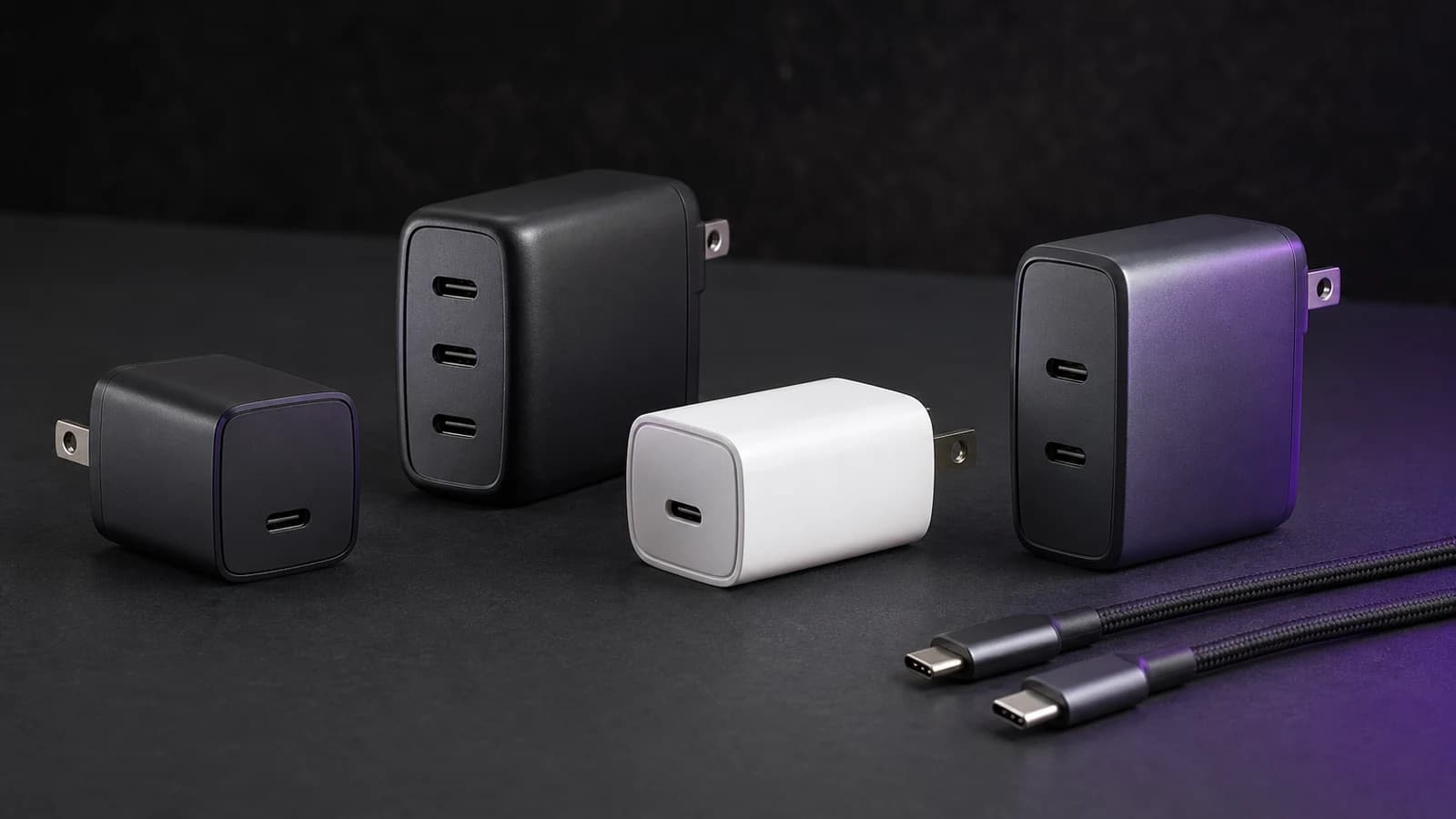
The best GaN charger for a MacBook Pro depends on which MacBook Pro you own and whether you want one cable, one travel brick, or one desk charger for everything.
Most 14-inch MacBook Pro owners should buy a high-quality 100W charger. Most 16-inch MacBook Pro owners should look at 140W USB-C PD 3.1 chargers if fast charging matters. Desk users should consider a 160W to 250W multiport charger so the laptop, phone, tablet, watch, and earbuds are not fighting over one wall outlet.
SolderMag Take: 100W is enough for many MacBook Pros, but 16-inch fast charge needs 140W
The mistake is buying only by the biggest number. A 100W GaN charger is excellent for many MacBook Pro setups, especially 14-inch models and travel kits. But Apple's 16-inch MacBook Pro fast-charge path is built around a 140W adapter and a compatible cable.
The second mistake is ignoring port sharing. A charger advertised as "140W" may only deliver that on one USB-C port with nothing else plugged in. Once you add a phone and iPad, the laptop may drop to 65W or 100W depending on the charger's power rules.
If you are not sure what wattage you need, read how to choose USB-C charger wattage first.
Best charger types for MacBook Pro
100W GaN wall charger: best for most 14-inch MacBook Pro owners
A good 100W GaN charger is the everyday sweet spot. It is compact enough for travel, powerful enough for most 14-inch MacBook Pro workloads, and often has two USB-C ports plus USB-A for accessories.
Choose this class if you want one compact charger for a MacBook Pro, iPhone, iPad, and headphones. The Anker Prime 100W class is a safe starting point because it pairs compact size with sane port layout.
140W USB-C PD 3.1 charger: best for 16-inch fast charging
If you own a 16-inch MacBook Pro and want fast charging, a 140W USB-C PD 3.1 charger is the target. Apple's own 140W adapter is the conservative pick, especially if you use MagSafe 3.
Third-party 140W chargers can be better for travel if they add extra ports, but check the fine print: some only provide full 140W from one port when used alone.
The Anker Prime 160W vs 100W comparison shows when the 160W model's 140W laptop path and shared-power headroom justify moving beyond the simpler 100W brick.
160W multiport GaN charger: best travel upgrade for power users
The UGREEN Nexode Pro 160W class is for people who carry a MacBook Pro plus a phone, tablet, camera battery, or handheld. It can give the laptop a high-power USB-C port while still charging smaller devices.
This is the best category if you travel with a 16-inch MacBook Pro but do not want Apple's single-port brick.
240W or 250W desktop charger: best for permanent desks
A desktop charger is not as portable, but it can replace a mess of wall bricks. High-output Anker Prime-style stations can prioritize a laptop and keep smaller devices topped up.
Buy this class for a home office, studio desk, or shared charging spot. Do not buy it for a backpack unless you genuinely need desk-level power on the road.
Match the charger to your MacBook Pro
14-inch MacBook Pro
Most 14-inch users are fine with 100W. If you run heavy workloads all day, 140W gives more headroom, but it is not always worth the size or cost.
Buy:
- 100W for travel and daily use
- 140W if you want maximum headroom
- desktop charger if you charge many devices at once
16-inch MacBook Pro
The 16-inch model is where 140W matters. If you want Apple's fast-charge behavior, use a compatible 140W adapter and appropriate cable. A 100W charger can still be useful for travel or overnight charging, but it may not keep up with heavy workloads as well.
Buy:
- 140W for fast charge
- 160W multiport if you want travel plus extra ports
- 240W/250W desktop if the charger stays on your desk
Cable rules
The charger is only half the system. For 100W, use a cable rated for 100W or higher. For 140W and beyond, use a 240W USB-C cable or Apple's compatible MagSafe/USB-C cable path.
Cheap cables are where many "bad charger" problems start. If your MacBook is charging slowly, check the cable before blaming the brick.
Our best USB-C cables guide covers the safe picks.
What to avoid
- No-name 140W chargers without clear USB-PD 3.1 support.
- Multiport chargers that hide wattage splits.
- Tiny high-wattage bricks that run uncomfortably hot.
- 60W cables used with 100W or 140W chargers.
- Buying a 250W desk charger when you only charge one laptop.
- Treating GaN as a quality guarantee. Design and safety still matter.
Quick recommendations
- Best simple travel charger: 100W GaN.
- Best 16-inch MacBook Pro fast charge: 140W PD 3.1.
- Best one-brick travel kit: 160W multiport.
- Best home office charging hub: 240W/250W desktop charger.
- Best budget move: buy a reputable 100W charger and a proper 240W cable.
The verdict
For most MacBook Pro owners, a reputable 100W GaN charger is the right first buy. For 16-inch MacBook Pro fast charging, step up to 140W USB-C PD 3.1 and use the right cable. For desks and multi-device travel, buy by power distribution, not the headline wattage.
Related reading: Best USB-C Charger for Laptops, Best 100W USB-C GaN Chargers, Best 200W USB-C Multiport Chargers, and Stop Buying Cheap USB-C Cables.
Sources and methodology
We rank MacBook Pro chargers by USB-PD behavior, real port layout, wattage splitting, cable requirements, travel size, thermal headroom, seller trust, and whether the charger fits a 14-inch, 16-inch, travel, or desk workflow.