iPhone Accessories Actually Worth Buying in 2026 (Skip the Rest)
The iPhone accessories that improve your life and the ones that waste your money. Chargers, cases, cables, and audio picks for 2026.
Research-based guide
Recommendations are checked against product documentation, availability, comparative evidence, and clearly disclosed hands-on work where it exists.
Quick picks
The short answer, with the trade-off

Best earbuds
Sony WF-1000XM5 (Silver)
Trade-off: No Apple ecosystem shortcuts like AirPods

Best power bank
Anker Nano Power Bank (10K)

Best cable
Anker PowerLine III Flow 240W USB-C Cable
Trade-off: Slightly thicker than basic cables
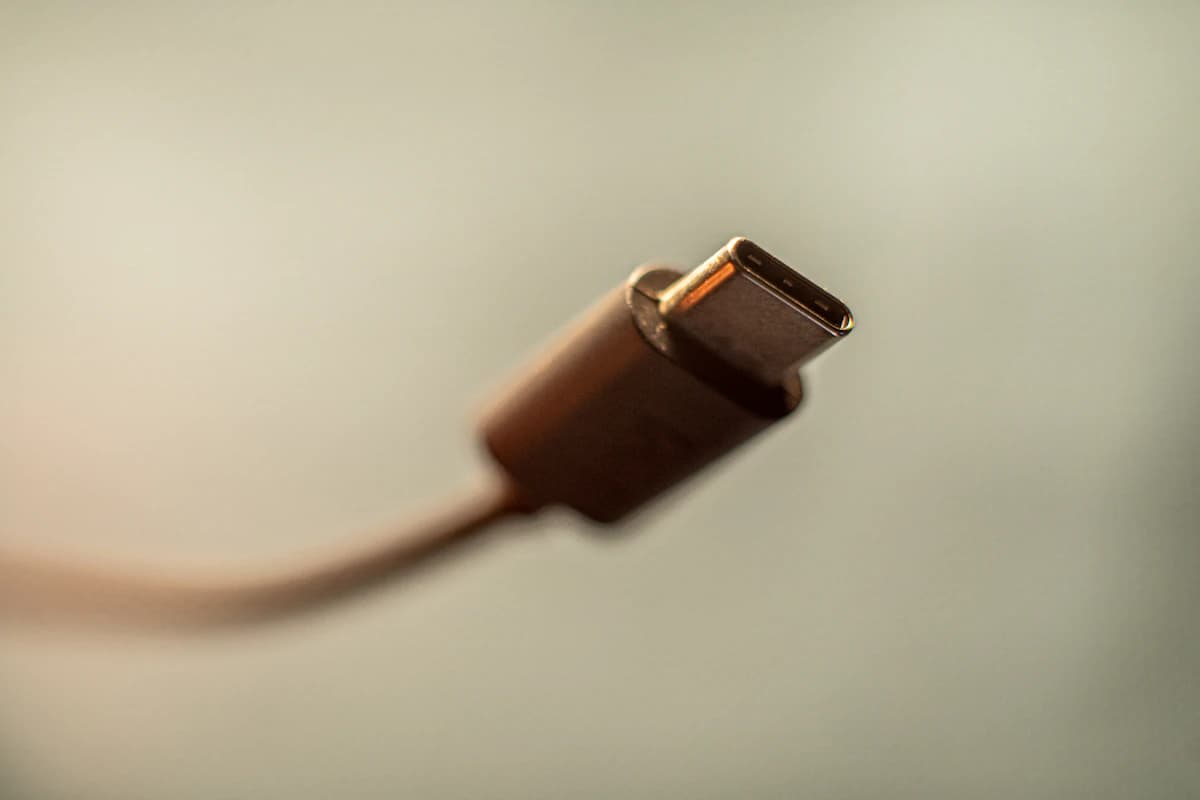
Start with the accessory that fixes a recurring problem: a charger for a second location, earbuds for a noisy commute, or a power bank for days away from a socket. If your existing kit does those jobs, keep it. A new iPhone does not require replacing everything around it.
Buried under all that noise are accessories that solve clear, repeatable problems. This research-based guide compares current specifications, compatibility requirements, and established independent evaluations; SolderMag has not completed matched hands-on testing of every product.
If the accessory you are considering is a wearable rather than a charger, start with Apple Watch Series 10 vs Garmin Fenix 8. The right answer depends on whether you want smartwatch convenience or serious fitness battery life.
SolderMag Take: the best iPhone accessories are invisible
The accessories that actually matter are the ones you stop thinking about. A charger that is fast enough that you never worry about battery. A cable that works every time. Earbuds that fit and sound good. A power bank that lives in your bag and bails you out twice a month.
If an accessory requires daily maintenance, setup, or attention, it is not making your life better. It is adding a chore.
Updated buying filter: what changed for 2026
Check your exact iPhone connector and charging requirements before ordering. A high-wattage cable is useful when shared with a compatible laptop, but it does not make the phone charge at that wattage. Connector shape, supported power and data speed are separate checks.
Before buying an iPhone accessory, ask three questions:
- Does it solve a problem the phone creates every week?
- Will it still work when you replace the phone?
- Is the listing clear about wattage, cable rating, MagSafe compatibility, or warranty?
If the answer is no, it belongs in the skip pile. Most novelty MagSafe add-ons fail that test.
The accessories worth buying
1. A good USB-C charger (not the one in the box)
Apple does not include a charger with the iPhone anymore. And the old 5W brick in your drawer charges at a pace that belongs in 2015.
A multiport USB-C charger can reduce the number of adapters in your bag. Check its power allocation with every port in use, especially if one device is a laptop. For a phone alone, a smaller single-port adapter may be enough.
Anker Prime 100W GaN Charger (3 Ports)
Why it works
- 100W total across 3 ports
- USB-C charging
- Shared phone/laptop setup
Main trade-off
- Slightly larger than single-port chargers
Consider this charger if you need several ports. Do not assume every port delivers its maximum at once; compare the allocation table with your laptop’s requirements. We have not measured this charger’s surface temperature or simultaneous charging performance. For more options, see our best 100W USB-C GaN chargers roundup.
2. Earbuds that actually sound good
Do not budget around bundled earbuds. For example, Apple’s iPhone 16 box contents include a charging cable, but no EarPods or power adapter.
Buy earbuds when you need privacy, noise reduction or hands-free calls. Keep a pair that fits comfortably and already does those jobs; changing brands is not automatically an upgrade.
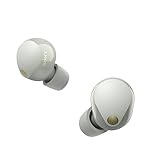
Sony WF-1000XM5 (Silver)
Why it works
- Active noise cancellation
- AAC support
- In-ear wireless design
Main trade-off
- No Apple ecosystem shortcuts like AirPods
Sony lists AAC among the WF-1000XM5’s supported codecs. Consider them if you want noise-cancelling earbuds and are comfortable using Sony’s app. Fit and seal need a personal check; the specification sheet cannot establish comfort or which pair will sound better to you.
If Apple-specific features matter most, compare compatible AirPods before choosing. We have not completed a matched listening or noise-cancellation test that establishes a winner here. For a complete comparison, see best true wireless earbuds.
3. A power bank that lives in your bag
Battery anxiety is real. A small power bank that stays in your bag permanently eliminates it. The best power bank for iPhone use is compact enough to forget about until you need it, and charges fast enough that 15 minutes plugged in gives you meaningful battery back.
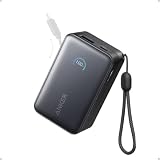
Anker Nano Power Bank (10K, 45W, Built-In USB-C)
Why it works
- Built-in USB-C cable, nothing extra to carry
- 10,000mAh rated capacity
- 45W output for fast charging
Main trade-off
- Check laptop power requirements before buying
A built-in cable removes one item from your packing list. The number of phone recharges depends on the phone battery, conversion losses and use while charging; rated capacity is not a promise of two full charges. If a replaceable cable matters more than convenience, choose a bank with separate cables. For higher capacity options, see best USB-C power banks.
4. A cable that does not fall apart or charge slowly
Most people grab whatever cable is cheapest. Then they wonder why their phone charges slowly, or why the cable frays after three months, or why data transfer to their laptop crawls.
Not all USB-C cables are equal. A bad cable can silently cap your charging speed, limit data transfer, and even cause issues with docks and monitors.

Anker PowerLine III Flow 240W USB-C Cable
Why it works
- 240W charging support
- Silicone jacket
- USB-C connectors
Main trade-off
- Slightly thicker than basic cables
Do not replace a working cable just to get a higher wattage printed on the packaging. A 240W power rating does not establish USB4 data speed or video support, and we have not completed long-term durability testing of this cable. Check length, connector clearance with your case, and the separate data specification. For more options and the full breakdown on why cables matter, see best USB-C cables and stop buying cheap USB-C cables.
5. Over-ear headphones for long listening
If you work from home, travel, or just want premium sound for more than short listening sessions, a pair of noise-cancelling over-ear headphones is a separate category from earbuds. Choose by fit, heat, luggage space and whether you prefer ear tips or a headband; neither format wins for every listener.
Sony WH-1000XM6 and Bose QuietComfort Ultra are options to compare, with comfort and app support worth checking before purchase. See our best noise-cancelling headphones guide for the full comparison.
6. A case that protects without adding bulk
Cases are personal, but the principles are universal. A good iPhone case should:
- Absorb drops without turning your phone into a brick
- Maintain wireless charging compatibility
- Not yellow or peel within six months
- Feel good in the hand (grippy, not slippery)
Compare the exact case model, raised edges, button access and return terms. Brand name or a drop-height claim alone does not establish equal protection. We have not drop-tested these cases, so we cannot promise a particular case will prevent damage.
If you go caseless, at minimum apply a good screen protector and accept the trade-off. Modern iPhones are tough, but gravity is tougher.
7. A car mount that does not block your vents
If you use your iPhone for navigation, a proper car mount is safer than propping your phone in a cupholder. Choose a mounting point with a clear view of the road and reachable controls; check local placement rules and your vehicle’s dashboard and vent design.
Check that the mount supports your phone and case combination. Assess grip while parked before relying on it; we have not vibration-tested mounts or established a reliability ranking.
The accessories you can probably skip
A magnetic charger bought only for speed. Check the phone, adapter and charging-pad combination first. Buy one for convenient placement if that helps your routine; do not assume it beats your existing wired setup.
Screen protectors from unknown brands. Modern iPhone glass is tough. If you want a screen protector, buy one from a reputable brand (Belkin, Spigen). The $3 10-packs from Amazon are waste.
Novelty MagSafe accessories. MagSafe wallets, stands, car mounts, and grips create an ecosystem of magnetically attached things that you will lose, break, or stop using within months. A regular wallet and a simple phone mount do the same job for less.
Lightning to USB-C adapters. If you still have Lightning accessories, it is time to replace them rather than adapt around them. The adapter chain gets messy fast.
Bluetooth trackers you do not actually need. AirTags are excellent for keys and luggage. Buying one for every item you own is overkill. Start with your keys and see if you actually need more.
Wireless charging pads (unless you have a specific use case). Wired USB-C charging is faster, more reliable, and uses the cable you already have. The only scenario where a charging pad makes sense is a nightstand, where you drop the phone and forget about it. For everywhere else, a cable is better.
How to think about iPhone accessory spending
Buy one missing capability at a time. Keep the charger and cable that already meet your requirements; put the budget toward the accessory you will use frequently. Check current prices and warranty terms rather than assuming a whole kit needs replacing.
A low price alone does not make a cable unsuitable. Clear specifications and the right compatibility matter more than matching accessory spending to the price of the phone.
Evidence snapshot: the accessories that produce repeat value
We keep the ranking tight because the useful categories repeat across almost every iPhone owner:
- chargers reduce daily battery friction
- cables prevent slow charging and flaky data transfer
- power banks rescue travel, events, and long commutes
- earbuds improve calls, focus, and daily listening
Cases, mounts, screen protectors, and MagSafe accessories can still be worth buying, but they are more personal and easier to overbuy. The core kit should come first.
The bottom line
The best iPhone accessories in 2026 are not flashy. A good charger, solid earbuds, a reliable power bank, and a quality cable. Those four things improve your daily experience more than any case, mount, or gadget.
Buy quality in those four categories, skip the marketing-driven accessories, and your iPhone setup is complete.
For deeper dives into each category: best 100W USB-C GaN chargers, best true wireless earbuds, best USB-C power banks, best MagSafe battery packs, best USB-C cables, and why cheap cables cost you more.