The Complete Smart Home Setup Guide (2026): Matter, Ecosystems, and What Actually Works
Smart home in 2026 finally has Matter as a real common standard. Here is the SolderMag map — which ecosystem to commit to, which devices actually work, and the order to buy them in.
Editorial evidence review
Recommendations are checked against product documentation, availability, comparative evidence, and clearly disclosed hands-on work where it exists.
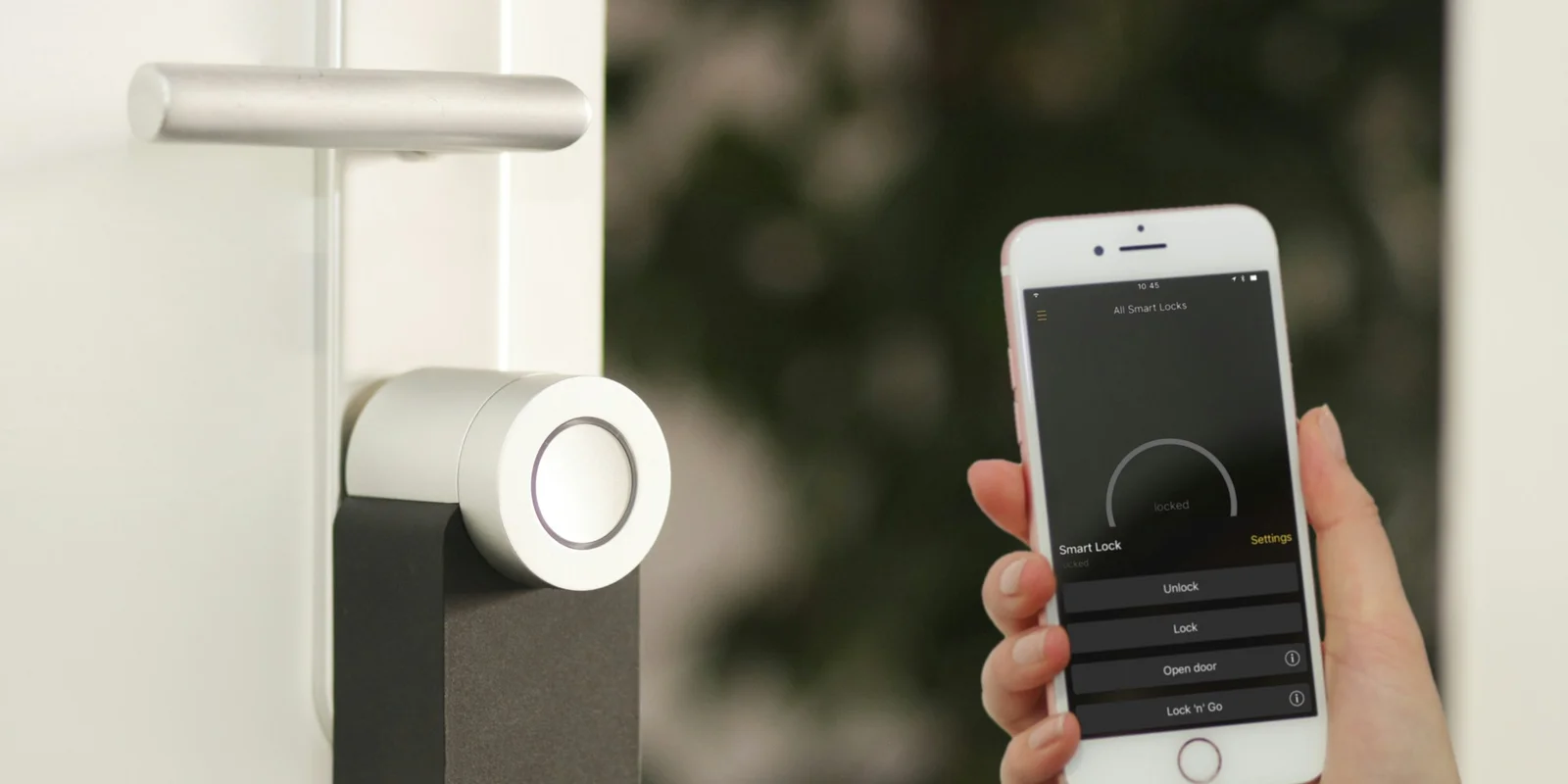
Smart home in 2022 was a wasteland of incompatible ecosystems. Smart home in 2026 is meaningfully better because Matter — the cross-platform standard backed by Apple, Google, Amazon, and Samsung — has matured enough that most new devices work across every major hub.
But it's still not plug-and-play. You still need to pick an ecosystem, sequence the buys, and avoid the cloneware that promises Matter support and half-delivers. This guide maps the modern smart home stack.
Pick your ecosystem first
The choice that determines everything else. All three work; Matter reduces the penalty for picking "wrong" but doesn't eliminate it.
- Apple Home: best if all your family's phones are iPhones and you care about privacy. Local processing, strong encryption. Weaker voice control than Alexa. Needs a HomePod mini, Apple TV, or iPad as the hub.
- Google Home: best voice assistant, deep Google integration. Requires Google account. Nest Hub or Nest Mini as the hub.
- Amazon Alexa: largest third-party device support, cheapest hardware. Echo Dot or Echo as hub. More ads / shopping integration than the other two.
- Samsung SmartThings: best for mixed-household setups and Samsung TV/appliance integration.
Rule of thumb: match your phones. If the house is mostly iPhones, Apple Home. Mostly Android, Google Home. Mixed household, Alexa or SmartThings (both handle both sides).
The smart home order of operations
Sequence matters. Buying smart bulbs before you have a hub is a nerd-rage journey.
Phase 1 — the hub + speaker
Before any other device:
- Smart speaker as hub: covered in Best Smart Speakers (2026). HomePod mini, Echo Dot, or Nest Mini depending on ecosystem.
- Dedicated Matter hub: optional if a smart speaker covers it. Required for some advanced automation (SmartThings hub, Hubitat, Home Assistant Yellow).
Phase 2 — lighting (the gateway drug)
Smart lighting is the highest-impact first upgrade. It's used daily, not weekly.
- Philips Hue: premium, most reliable, has its own bridge. Matter-compatible with bridge firmware update.
- Govee / TP-Link Kasa: budget tier, Matter-compatible (Kasa), good value.
- Full bulb roundup: see Best Smart Light Bulbs (2026) before replacing an entire room.
- Smart plugs (Best Smart Plugs (2026)): cheaper than replacing bulbs; works with existing lamps.
Phase 3 — security + entry
- Smart locks: Schlage Encode Plus (Apple Home Key), August, Yale.
- Indoor security cameras: Apple-native (Logitech Circle View), Google (Nest), Amazon (Ring), or NVR-style (UniFi Protect, Reolink).
- Outdoor security cameras: weatherproof coverage for driveways, side gates, porches, and detached spaces.
- Video doorbell: Nest Doorbell, Ring, Logitech Circle View Doorbell.
Phase 4 — climate + convenience
- Smart thermostat: Nest Learning, ecobee Premium, Google Nest.
- Robot vacuum: Roborock Q8, iRobot Roomba j-series. Review: Dreame X60 Max Ultra Review, Dreame X60 vs Roborock Qrevo.
- Air purifier with schedule automation, plus a dedicated air quality monitor when separate PM2.5, CO2, VOC, or radon data would change what the home does.
Phase 5 — entertainment integration
- Smart TV: most 2024+ TVs support Matter natively.
- Bluetooth speakers paired via smart home for whole-home audio.
Matter — what it actually delivers in 2026
The promise: any Matter-certified device works with any Matter-certified hub. The reality in 2026:
- Mostly true for: lighting, plugs, smart locks, basic sensors, thermostats.
- Partially true for: cameras (Matter 1.2 added camera support; adoption slow), TVs (rolling out).
- Not yet for: robot vacuums (coming in Matter 1.4/1.5), many appliances.
Buying Matter-certified future-proofs you against ecosystem switches. Non-Matter devices still work within their own ecosystem — just not as portable.
Network infrastructure — the foundation nobody mentions
Most smart home flakiness is network flakiness. Before scaling the device count:
- Solid Wi-Fi across the house: covered in Best Wi-Fi 7 Routers (2026), Best Wi-Fi 7 Mesh Systems (2026), How to Set Up Mesh Wi-Fi. Why You Don't Need Wi-Fi 7 Yet if budget-conscious.
- IoT VLAN if possible: separate smart-home devices from your main network. Your router or mesh should support this.
- Sufficient 2.4 GHz capacity: most IoT devices are 2.4 GHz. Don't disable it to "clean up" your network.
Common mistakes to avoid
- Buying cheap Amazon brand smart plugs without checking Matter support. They work for 8 months then brick on an app update.
- Mixing ecosystems without a unified hub. Some Google + some Apple + some Alexa = friction for every automation.
- Smart lighting that requires its own hub + app. Matter-over-Wi-Fi is simpler for most people than Zigbee-via-bridge.
- Ignoring the privacy implications of always-on cameras. Mic/camera mute switches matter. Local-only processing matters more.
- Over-automating. Start with lighting schedules + doorbell notifications. Expand only after those feel essential.
Budget starter kits
$250 starter: HomePod mini ($99) + 2× Philips Hue smart bulbs ($60) + Apple TV (you already own) + 1 smart plug ($15).
$500 intermediate: Add Schlage Encode Plus smart lock ($280) + indoor camera ($90) + robot vacuum basic tier ($250).
$1,500 full smart home: Add smart thermostat ($180) + outdoor camera system ($350) + whole-house lighting ($400) + video doorbell ($200) + mesh Wi-Fi 7 ($500).
Sources and methodology
- Connectivity Standards Alliance (CSA) Matter specification documentation.
- Apple HomeKit, Google Home, Amazon Alexa, and Samsung SmartThings developer documentation.
- Independent testing from The Verge, Wirecutter, and Connected Home Expert forums.
- Long-term reliability data from community reports (r/HomeAutomation, Home Assistant forums).
The full SolderMag smart home stack
- Best Smart Speakers (2026)
- Best Smart Plugs (2026)
- Best Smart Light Bulbs (2026)
- Best Smart Locks (2026)
- Best Security Cameras Indoor (2026)
- Best Outdoor Security Cameras (2026)
- Best Smart Doorbells (2026)
- Best Smart Thermostats (2026)
- Best Robot Vacuums (2026)
- Best Air Purifiers (2026)
- Best Wi-Fi 7 Routers (2026)
- Best Wi-Fi 7 Mesh Systems (2026)
- How to Set Up Mesh Wi-Fi
- Dreame X60 Max Ultra Review
- Dreame X60 vs Roborock Qrevo
- Why You Don't Need Wi-Fi 7 Yet