Best Indoor Security Cameras (2026): Clear Video Without Paying a Subscription Tax
The best indoor security cameras of 2026 that record reliably, respect your privacy, and don’t trap you in a cloud subscription.
Editorial evidence review
Recommendations are checked against product documentation, availability, comparative evidence, and clearly disclosed hands-on work where it exists.
Quick picks
The short answer, with the trade-off
Best overall
eufy Indoor Cam E220
Excellent 2K video
Trade-off: Needs microSD for local storage

Best value
TP-Link Tapo C120
Trade-off: Not for permanent outdoor use

Best premium
Nest Cam (Indoor, Wired, 3rd Gen)
Trade-off: Subscription for full AI features

Best budget
Wyze Cam v4
Trade-off: Clip limits without subscription
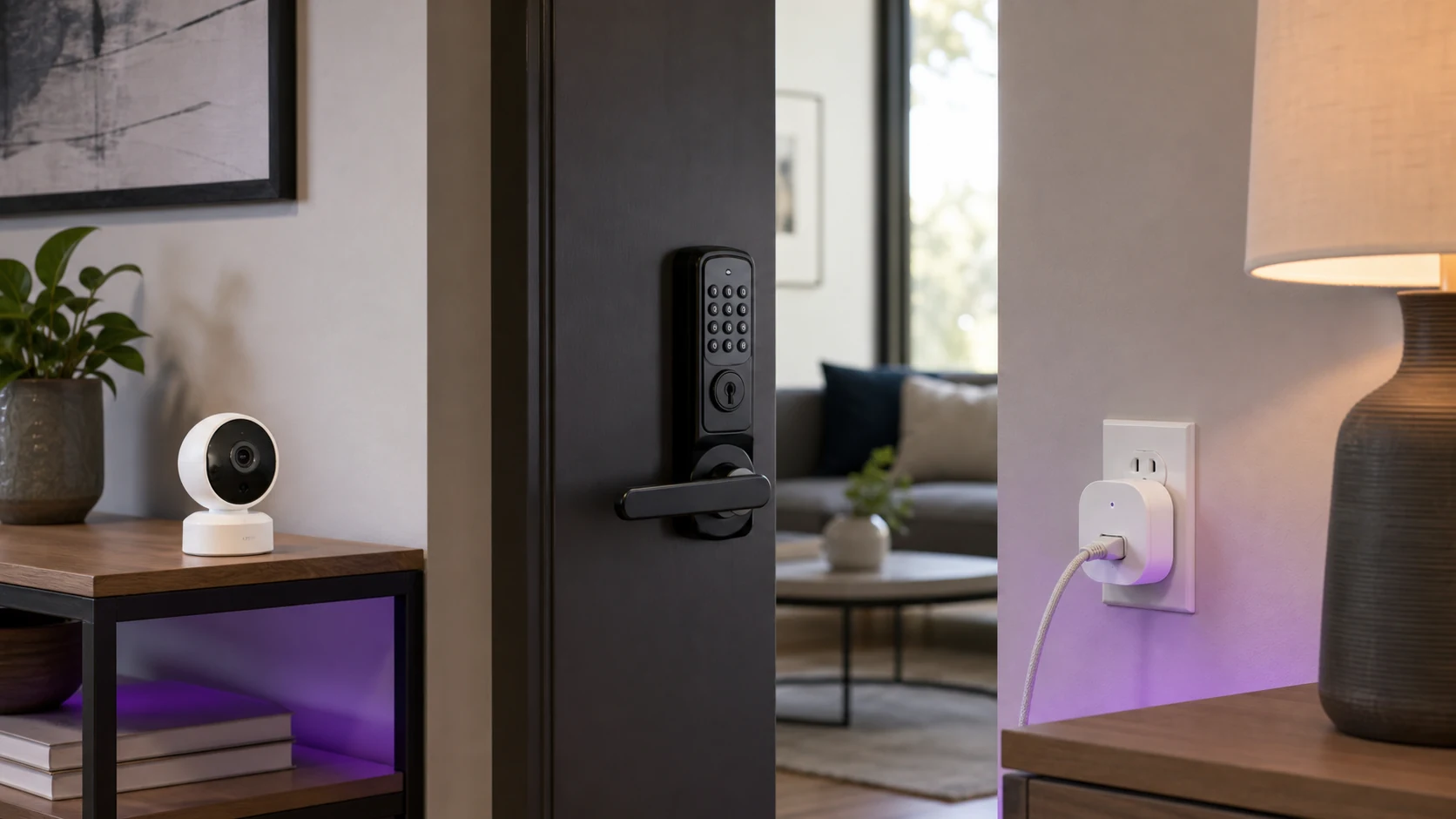
Indoor security cameras are deceptively simple: plug in, connect Wi‑Fi, done.
In reality, most of the pain is everything around the video:
- motion alerts that cry wolf
- subscriptions that gate basic features
- “AI detection” that’s just marketing
- privacy settings buried three menus deep
This is how to buy an indoor cam that actually works in a real home.
SolderMag Take: privacy + reliability beats 4K every time
4K specs look great on a product page. But for indoor cameras, the upgrade that matters more is:
- local recording you control (microSD / NAS / NVR)
- predictable alerts (person/pet detection that’s tunable)
- a physical privacy mode (shutter, lens tilt, or a hard “off” state)
A sharp image is nice. A camera you trust is the point.
Who this guide is for
Buy an indoor camera if you want:
- basic home security (doorway, hallway, living room)
- pet/kid check-ins
- evidence when something goes missing or breaks
Skip an indoor camera (or be picky) if:
- the camera points at bedrooms or sensitive spaces
- you can’t commit to managing accounts/updates/passwords
- you’re relying on it for life-safety (use a monitored alarm + proper sensors)
The decision tree (fast)
Answer these in order:
-
Do you want local storage?
- Yes → look for microSD + optional NAS/NVR support.
- No → you’re accepting cloud dependency. Choose the least-annoying subscription.
-
Do you need a privacy shutter / “camera off” mode?
- If the cam points at your living space, you probably do.
-
Do you want smart-home integration?
- Apple HomeKit Secure Video / Google Home / Alexa each has tradeoffs.
-
Wired or battery?
- Indoors, wired wins (no charging schedule, fewer missed moments).
What specs actually matter (and what’s noise)
1) Storage + ownership of your footage
Indoor cams fall into three buckets:
- Local-first: microSD (sometimes plus NAS/NVR).
- Cloud-first: records mainly to the vendor, local is limited or absent.
- Hybrid: local for continuous, cloud for convenience.
If you care about privacy and reliability, local-first/hybrid is the sweet spot.
2) Alert quality (and the ability to tune it)
Look for:
- person detection (and ideally pet detection)
- activity zones (so ceiling fans don’t ruin your life)
- adjustable sensitivity and cooldown
Avoid:
- “AI” with no controls
- apps that don’t let you disable specific alert types
3) Night vision that’s usable indoors
Good IR night vision should:
- keep faces readable at typical room distances
- avoid turning reflective surfaces into white blobs
If you have big windows, expect IR to reflect at night. Sometimes the best fix is positioning, not a better camera.
4) Microphone and two-way audio (don’t overpay)
Two-way talk is handy, but most implementations sound like a walkie-talkie from 2004. Treat it as a bonus, not a reason to upgrade tiers.
5) Security basics (boring, important)
Minimum bar:
- unique device passwords (not “admin/admin” energy)
- 2FA on the account
- regular firmware updates
If it supports WPA3, that’s a nice plus. but it’s not a substitute for account security.
Buying recommendations (how to think about “best”)
Rather than pretending there’s one perfect camera, pick your lane:
Best overall (most people): a wired 2K cam with zones + local recording
Look for a wired indoor cam with:
- 2K video (1080p is fine too)
- microSD slot
- person detection + zones
Examples to compare (not affiliate links):
- TP‑Link Tapo indoor models (value-focused)
- Eufy indoor models (often strong local features)
eufy Indoor Cam E220
Why it works
- Excellent 2K video
- Local/cloud storage
- Pan/tilt motion tracking
Main trade-off
- Needs microSD for local storage
Best privacy mode: a camera with a physical shutter or lens-tilt
If the cam is in a living area, a physical privacy mode matters.
What to look for:
- a mechanical shutter that covers the lens, or
- a PTZ camera that can tilt down into a “park” position

TP-Link Tapo C120
Why it works
- Smart motion/sound detection
- 2K video with color night vision
- No subscription needed
Main trade-off
- Not for permanent outdoor use
Best smart-home fit: pick the ecosystem you already use
If you already live in an ecosystem, lean into it:
- HomeKit Secure Video: great if you want Apple-centric controls and end-to-end expectations.
- Google Home / Nest: strong app polish and cloud features.
- Alexa / Ring: common, but often more subscription-forward.
(Your goal is fewer apps and fewer accounts. that’s real “security”.)
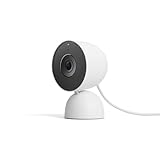
Nest Cam (Indoor, Wired, 3rd Gen)
Why it works
- Superb 2K video
- 6 hours free storage
- AI facial recognition
Main trade-off
- Subscription for full AI features
Best “I refuse subscriptions”: continuous local recording + optional NAS/NVR
If you hate subscriptions, don’t buy a cloud-first camera and hope.
Instead, look for:
- continuous recording to microSD
- optional RTSP/ONVIF/NVR compatibility if you actually plan to use it

Wyze Cam v4
Why it works
- 2.5K sharp video
- Color night vision
- microSD continuous recording
Main trade-off
- Clip limits without subscription
Common traps
- Subscription-gated basics: paywalled “person detection”, extended history, or downloads.
- Battery indoor cams: missed events + a constant charging chore.
- Over-wide lenses: everything looks far away; faces get less useful.
- “Works with everything” claims: check what it actually integrates with (and what features carry over).
Setup checklist (do this on day one)
- Put the camera on a separate Wi-Fi network if your router supports guest/IoT networks. (A good Wi-Fi 7 router makes this easy with built-in IoT network support.)
- Turn on 2FA for the account.
- Update firmware immediately.
- Set activity zones.
- Decide your privacy defaults:
- schedule “camera off” hours
- enable the shutter/park mode when home
- Test at night with lights off and confirm faces are readable.
Sources
- ONVIF (IP camera interoperability): https://www.onvif.org/
- Wi‑Fi Alliance security overview (WPA2/WPA3): https://www.wi-fi.org/discover-wi-fi/security
- Apple HomeKit Secure Video (feature overview and requirements): https://support.apple.com/guide/icloud/homekit-secure-video-mm7c90d21583/icloud
- Google Nest Aware plan details: https://store.google.com/product/nest_aware
- Ring Protect plan details: https://ring.com/au/en/protect-plans
For more smart-home picks, see our best robot vacuums guide. To add voice control to your camera setup, check our best smart speakers roundup. And if you want to understand the broader digital privacy landscape, our browser privacy tools guide covers the software side of staying secure.