9 articles tagged "thunderbolt"
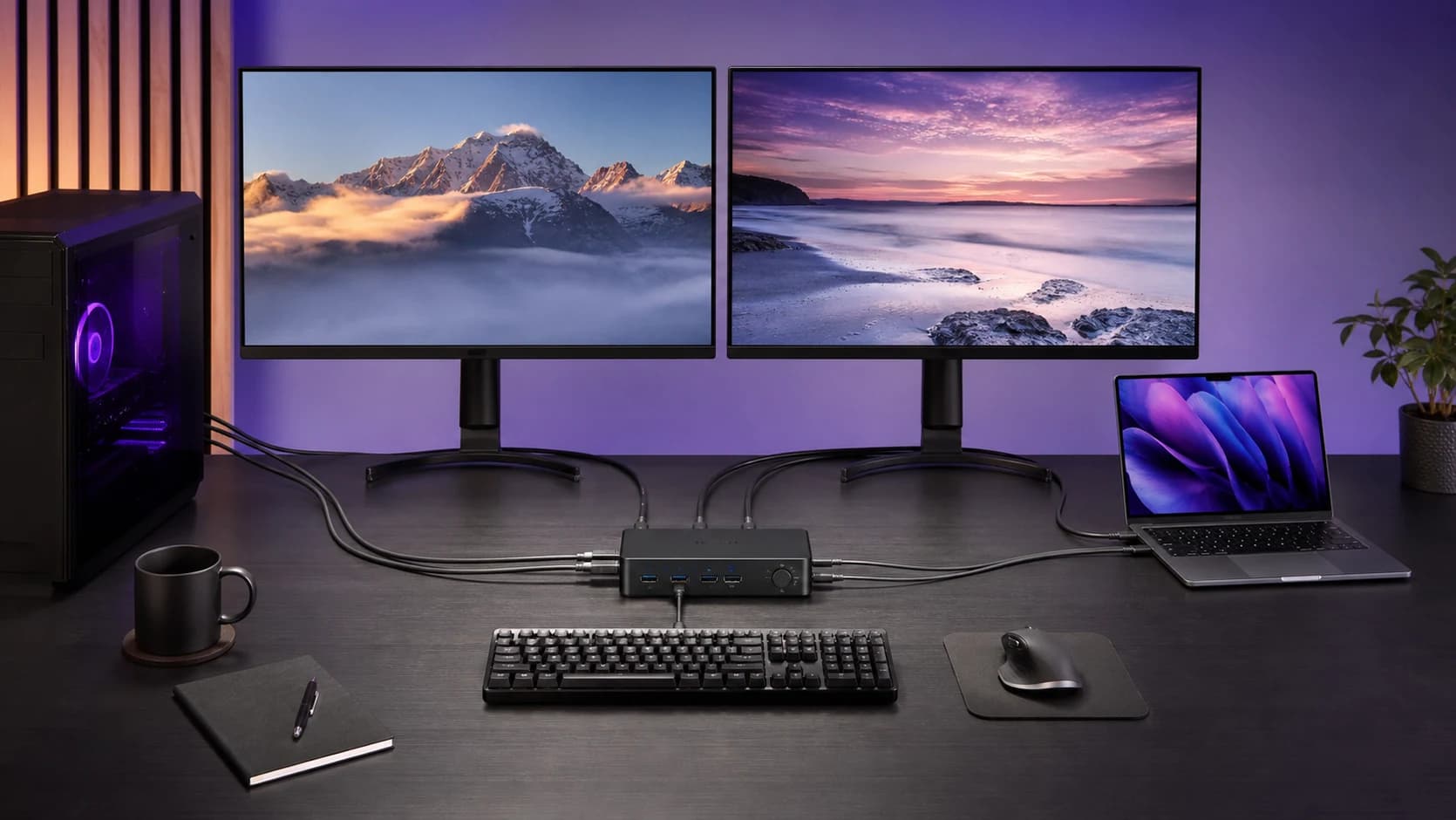
Connect a laptop and desktop to two monitors without buying the wrong KVM. Check video feeds, cable counts, USB-C, Mac support and charging first.
A Thunderbolt dock can run two Mac displays only when the Mac itself supports that display count and the dock documents the right macOS connection path.
Thunderbolt 5 docks promise more display and storage headroom, but many desks are still better served by Thunderbolt 4 or USB4.
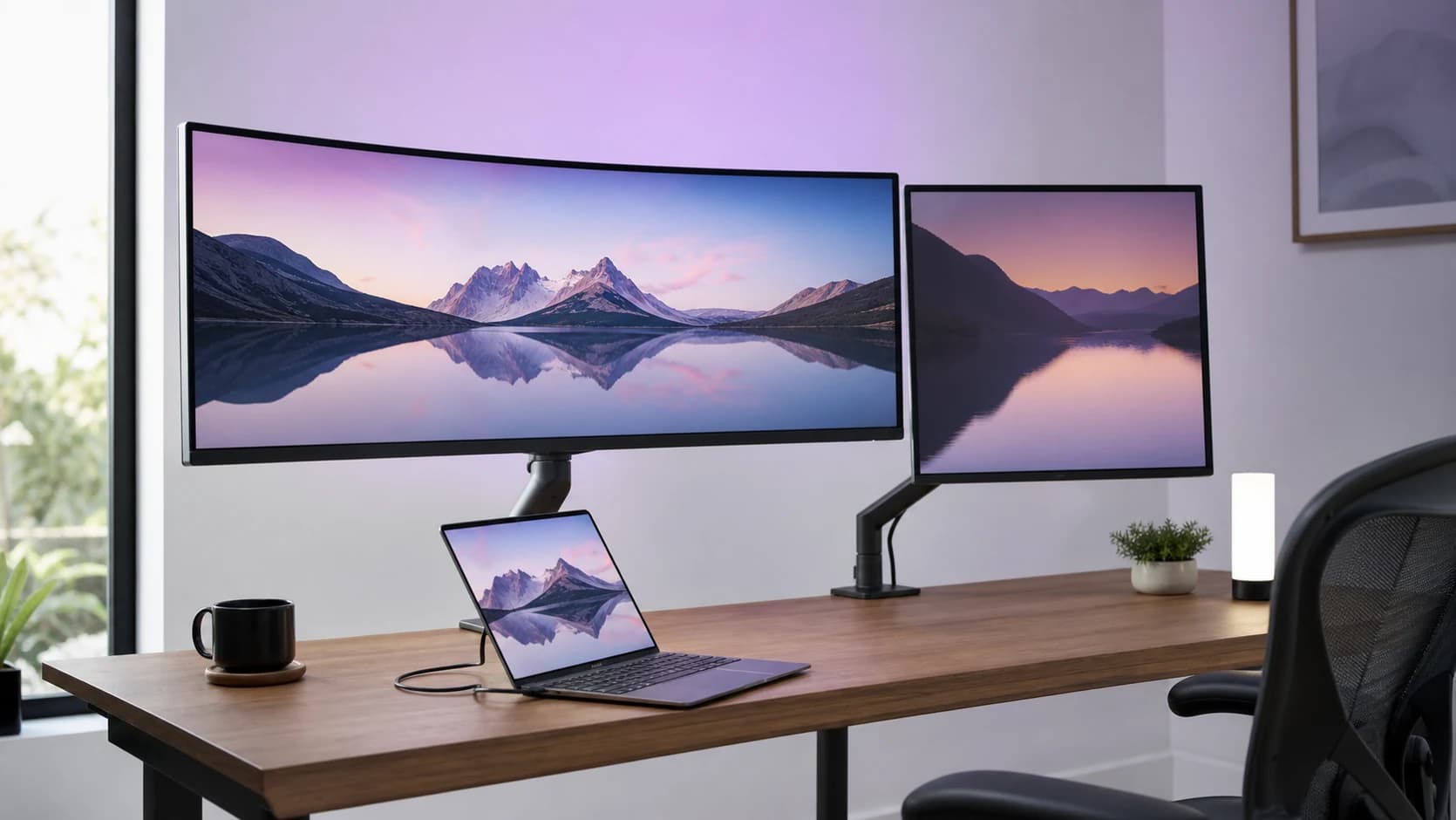
Two IPS ultrawide work monitors with KVM and USB-C docking. Dell has Thunderbolt 4 and 120Hz. LG has an Ethernet port and lower price. Here is the honest buy-guide.
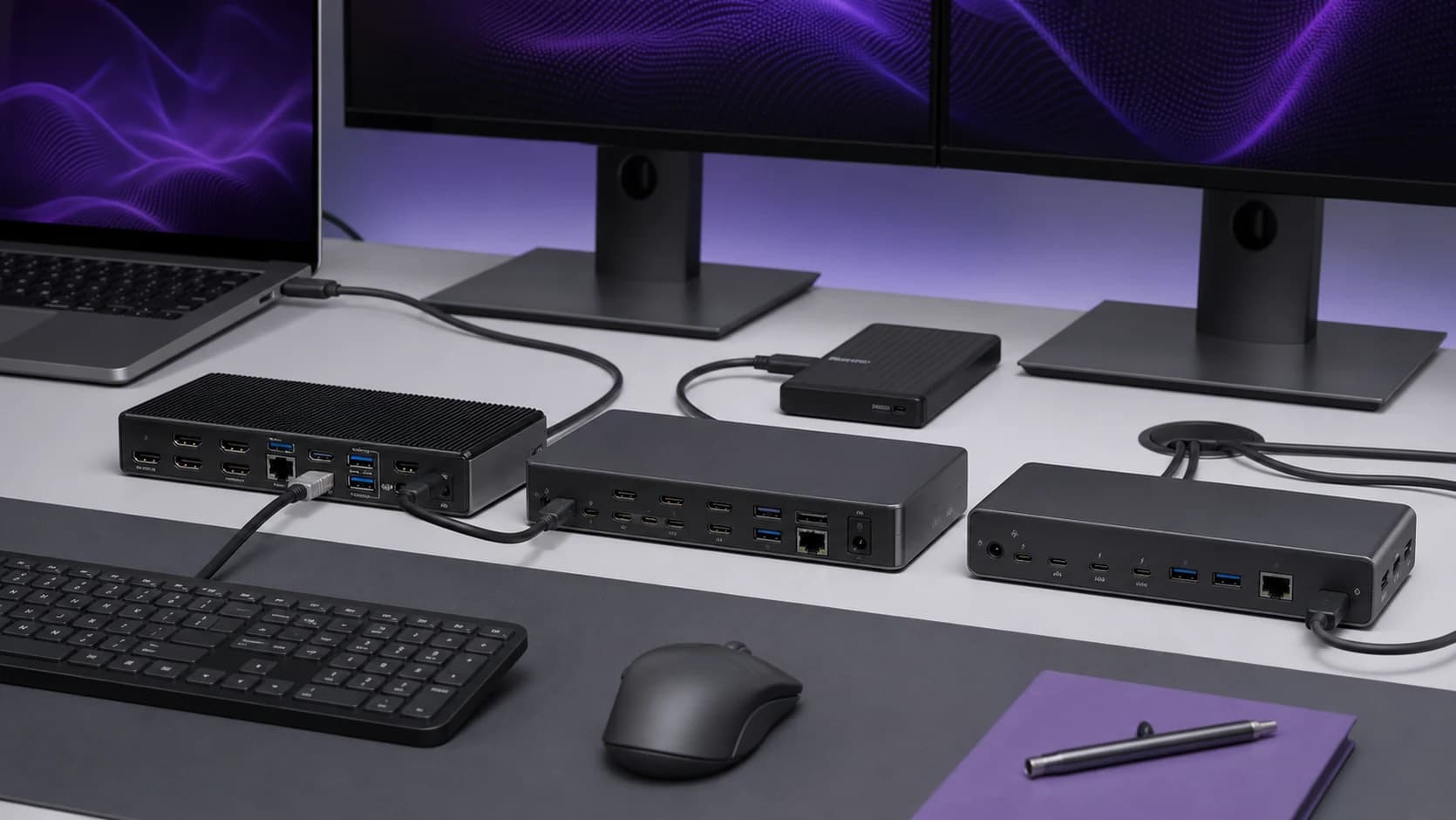
The best laptop docking stations of 2026 for dual monitors, fast charging, and clean desk setups. Thunderbolt and USB-C picks compared.
Compare the CalDigit TS4 and Plugable UD-4VPD on ports, charging and display support, including the Mac compatibility limits that matter.
The best 2TB external SSDs in 2026 for photo/video libraries, game installs, and travel backups. What to buy and what to dodge.
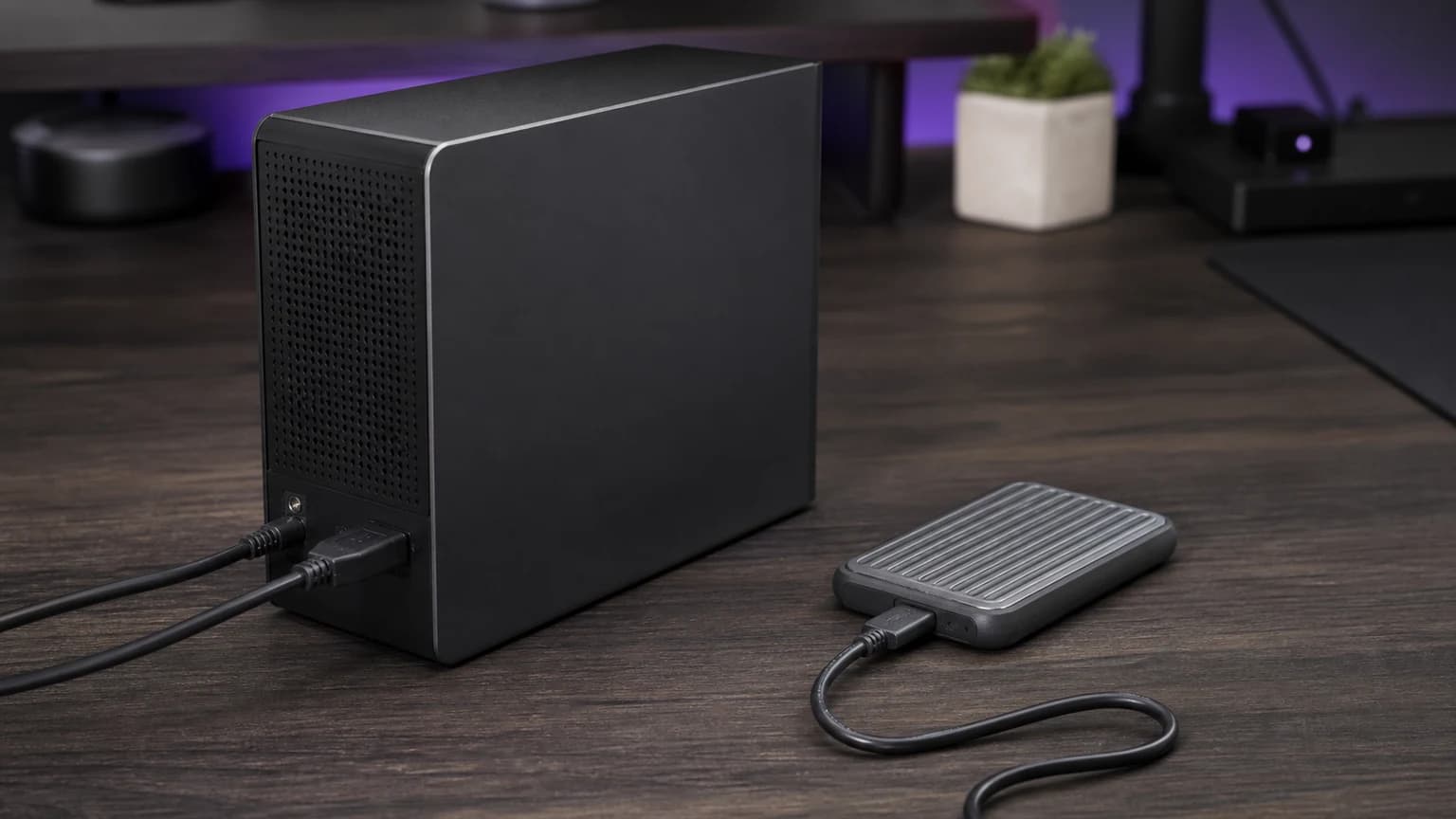
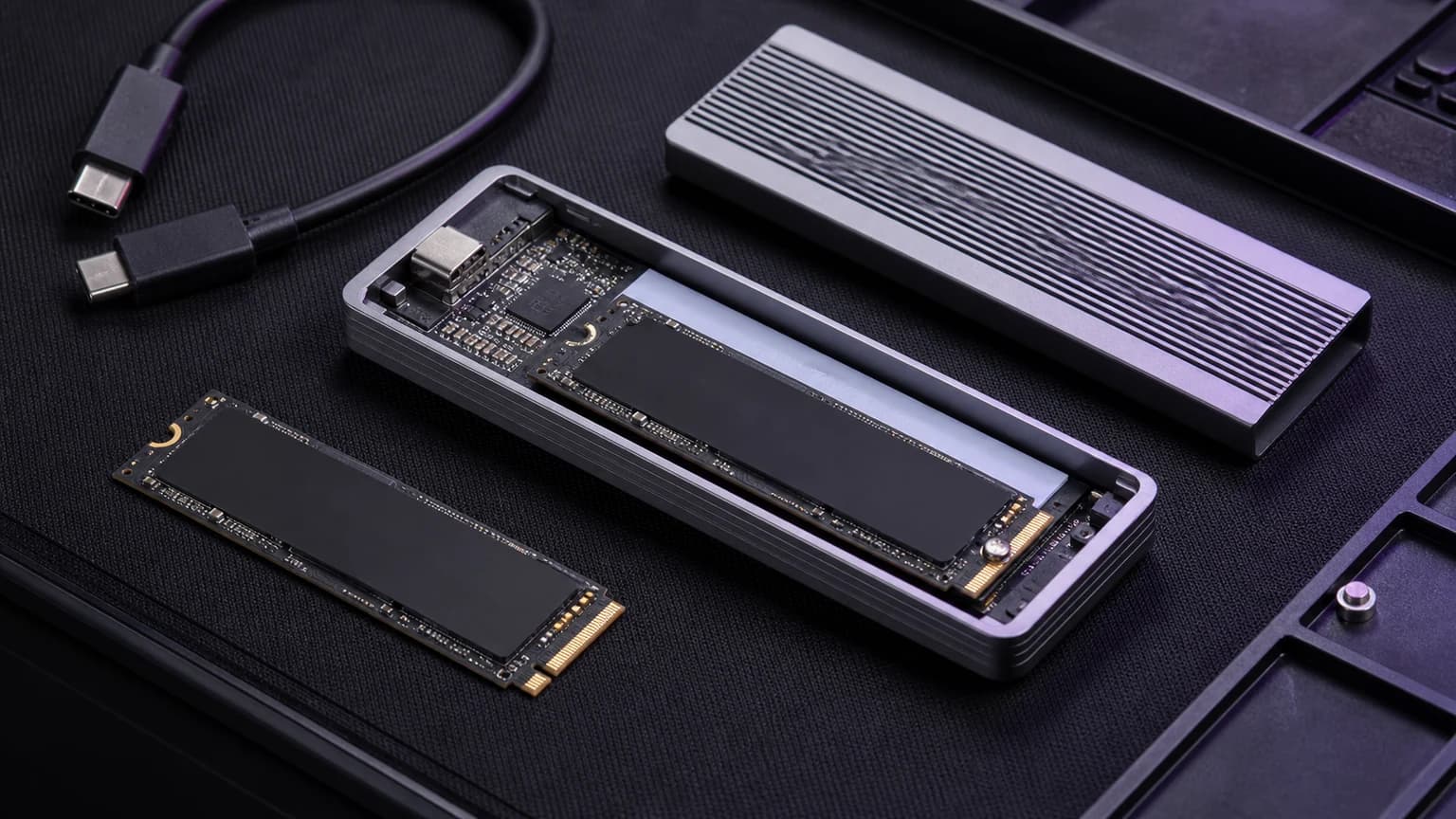
Turn a spare M.2 drive into a fast portable SSD if you pick the right enclosure. Compare USB4 support, cooling, drive fit, and host limits.
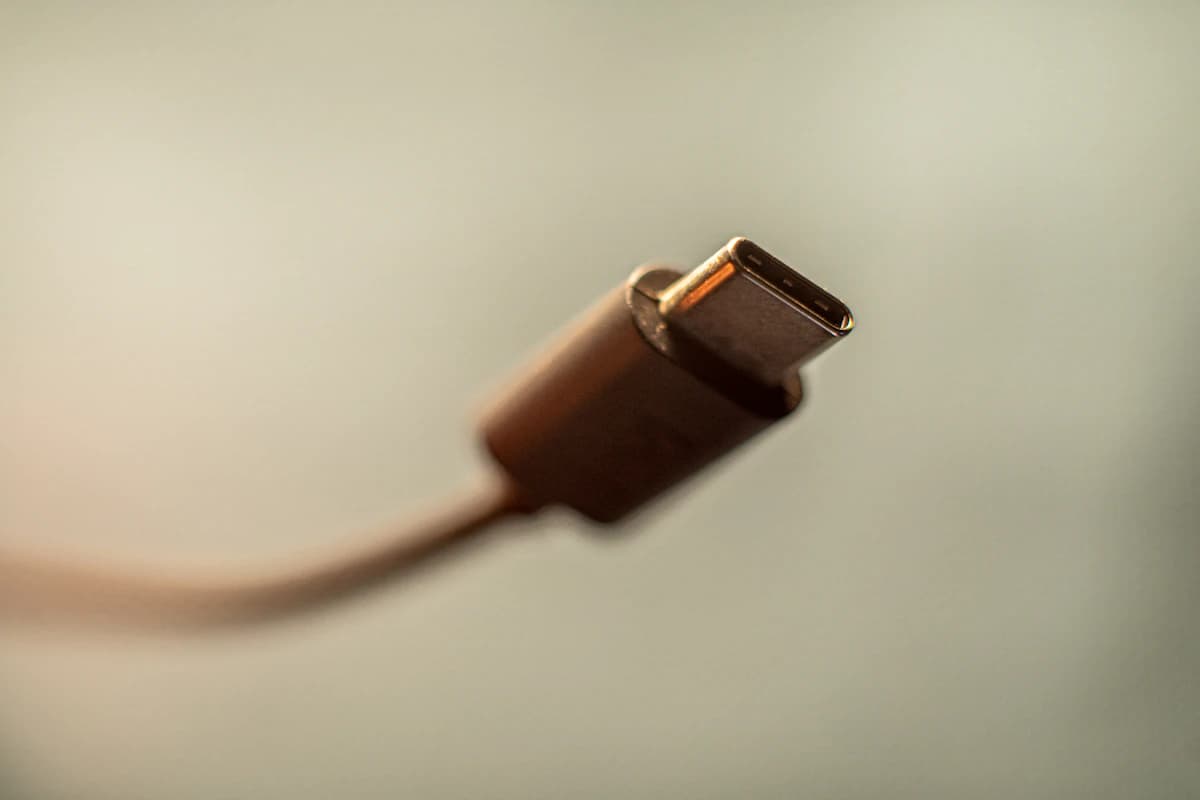
Most USB‑C cable problems are invisible until you waste an hour troubleshooting. Here’s what to buy for charging, for data, and for docks. without the spec-sheet traps.