Rain Design mStand vs Twelve South HiRise Pro: Best MacBook Laptop Stand in 2026?
Two aluminium MacBook stands that dominate the category. mStand is the fixed-height classic; HiRise Pro is height-adjustable with MagSafe storage. Here is the honest comparison.
Editorial evidence review
Recommendations are checked against product documentation, availability, comparative evidence, and clearly disclosed hands-on work where it exists.
Quick picks
The short answer, with the trade-offBest fixed-height (set and forget)
Rain Design mStand Laptop Stand (Silver)
Best adjustable-height with MagSafe slot
Twelve South HiRise Pro for MacBook
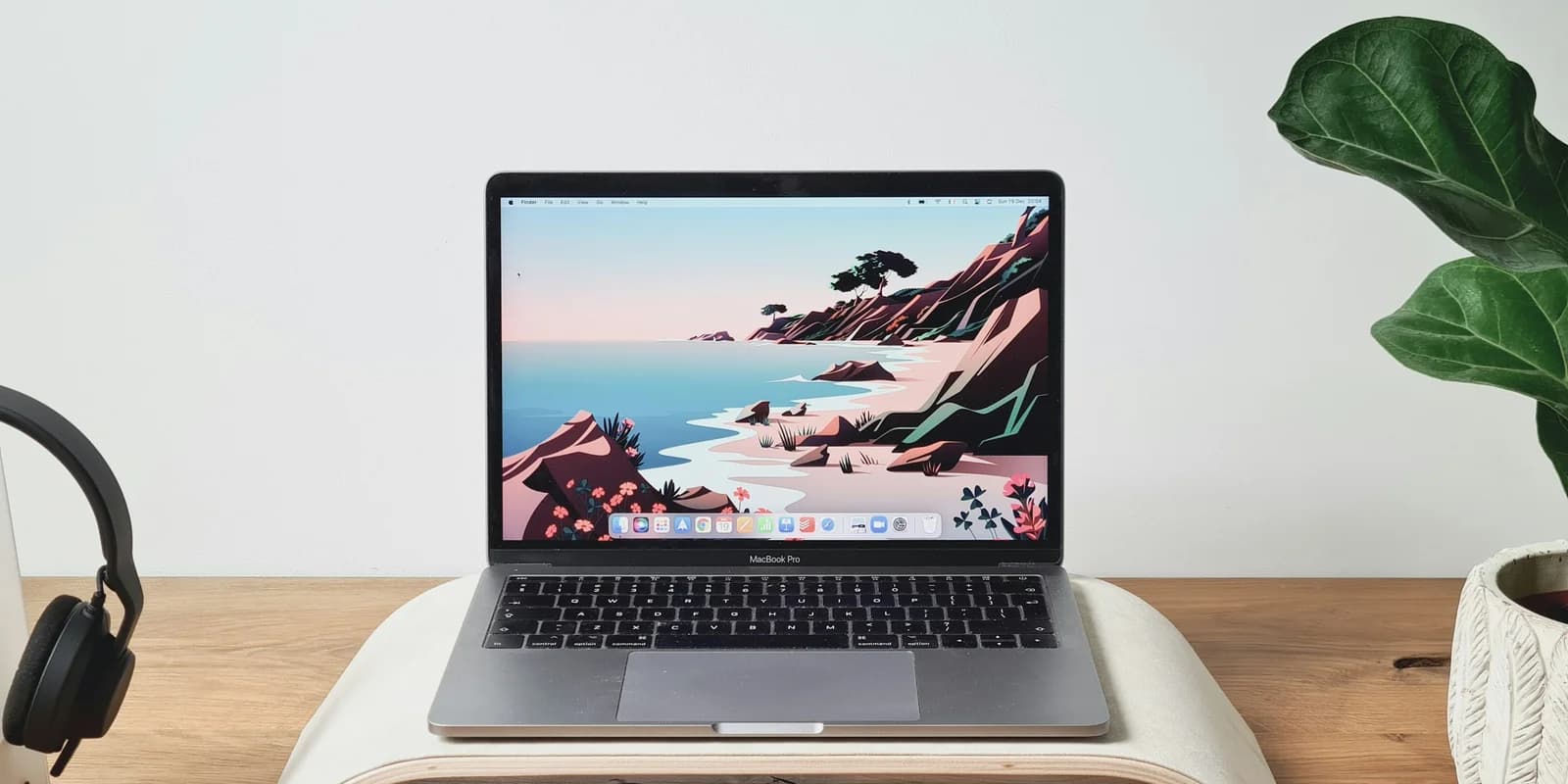
If you've decided you need an aluminium laptop stand for your MacBook, two products dominate the premium conversation: the Rain Design mStand and the Twelve South HiRise Pro. Both are excellent; both cost more than generic aluminium alternatives; and the choice between them comes down to one question — do you actually need height adjustability?
Short answer: if you sit at one desk every day, the mStand is usually right. If you share a desk or use the laptop at different seated/standing heights, the HiRise Pro earns its premium.
Quick verdict
- Buy the mStand if: you sit at one desk every day, the included 5.9-inch lift suits your eye level, and you want the beloved "buy once, never think about it again" classic.
- Buy the HiRise Pro if: you share a desk, you alternate between sitting and standing, you want the MagSafe cable management, or you pair it with an external monitor at a specific height.
Construction
Rain Design mStand: single piece of anodised aluminium bent into its final shape. Zero moving parts. Cannot wobble because there are no joints to flex. Has been manufactured essentially unchanged since 2005 — the design is a classic for a reason.
Twelve South HiRise Pro: aluminium base with vegan leather accents and a height-adjustment mechanism (sliding rail with locking pins). More complex construction, more parts to fail, but also much more versatile.
Winner: mStand for absolute reliability and minimalism. HiRise Pro for functionality.
Height — fixed vs adjustable
mStand: 5.9 inches of fixed lift. That's well-chosen for average desk heights paired with a seated user. If you're a tall person using a standard 29-inch desk, it's right. If you're short or use a tall desk, your eye level may not align.
HiRise Pro: 1" to 6" adjustable range. You can dial in the exact height to match your external monitor (if using two-screen setup) or your specific body/desk combo.
Winner: HiRise Pro for versatility. mStand if 5.9 inches happens to be right for you.
Ventilation and thermal impact
mStand: open design under the laptop. Aluminium body acts as a passive heat sink. MacBooks run slightly cooler on an mStand than on a flat desk.
HiRise Pro: open design. The laptop sits on two narrow aluminium rails, so airflow is even more unobstructed than the mStand. Similar passive heat-sink effect.
Winner: tied. Both are excellent for thermal management.
MagSafe integration
mStand: no MagSafe-specific features. Charge cable routes through a single cable hole at the back.
HiRise Pro: integrated slot holds the MagSafe puck in the base of the stand, hiding the cable. When you place your MacBook on the stand, it magnetically connects to MagSafe automatically. Premium touch that Apple users will notice daily.
Winner: HiRise Pro. If you're on a MacBook with MagSafe charging, this is a real quality-of-life win.
Aesthetics
mStand: minimalist, industrial. Available in Silver, Space Gray, Black, Gold, Starlight, and Midnight — colour-matched to every MacBook finish.
HiRise Pro: premium-looking, slightly more elaborate. Aluminium body with vegan-leather trim on the base. Available in Silver and Space Gray.
Winner: personal taste. mStand looks like Apple made it; HiRise Pro looks like Apple's premium-accessory partner made it.
Compatibility
mStand: supports 12–15" MacBooks and PC laptops up to 15.6". Not designed for 16" MacBook Pro (the platform is a touch small) but works in practice.
HiRise Pro: designed explicitly to support 11–16" MacBooks. The adjustable rail width accommodates the full MacBook Pro 16" without overhang.
Winner: HiRise Pro for 16" MacBook Pro users. mStand for everything smaller.
Price
- mStand: roughly $60.
- HiRise Pro: roughly $150.
The gap is ~$90. Worth it if:
- You have a 16" MacBook Pro.
- You share a desk (different users, different heights).
- You alternate between sitting and standing.
- You care about MagSafe cable integration.
Not worth it if:
- You sit at one desk every day and 5.9" of lift is right for you.
- Budget is tight.
- You use a 13" or 14" MacBook (the smaller sizes are the mStand's sweet spot).
Long-term durability
Both brands have decade-plus reputations. mStand's single-piece design is effectively unbreakable. HiRise Pro's adjustment mechanism is the one wear point; user reports are mostly positive at 3+ years in, occasional reports of locking pin slop after heavy daily adjustment.
Winner: mStand on raw durability. HiRise Pro is fine, just not bulletproof.
The verdict by use case
| Your situation | Pick |
|---|---|
| 13–15" MacBook at one dedicated desk | mStand |
| 16" MacBook Pro | HiRise Pro |
| Alternating sit/stand setup | HiRise Pro |
| Shared desk (household) | HiRise Pro |
| Minimalist aesthetic, single-user desk | mStand |
| MagSafe-charging daily | HiRise Pro |
| Budget-conscious | mStand or even Soundance LS1 |
| Travel / non-stationary | Neither — get a Roost V3 |
Alternatives worth considering
- Roost V3: the portable answer. 6 oz, folds flat, up to 12.5" lift. The right call if you travel.
- Lululook 360° Rotating: mStand-class build with a rotating base for shared-screen moments.
- Soundance LS1: budget aluminium alternative. Less refined but same category for under $30.
- Nulaxy Sit-to-Stand: if you want lift all the way to standing height without a full desk converter.
See Best Laptop Stands (2026) for the full roundup.