13 articles tagged "docks"
Laptop losing charge through a USB-C dock? Separate charge limits from low host power, compare your adapter and check the cable before replacing anything.
Charging does not prove USB-C video works. Check the laptop port, monitor input and cable before buying a replacement dock or a higher-wattage cable.
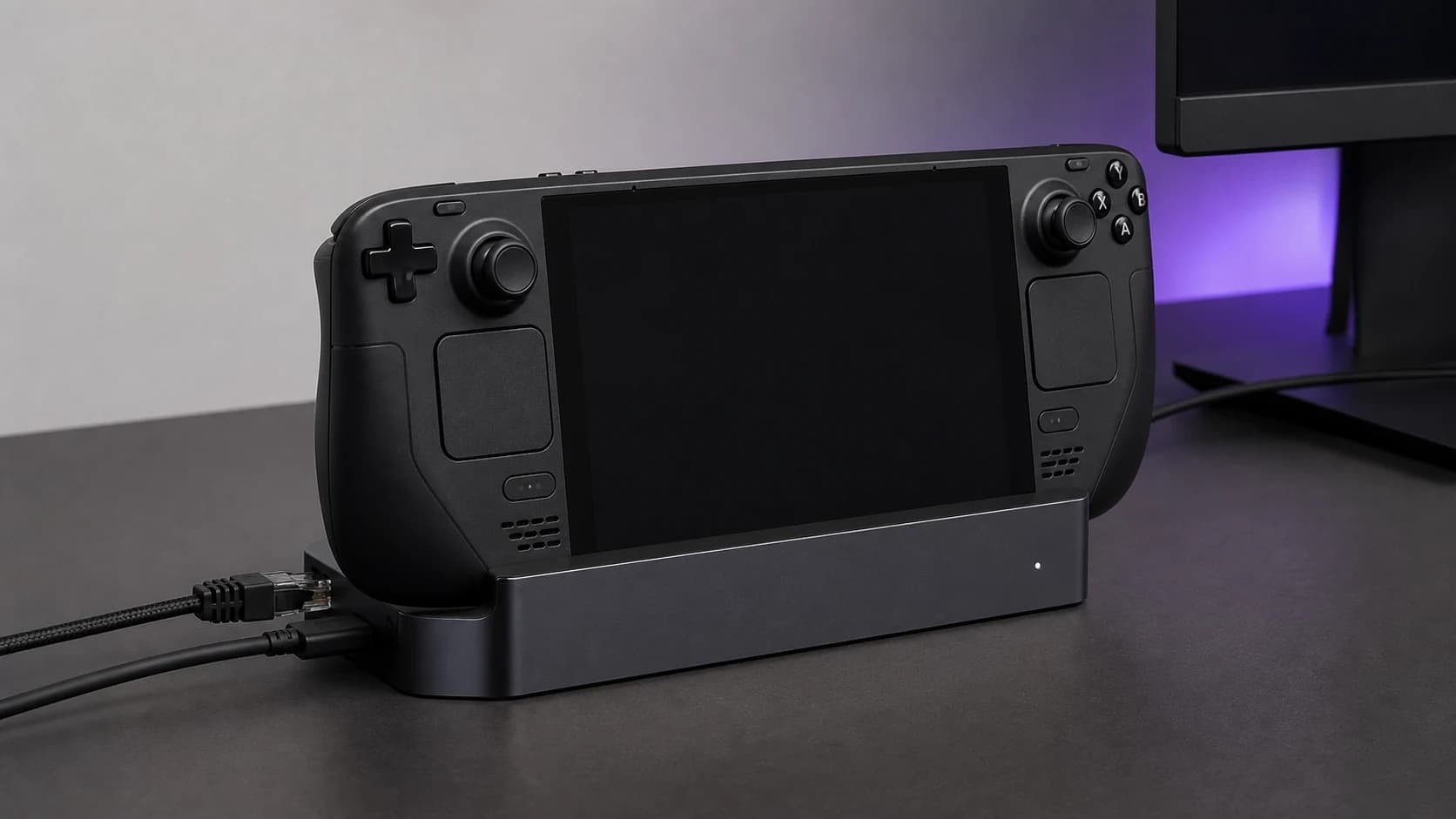
Steam Deck dock shows no signal? Try external display safe mode, isolate the cable and power path, and check the evidence before replacing your dock.
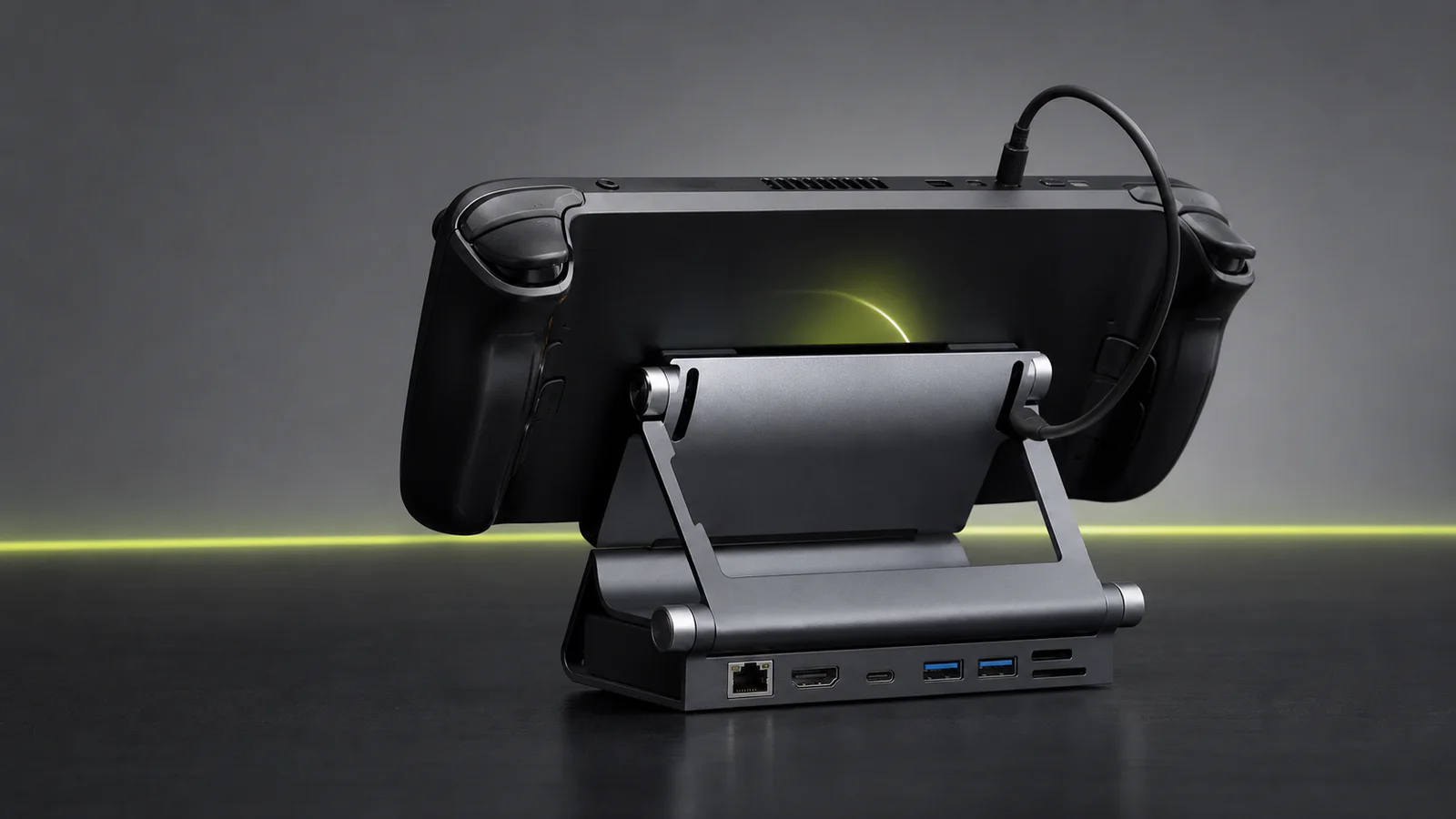
UGREEN gives you an adjustable stand, card readers and faster data ports. Valve adds DisplayPort, VRR, an included charger and first-party firmware.
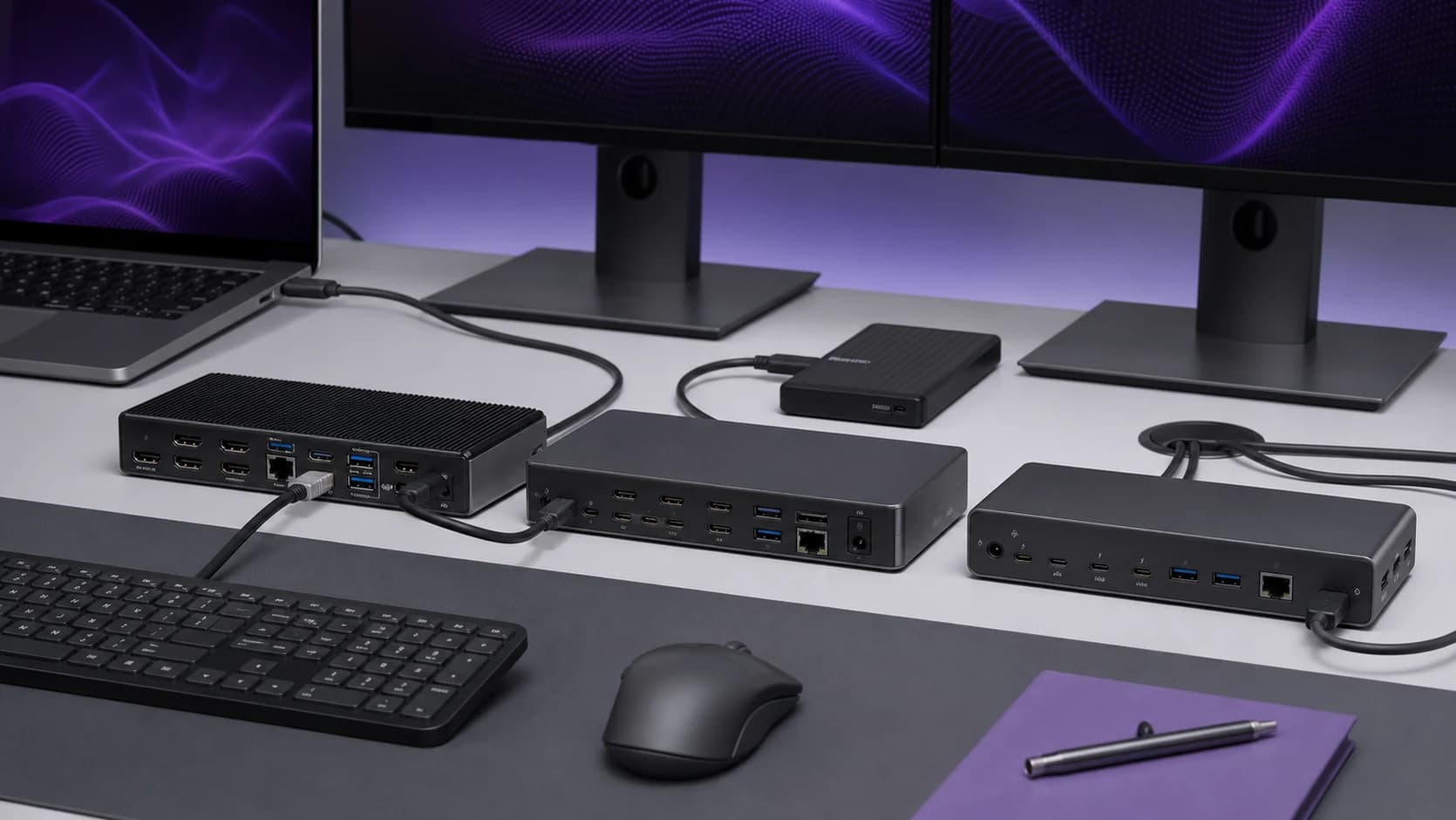
A Thunderbolt dock can run two Mac displays only when the Mac itself supports that display count and the dock documents the right macOS connection path.
UGREEN's model 25869 dock adds an adjustable stand, card readers and two 10Gbps ports, but skips DisplayPort and a charger. Here is who should buy it.
UGREEN is the flexible Steam Deck dock; Valve is better for DisplayPort and official support. Compare four docks, ports, chargers, and fit limits.
Thunderbolt 5 docks promise more display and storage headroom, but many desks are still better served by Thunderbolt 4 or USB4.
The CalDigit TS5 is a complete 15-port desk dock; the OWC Thunderbolt 5 Hub is a simpler expansion hub. Here is which one fits your setup.
Choose a laptop dock by your exact computer, monitor inputs and charging needs. Compare three options and check compatibility before buying.
Compare the CalDigit TS4 and Plugable UD-4VPD on ports, charging and display support, including the Mac compatibility limits that matter.
Choose a Thunderbolt 4 or USB4 dock by downstream ports, display connections and shared bandwidth. Plan storage, Ethernet and charging together.
Most ‘MacBook USB‑C hubs’ are fine. until you add a second display, fast storage, and a flaky HDMI cable. Here’s what actually matters, what to buy, and what to avoid.