10 articles tagged "kvm switches"
Stop rebuilding your desktop after every KVM switch. Check Windows 11 settings, persistent display detection and EDID before buying an emulator.
Video works but your KVM keyboard or mouse does not? Check host cables, USB ports, wireless receivers and Mac permissions before replacing hardware.
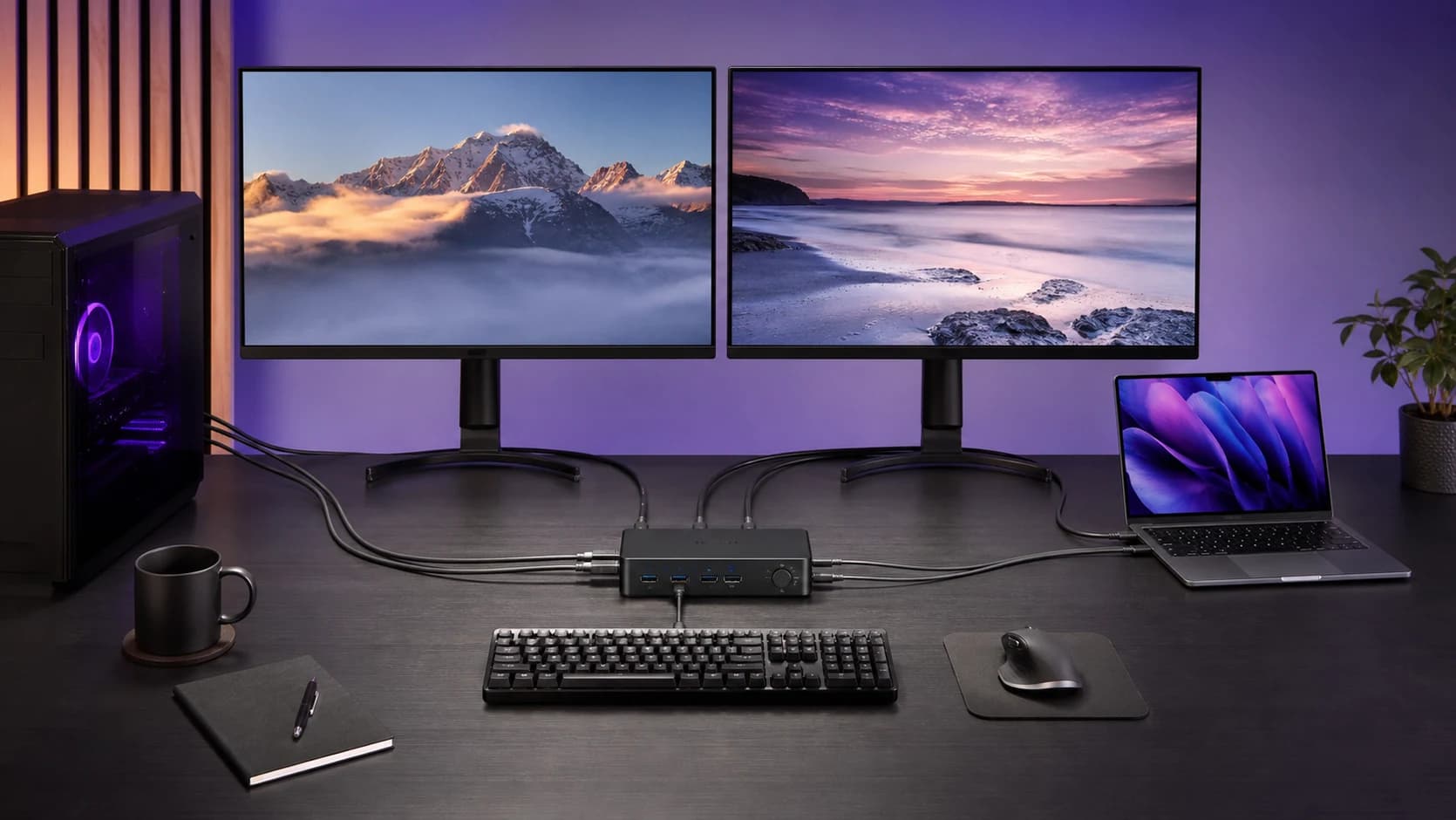
Connect a laptop and desktop to two monitors without buying the wrong KVM. Check video feeds, cable counts, USB-C, Mac support and charging first.
A KVM black screen is usually a signal-path, bandwidth, wake, or EDID problem. Use this order to isolate the fault without replacing everything.
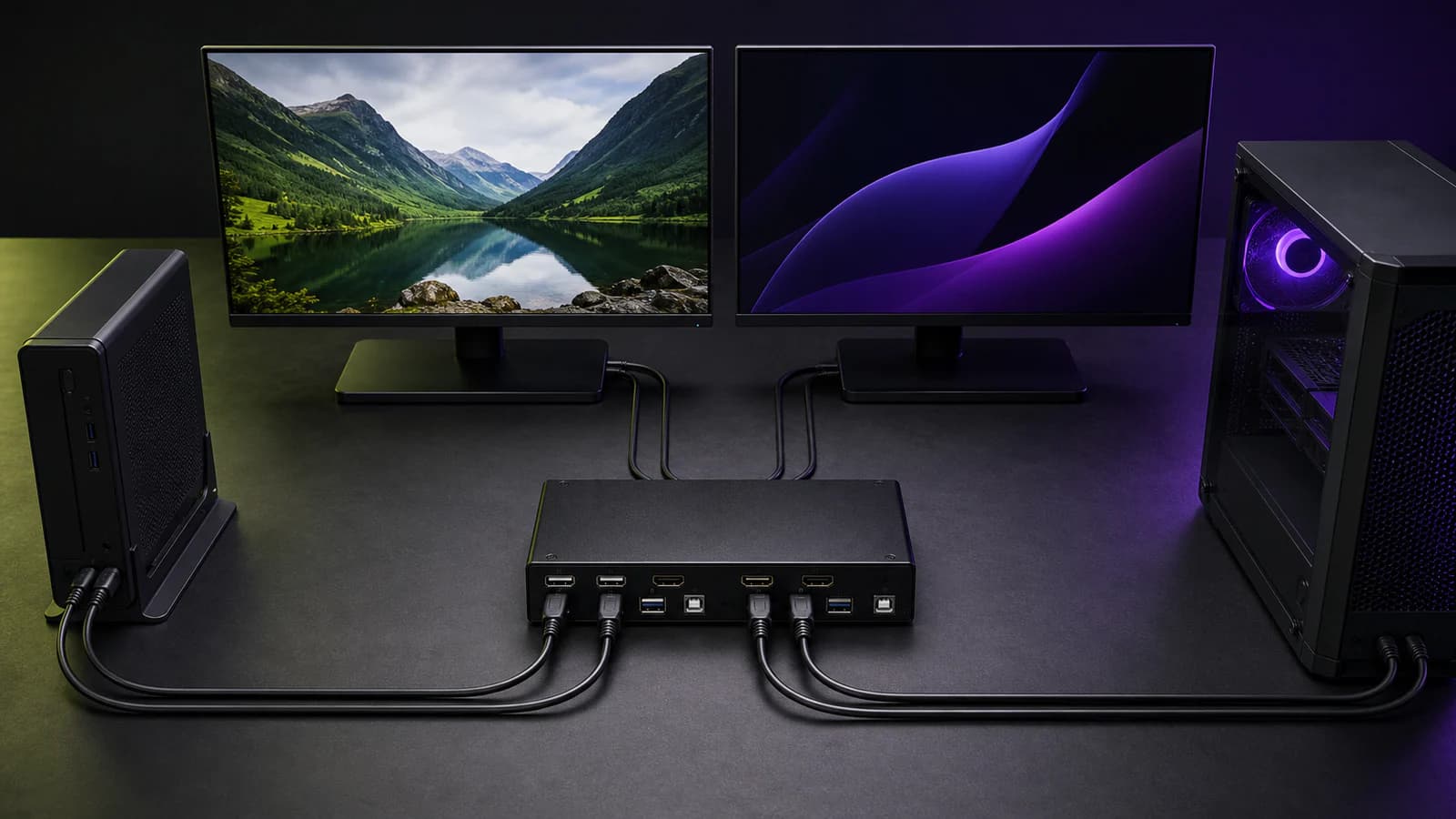
Choose HKS202-P23 for a dual-4K60 HDMI desk or DKS202-M24 for DisplayPort and high refresh. Compare ports, cables, EDID, and buyer fit.
The HDC202-X24 switches a Thunderbolt laptop and HDMI/DP desktop across two monitors, but 60W charging and display limits matter.
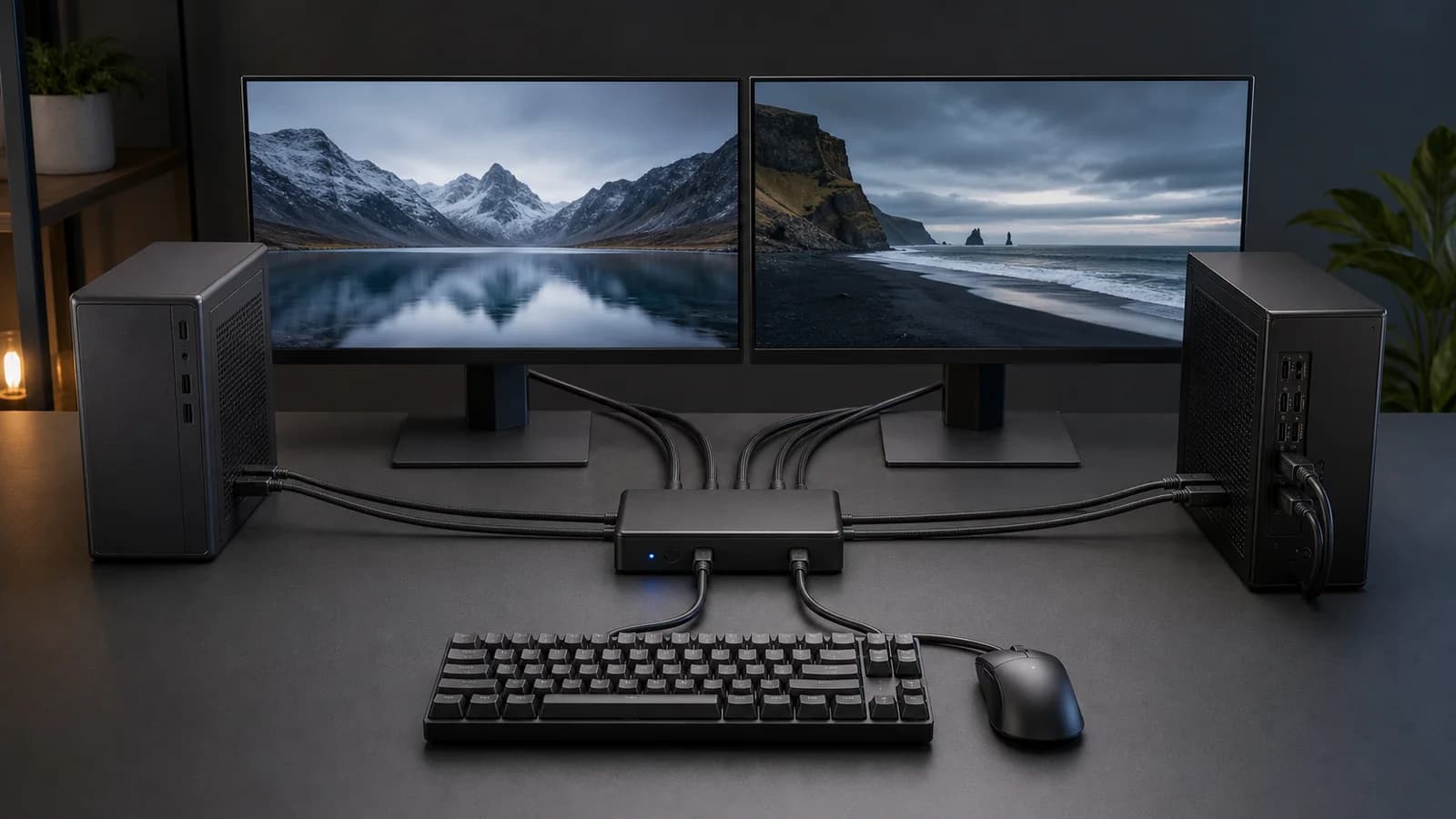
The DKS202-M24 switches two DisplayPort PCs across two monitors with EDID and high-refresh support. Check the six-cable layout and laptop limits first.
UGREEN's 55851 switches two DisplayPort computers across two monitors and four USB devices, but it lacks EDID, hotkeys, charging, and included DP cables.
The HKS202-P23 handles two HDMI computers and dual 4K60 monitors well, but its six video cables make setup fit more important than extra features.
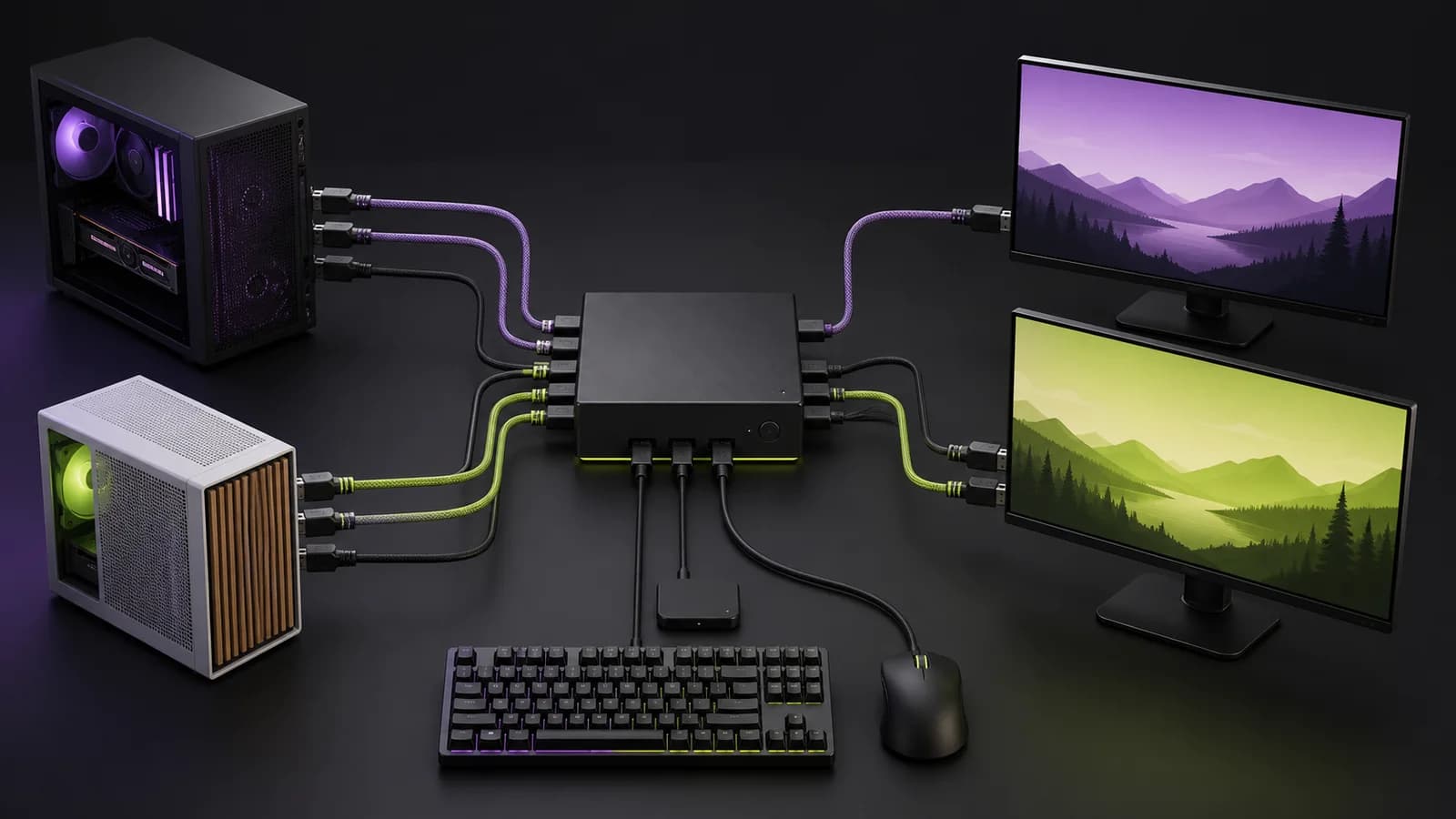
The right dual-monitor KVM depends on your ports, refresh rate, and whether you are switching desktops, laptops, or one of each. These are sensible 2026 picks.