Logitech G Pro X Superlight 2 vs Razer DeathAdder V3 Pro: Which Wireless Gaming Mouse Wins?
The two most-bought wireless gaming mice of 2026. Superlight 2 is the claw-grip esports default; DeathAdder V3 Pro is the palm-grip ergonomic flagship. Here is the honest comparison.
Editorial evidence review
Recommendations are checked against product documentation, availability, comparative evidence, and clearly disclosed hands-on work where it exists.
Quick picks
The short answer, with the trade-offBest for claw + fingertip grip
Logitech G Pro X Superlight 2 Wireless
Best for palm grip + ergonomic shape
Razer DeathAdder V3 Pro Wireless
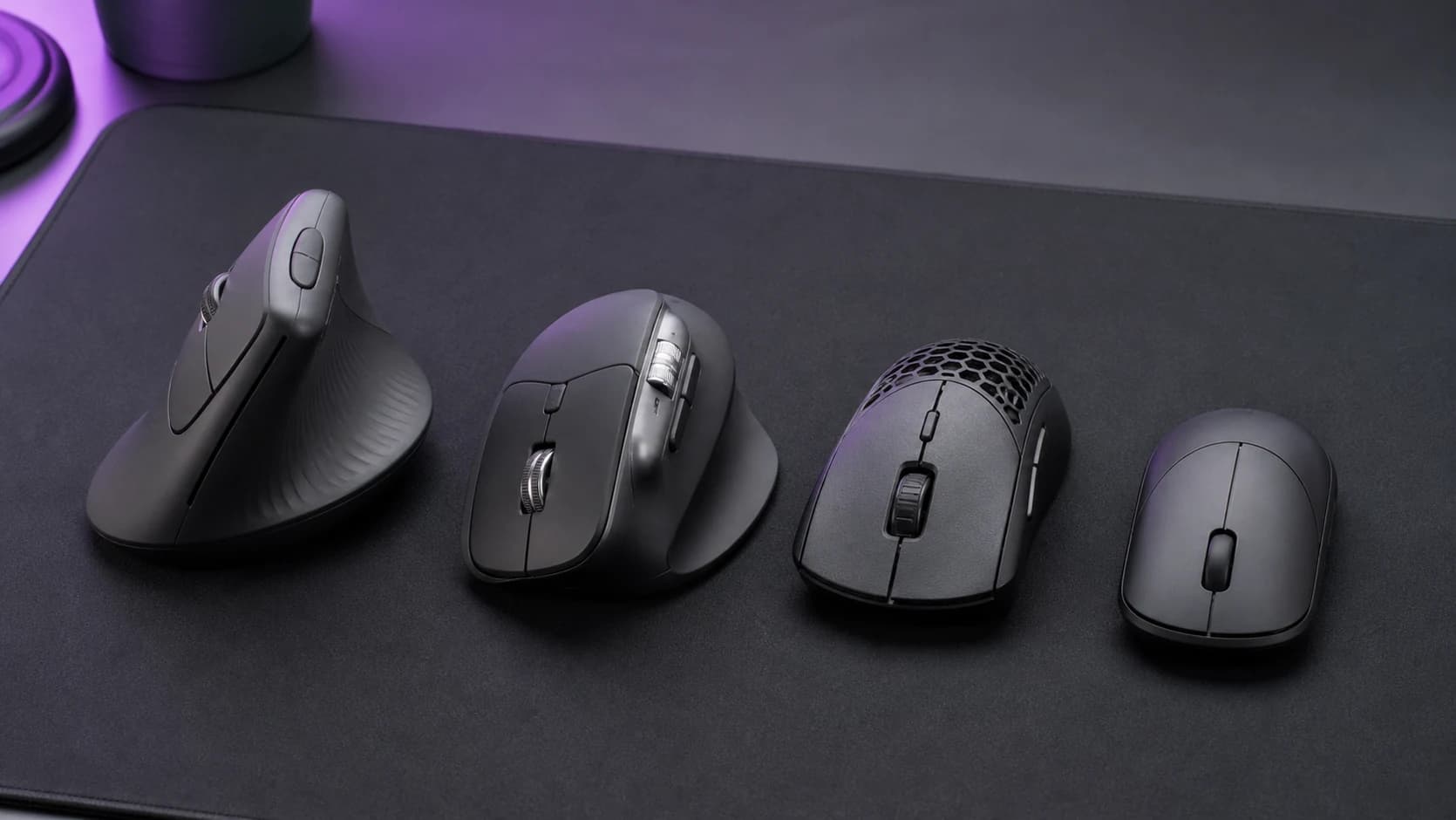
Both mice sit at the top of every "best wireless gaming mouse" list in 2026. Both cost roughly the same. Both weigh under 65 grams. Both have best-in-class sensors. The difference is entirely shape — and picking the wrong shape is the most common gaming-mouse mistake, full stop.
This isn't a "which is better" comparison. It's a "which fits your hand" comparison.
Quick verdict
- Buy the Superlight 2 if: your grip is claw or fingertip, your hand is small-to-medium (under 19cm palm length), and you want the current esports default.
- Buy the DeathAdder V3 Pro if: your grip is palm, your hand is medium-to-large (17cm palm and up), you're right-handed, and you want a mouse that supports your hand instead of sitting passively under it.
Neither is objectively better. They solve different hand geometries.
Shape — the entire comparison
G Pro X Superlight 2: symmetric ambidextrous shape with a subtle hump in the centre. Low profile (~39mm tall). The back third of the mouse is meant for fingertips to rest on, not palm. If you grip palm-style, the rear hump doesn't fill your palm and you'll feel unsupported.
DeathAdder V3 Pro: right-handed ergonomic shape with a pronounced rear hump and thumb relief on the left side. Tall (~44mm). The back of the mouse is meant to fill your palm like a contoured handle. Under a claw grip, the hump fights the grip rather than supporting it.
Winner for: claw/fingertip → Superlight 2. Palm → DeathAdder V3 Pro. This is not a close call — the shapes are designed for different grips.
Weight
Superlight 2: 60g. Noticeably lighter than the DeathAdder. Faster flicks, less fatigue on long sessions, but fragile-feeling to some.
DeathAdder V3 Pro: 63g. Only 3g heavier but it feels like more because the weight distribution is different (more toward the rear).
Winner: Superlight 2 on raw weight, but both are in the "excellent" weight class.
Sensor and polling
Superlight 2: HERO 2 sensor, 44K DPI, 888 IPS, 8000 Hz polling with the optional HyperPolling dongle upgrade.
DeathAdder V3 Pro: Focus Pro 30K sensor, 750 IPS, 4000 Hz polling with the optional HyperPolling dongle.
Winner: Superlight 2 on paper specs. In practice, both sensors are indistinguishable during actual gaming — the difference matters only in 240 Hz+ monitor territory for pro-level reaction times.
Switches
Superlight 2: LIGHTFORCE hybrid optical-mechanical switches. Tactile feel of mechanical, durability of optical. Arguably the best-feeling mouse button tactility on the market.
DeathAdder V3 Pro: Razer Gen-3 optical switches. 90 million click lifespan. Pure optical — no mechanical-style tactility (clicks feel slightly lighter). Won't develop double-click issues.
Winner: personal preference. LIGHTFORCE feels crisper; Gen-3 optical lasts longer on paper.
Battery and charging
Superlight 2: up to 95 hours, USB-C charging. This is Logitech's biggest upgrade over the Gen 1 Superlight (which used micro-USB).
DeathAdder V3 Pro: up to 90 hours, USB-C charging.
Winner: tied. Both run about 1.5 weeks of daily heavy use between charges.
Wireless performance
Both use their own low-latency wireless: Logitech Lightspeed and Razer HyperSpeed. Both under 1ms latency. Both indistinguishable from wired in blind testing.
Winner: tied.
Software
Logitech G HUB: comprehensive, reliable, slightly heavy on system resources. Profile sync across machines. Works well on macOS and Windows.
Razer Synapse: the most feature-rich software in gaming peripherals. Occasionally stability issues on Windows, especially after updates. macOS support is limited.
Winner: Logitech for reliability and macOS. Razer for feature depth on Windows.
Price
Both retail around $160 MSRP. Both routinely go on sale to $120–140. At equal price, the choice is still 100% shape.
The fit test — before you buy
If possible, test on a friend's mouse or at a Best Buy / MicroCenter:
- Rest your hand on the mouse without clicking.
- Superlight 2: your palm should float slightly above the back of the mouse. Fingers make the clicks.
- DeathAdder V3 Pro: the back hump should fill the hollow of your palm. Your hand should feel supported, not stretched.
If the Superlight feels "too small" under your palm, you're a palm gripper → DeathAdder.
If the DeathAdder feels "too tall" and pushes against your palm awkwardly, you're a claw/fingertip gripper → Superlight.
Alternatives worth considering
- Razer Viper V2 Pro: Razer's claw-grip answer to the Superlight 2. If you love Razer's aesthetic but grip claw.
- Logitech MX Master 4: the productivity-first alternative if you mostly work and game occasionally. Review: Logitech MX Master 4 Review.
- Glorious Model O 2 Wireless: lightweight honeycomb alternative at a lower price point.
- Budget pick: Logitech G Pro X Superlight Gen 1 — still sold, still excellent, routinely $40–60 cheaper than Gen 2.
See Best Gaming Mice (2026) for the full roundup.
If you want the current Razer version of the same shape decision, compare the Viper V4 Pro with the DeathAdder V4 Pro. The Viper is lower and lighter; the DeathAdder is taller and right-handed ergonomic. For a newer symmetrical rival, our Viper V4 Pro vs Logitech G Pro X2 Superstrike comparison covers Logitech's adjustable click system.
The final word
If you already know your grip style, the decision takes 30 seconds: Superlight 2 for claw/fingertip, DeathAdder V3 Pro for palm. If you don't know your grip style, spend a day observing how you hold your current mouse — that's the free answer.