Best Gaming Monitors (2026): 1440p and 4K Picks That Actually Matter
The best gaming monitors for competitive 1440p, 4K HDR, OLED value, and budget PC gaming, with the trade-offs that matter before you buy.
Research-based buying guide
Recommendations are checked against product documentation, availability, comparative evidence, and clearly disclosed hands-on work where it exists.
Quick picks
The short answer, with the trade-offBest overall
ASUS ROG Swift OLED PG27AQDP
480Hz WOLED at 1440p
Trade-off: Needs exceptional frame rates to justify 480Hz
Best value OLED
LG 27GR95QE OLED
Trade-off: Older model that only makes sense at a useful discount
Best 4K OLED
Dell Alienware AW3225QF
Trade-off: Curved panel will not suit everyone
Best budget 1440p
Samsung Odyssey G5 G50F (27-inch)
Trade-off: LCD contrast cannot match OLED
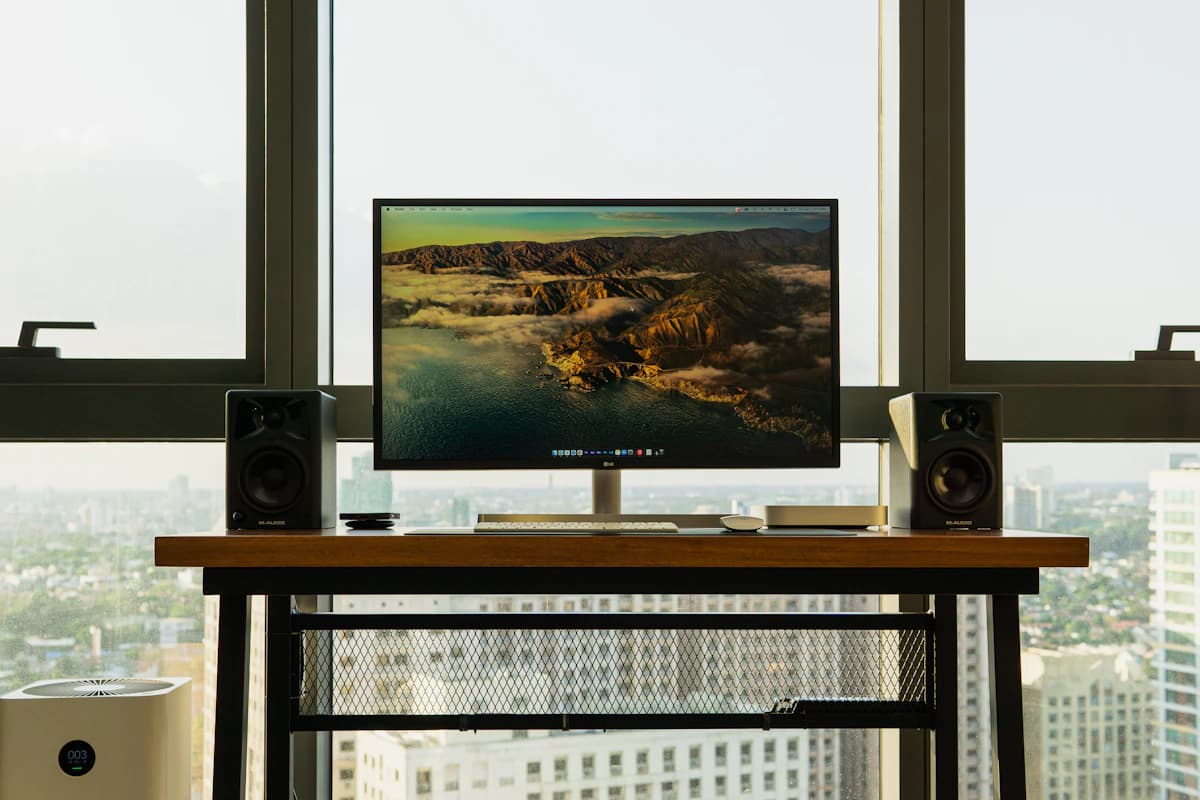
Gaming monitor marketing is exhausting. Every panel is "the fastest," every HDR badge is meaningless, and half the spec sheets read like a fever dream of acronyms nobody asked for.
Here's what actually matters in 2026: resolution your GPU can sustain, refresh rate you can use, motion clarity, HDR hardware, ports, and a panel you can live with outside games.
This is a research-based shortlist using current manufacturer specifications, panel documentation, warranty terms, and comparative measurements from established monitor testers. SolderMag has not completed hands-on testing of these four models, so the recommendations below do not claim our own response-time, brightness, colour, or burn-in measurements.
SolderMag Take: OLED won the gaming monitor war. now it's about picking the right size
The debate is over. OLED panels deliver better motion clarity, real contrast, and HDR that actually looks like HDR. IPS and VA still have a place at budget tiers, but if your GPU can push the pixels, OLED is the correct answer for gaming in 2026.
The real question now is:
- 1440p OLED for competitive speed and GPU headroom
- 4K OLED for visual fidelity and console-friendly 16:9 gaming
- Budget 1440p IPS if you're GPU-limited and want 165Hz+ without selling a kidney
Don't let anyone upsell you on a feature your GPU can't feed.
Our top gaming monitor picks for 2026
Best overall: ASUS ROG Swift OLED PG27AQDP
This is the speed-first pick. ASUS pairs a 2560 × 1440 resolution with a 480Hz WOLED panel, giving competitive players far more refresh-rate headroom than a 240Hz display without the GPU load of 4K. The trade-off is straightforward: 480Hz matters most for esports workloads that can actually sustain several hundred frames per second.
Why it wins:
- 480Hz WOLED at 2560 × 1440
- Per-pixel light control and VESA DisplayHDR True Black 400 certification
- G-SYNC Compatible and FreeSync Premium support
- 1440p is easier to drive at very high frame rates than 4K
ASUS ROG Swift OLED PG27AQDP
Why it works
- 480Hz WOLED at 1440p
- Per-pixel contrast
- Built for very high-frame-rate competitive games
Main trade-off
- Needs exceptional frame rates to justify 480Hz
- OLED remains a cautious choice for heavy static desktop use
Best value OLED: LG 27GR95QE OLED
LG's 27GR95QE-B is an older 1440p 240Hz WOLED model, which is exactly why it can make sense: it covers the core OLED gaming benefits without charging for 360Hz or 480Hz speed that many systems cannot use. Treat it as the value pick only when it is meaningfully cheaper than newer 27-inch OLED monitors.
Why it wins:
- 1440p 240Hz WOLED with broad current-game support
- Excellent for dark-room gaming (deep blacks, minimal bloom)
- LG's gaming features (Black Stabilizer, crosshair) are genuinely useful
LG 27GR95QE OLED
Why it works
- 240Hz 1440p OLED
- Per-pixel contrast
- HDMI 2.1 and DisplayPort 1.4
Main trade-off
- Older model that only makes sense at a useful discount
- OLED remains a cautious choice for static desktop use
Best 4K OLED: Dell Alienware AW3225QF
The AW3225QF is a 32-inch, 3840 × 2160, 16:9 QD-OLED monitor with a 1700R curve and 240Hz refresh rate. It is not an ultrawide. Buy it for sharp 4K presentation, per-pixel contrast, and HDMI 2.1 console support; skip it if your PC cannot sustain useful 4K frame rates or you want a flat panel.
Why it wins:
- 4K QD-OLED with 240Hz. the full package
- 32-inch 16:9 panel with a 1700R curve
- Dolby Vision and VESA DisplayHDR True Black 400 support
Dell Alienware AW3225QF
Why it works
- 4K 240Hz QD-OLED in a 32-inch 16:9 format
- HDMI 2.1 for 4K console use
- Per-pixel contrast
Main trade-off
- Curved panel will not suit everyone
- 4K at high frame rates needs a fast GPU
Best budget 1440p: Samsung Odyssey G5 G50F (27-inch)
Not everyone needs OLED, and not every GPU can push 4K. Samsung's 27-inch Odyssey G5 G50F pairs a 2560 × 1440 Fast IPS panel with a 180Hz refresh rate. It will not match OLED contrast, but it avoids OLED's static-content trade-off and keeps the resolution sensible for mid-range gaming PCs.
Why it wins:
- 1440p 180Hz IPS. fast, sharp, affordable
- G-SYNC Compatible and AMD FreeSync support
- Official specifications are available directly from Samsung
Samsung Odyssey G5 G50F (27-inch)
Why it works
- 180Hz 1440p Fast IPS
- No OLED burn-in concern
- Adaptive-sync support
Main trade-off
- LCD contrast cannot match OLED
- Use the official link because no exact Amazon listing was verified
How to choose the right gaming monitor in 2026
Match the monitor to your GPU, not your dreams
Check benchmarks for your exact GPU, game, quality setting, and target resolution. A 4K 240Hz monitor can still look excellent below 240 frames per second, but do not pay for maximum refresh rate you rarely approach.
- Competitive games: prioritise frame rate and motion clarity; 1440p reduces GPU load.
- Single-player games: 4K detail and HDR may matter more than reaching the panel's ceiling.
- Mixed work and gaming: consider text clarity, static-content use, and burn-in risk alongside game performance.
Panel type: the quick version
- OLED (QD-OLED / WOLED): Per-pixel contrast and fast transitions, with burn-in risk for static content.
- IPS: Predictable viewing angles and no burn-in concern, usually with weaker native contrast.
- VA: Better native contrast than IPS, but response behaviour varies widely by model.
HDR: ignore the badge, check the panel
An HDR input badge alone does not guarantee useful HDR. Look for per-pixel light control or dense full-array local dimming, a wide colour gamut, and measurements that show how brightness behaves in real scenes. OLED handles contrast naturally; mini-LED LCD can deliver stronger full-screen brightness but may show blooming.
Console gaming: check the exact HDMI mode
For 4K at 120Hz from a PS5 or Xbox Series X, look for a monitor that explicitly supports that mode over HDMI, usually through HDMI 2.1 bandwidth. A 1440p monitor may support 120Hz over HDMI 2.0. Check the exact resolution, refresh rate, VRR range, and console compatibility rather than relying on the port label alone.
Burn-in: real risk, manageable in practice
OLED burn-in is real. Static HUD elements, taskbars, and application chrome can wear unevenly over long use. Modern OLEDs use pixel shift, screen savers, and compensation cycles to reduce risk, but they do not make burn-in impossible. If the monitor will spend most of its life showing static desktop tools, an IPS or mini-LED LCD is the safer fit.
Gaming monitor red flags
- "1ms response time" on IPS. usually MPRT (not real pixel transition). Check GtG measurements.
- "HDR10 compatible". means it can accept an HDR signal, not that it can display one meaningfully.
- No independent response measurements. panel type alone does not tell you how much overshoot or dark smearing a model has.
- No VESA mount. you're stuck with the bundled stand forever.
Gaming monitor buying checklist
Before you buy, confirm:
- Your GPU can consistently hit the monitor's resolution + refresh rate in your games
- The panel type matches your priority (OLED for quality, IPS for budget)
- It has the ports you need (DisplayPort 1.4+ for high refresh, HDMI 2.1 for console)
- The stand height-adjusts or you have a good monitor arm
- You've checked return policy (monitor quality varies unit to unit)
Sources and methodology
- ASUS ROG Swift OLED PG27AQDP specifications (27-inch 1440p WOLED, 480Hz): https://rog.asus.com/us/monitors/27-to-31-5-inches/rog-swift-oled-pg27aqdp/spec/
- LG 27GR95QE-B specifications (27-inch 1440p OLED, 240Hz): https://www.lg.com/us/monitors/lg-27gr95qe-b-gaming-monitor
- Dell Alienware AW3225QF specifications (32-inch 4K, 16:9 QD-OLED, 240Hz): https://www.dell.com/en-us/shop/alienware-32-4k-qd-oled-gaming-monitor-aw3225qf/apd/210-blmq/monitors-monitor-accessories
- Samsung Odyssey G5 G50F specifications (27-inch 1440p Fast IPS, 180Hz): https://www.samsung.com/us/monitors/gaming/27-inch-odyssey-g5-g50f-qhd-fast-ips-180hz-gaming-monitor-sku-ls27fg502enxza/
- Comparative measurement methodology: https://www.rtings.com/monitor/tests and https://tftcentral.co.uk/
- Amazon US links for the ASUS, LG, and Dell models returned HTTP 200 with the configured
soldermag-20tag on July 21, 2026. Amazon did not expose readable catalogue titles during automated verification, so model identity should be rechecked before any future link replacement.
For productivity-focused 4K panels, see our best 27-inch 4K monitors guide. If you're building out a full workspace, our desk setup essentials guide covers everything from arms to cable management. And don't forget a solid monitor arm. the bundled stand is almost never the best option.
Frequently Asked Questions
Is 4K worth it for gaming in 2026?
It is worth it when image detail matters more than maximum frame rate and your system can sustain the games and settings you use. Check benchmarks for your exact GPU, game, resolution, and quality settings. For competitive games, 1440p often leaves more frame-rate headroom.
OLED or LCD for gaming monitors?
OLED for visual quality, contrast, and response time. LCD for sustained-static-content workflows (productivity, coding alongside gaming) where burn-in risk matters. Modern OLED has aggressive burn-in prevention but the risk isn't zero.
Do I need G-Sync or FreeSync?
Yes if you can't lock framerate above the monitor's refresh rate. Variable refresh rate removes tearing without input lag. Most monitors in 2026 support both. The "G-Sync Compatible" / "AMD FreeSync Premium" labels mean it works on either GPU brand.
How much does refresh rate actually matter?
60Hz to 144Hz is a transformative upgrade. 144Hz to 240Hz is noticeable in fast games. 240Hz to 360Hz+ is marginal for most players, real for top-tier competitive shooters. Buy 144Hz minimum, 240Hz if you play any FPS.
Should I get an ultrawide or two regular monitors?
Ultrawide for immersion and single-task gaming. Dual monitors for productivity (different windows on different screens). For pure gaming, 34" ultrawide at 1440p is the immersion sweet spot.
What about HDR — does it work properly in 2026?
HDR can look excellent on a well-implemented OLED or mini-LED display with properly mastered content. The certification tier is only a starting point: check measured brightness, local-dimming behaviour, colour gamut, tone mapping, and how the monitor handles SDR content alongside HDR.