Best OLED Monitors (2026): Gaming, Work, and Burn-In Tradeoffs
OLED monitors look incredible, but they are not the right fit for every desk. Here is how to choose one without ignoring burn-in risk.
Editorial evidence review
Recommendations are checked against product documentation, availability, comparative evidence, and clearly disclosed hands-on work where it exists.
Quick picks
The short answer, with the trade-offBest 27-inch 4K OLED class
27-inch 4K OLED gaming monitor
Best 32-inch 4K OLED class
32-inch 4K OLED monitor
Best ultrawide OLED class
OLED ultrawide monitor
Best LCD alternative
Mini-LED 4K monitor
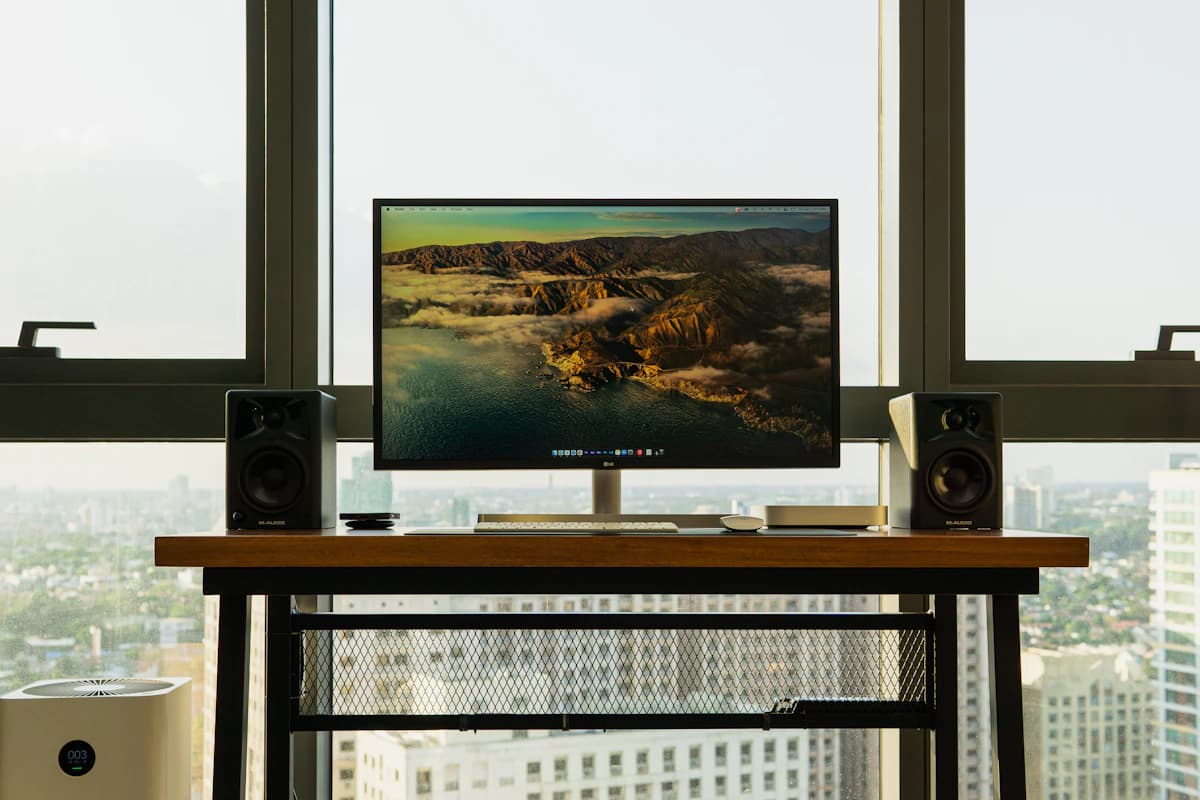
OLED monitors can make ordinary LCD displays look flat. Perfect blacks, fast pixel response, and rich contrast are real advantages for games, movies, and visual work. The tradeoff is also real: static desktop UI, mixed text rendering, and burn-in risk make OLED a more complicated work monitor.
This guide is for buyers deciding whether OLED belongs on a desk, not just in a gaming setup.
SolderMag Take: OLED is brilliant for motion, risky for static work
Buy OLED if your monitor spends a lot of time on games, video, creative review, and varied full-screen content. Be more cautious if your screen is mostly browser tabs, spreadsheets, IDE sidebars, menu bars, and static dashboards.
The best OLED monitor is not only the panel with the best picture. It is the one with:
- a clear burn-in warranty
- sensible pixel-refresh behavior
- brightness that fits your room
- text rendering you can tolerate
- enough ports for your desk
If you mainly need sharp office text, start with our best 27-inch 4K monitors or best 32-inch 4K monitors instead.
Which OLED monitor should you buy?
27-inch 4K OLED class: best sharp gaming desk
This class is ideal for users who want dense pixels and high refresh in a normal desk footprint. It is the easiest OLED size to fit into a conventional setup, and it avoids the physical sprawl of ultrawide panels.
Choose it if you split time between gaming and regular desktop work but still care about text sharpness.
32-inch 4K OLED class: best big-screen hybrid
The 32-inch 4K OLED class is excellent for cinematic gaming, console use, and media-heavy desks. It gives you the immersive feel of a larger screen while keeping 4K resolution.
Make sure your desk is deep enough. A large OLED too close to your face can be tiring, especially with bright UI.
OLED ultrawide class: best immersive gaming
OLED ultrawides are spectacular for supported games and timeline-heavy creative work. They are less ideal if you need predictable window sharing, standard aspect ratios, or simple monitor arms.
Before buying, check whether the games and apps you use behave well on ultrawide aspect ratios.
Mini-LED 4K class: best LCD alternative
If burn-in anxiety ruins the purchase, consider Mini-LED LCD instead. You can get strong brightness and better HDR than basic IPS without the same static-image risk. Blooming and local-dimming behavior are the tradeoffs.
OLED monitor risks to understand
Burn-in
Modern OLED monitors have mitigation features, but static UI risk has not disappeared. If your screen shows the same taskbar, menu bar, IDE, or dashboard for hours every day, read the warranty carefully.
Practical mitigation helps. Use a dark theme if you like it, hide the taskbar or dock when possible, avoid leaving static dashboards on screen overnight, and let the monitor run its panel-care cycle. Those habits do not make burn-in impossible, but they make OLED ownership more realistic for mixed work and play.
Text rendering
Some OLED subpixel layouts can make text look less clean than a traditional LCD. Many people adjust quickly. Some do not. Buy from somewhere with a return path if text quality is mission-critical.
Bright rooms
OLED contrast is excellent, but sustained full-screen brightness can be lower than LCD. In a bright office, a good IPS or Mini-LED monitor may be more comfortable.
Maintenance prompts
Pixel refresh, panel care, brightness limiting, and screen movement features are part of OLED ownership. They are usually manageable, but they are not invisible.
OLED vs IPS vs Mini-LED
Choose OLED for contrast, motion clarity, and games. Choose IPS for static office work, clean text, predictable brightness, and lower maintenance. Choose Mini-LED when you want stronger HDR than basic IPS but do not want OLED burn-in anxiety.
The important point is that panel type is a workflow choice. A screen that looks best in a dark game is not automatically the screen that feels best for eight hours of code, Slack, spreadsheets, and browser tabs.
Buying checklist
Before buying an OLED monitor, confirm:
- The warranty language covers your expected use.
- The panel size fits your desk depth.
- Text looks acceptable to you at your normal scaling.
- The monitor supports the refresh rate and inputs your PC or console can actually drive.
- Panel-care prompts are not disabled or hidden in a way that encourages bad habits.
The verdict
OLED monitors are best for buyers who value contrast and motion enough to manage the tradeoffs. Choose 27-inch 4K OLED for a normal high-end gaming desk, 32-inch 4K OLED for big-screen hybrid use, ultrawide OLED for immersive games, and Mini-LED if burn-in risk is not worth it.
Related reading: Best Gaming Monitors, Best 32-Inch 4K Monitors, and How to Calibrate a 4K Monitor.
Sources and methodology
We rank OLED monitors by use-case fit, panel-care behavior, text clarity, warranty terms, brightness, port layout, and whether the product makes sense for real desktop patterns rather than showroom demos.