27 articles tagged "troubleshooting"
Laptop losing charge through a USB-C dock? Separate charge limits from low host power, compare your adapter and check the cable before replacing anything.
External SSD disconnecting on Mac or Windows? Isolate the cable, hub, port and sleep trigger without formatting your drive or buying parts at random.
Picture works but your monitor's USB ports do not? Check the upstream cable, KVM mapping and Mac permissions before buying a new hub or monitor.
One PC speaker silent? Check balance, cable channels and the speaker link on Windows or Mac, then isolate the fault before buying a replacement.
Find out why a high-refresh monitor only offers 60Hz. Check Windows or Mac settings, the exact input, cables, and dock limits before buying replacements.
Friends barely hear your headset mic? Separate low input volume from Discord cut-outs, check the selected microphone, and avoid an unnecessary replacement.
Charging does not prove USB-C video works. Check the laptop port, monitor input and cable before buying a replacement dock or a higher-wattage cable.
A wireless mouse can lag beside USB 3 drives or behind a PC. Test receiver placement, separate polling problems, and decide whether you need new hardware.
Separate Nova 7 USB detection, headset pairing and audio routing faults. Check Gen 1, Gen 2 and 7X mode before buying a replacement dongle.
Diagnose slow MagSafe charging before buying another charger: temperature holds, 80% limits, case fit, power adapters and a useful wired comparison.
A fast car charger supplies power, not a connection to your dashboard. Check wired versus wireless CarPlay or Android Auto before changing USB ports.
Stream Deck keys light up but do nothing? Separate missing plugins, wrong profiles and hotkey focus problems before resetting your layout or buying hardware.
Fix Nova 7 and Gen 2 game/chat balance on Windows: check Sonar routing, Discord output and the headset dial before resetting or replacing your headset.
USB Ethernet missing after wake? Separate USB detection, cable link and IP problems on Windows and Mac before replacing the adapter or resetting your network.
Stop rebuilding your desktop after every KVM switch. Check Windows 11 settings, persistent display detection and EDID before buying an emulator.
Pair the Cloud III S Wireless with a phone or PC, switch back to its USB receiver, and isolate connection problems before buying replacement hardware.
Original Nova 7 now supports the Companion app. Check firmware, Bluetooth pairing and app permissions before replacing your headset or resetting its dongle.
Find whether your external SSD is limited by its USB port, cable, dock or workload before buying another drive or changing its format.
A brief pause can be power sharing. Repeated dropouts need a different fix. Check the port allocation, cable and dock before buying another USB-C charger.
Separate Ethernet link speed from transfer speed, then check the router port, USB connection and cable before replacing your 2.5GbE adapter.
Trace speaker hum, buzz and hiss with a simple source-and-cable check. Find out when to change a connection, contact support or keep your speakers.
Hear yourself through your gaming headset? Learn what sidetone does, how to set it, and how to separate useful mic monitoring from delayed echo.
Video works but your KVM keyboard or mouse does not? Check host cables, USB ports, wireless receivers and Mac permissions before replacing hardware.
New SSD missing from File Explorer or Disk Management? Identify the problem, check the slot or enclosure, and avoid erasing a drive that holds files.
Game audio turns muffled when a call starts? Check the Bluetooth mode, mic routing and LE Audio support before buying a new headset or adapter.
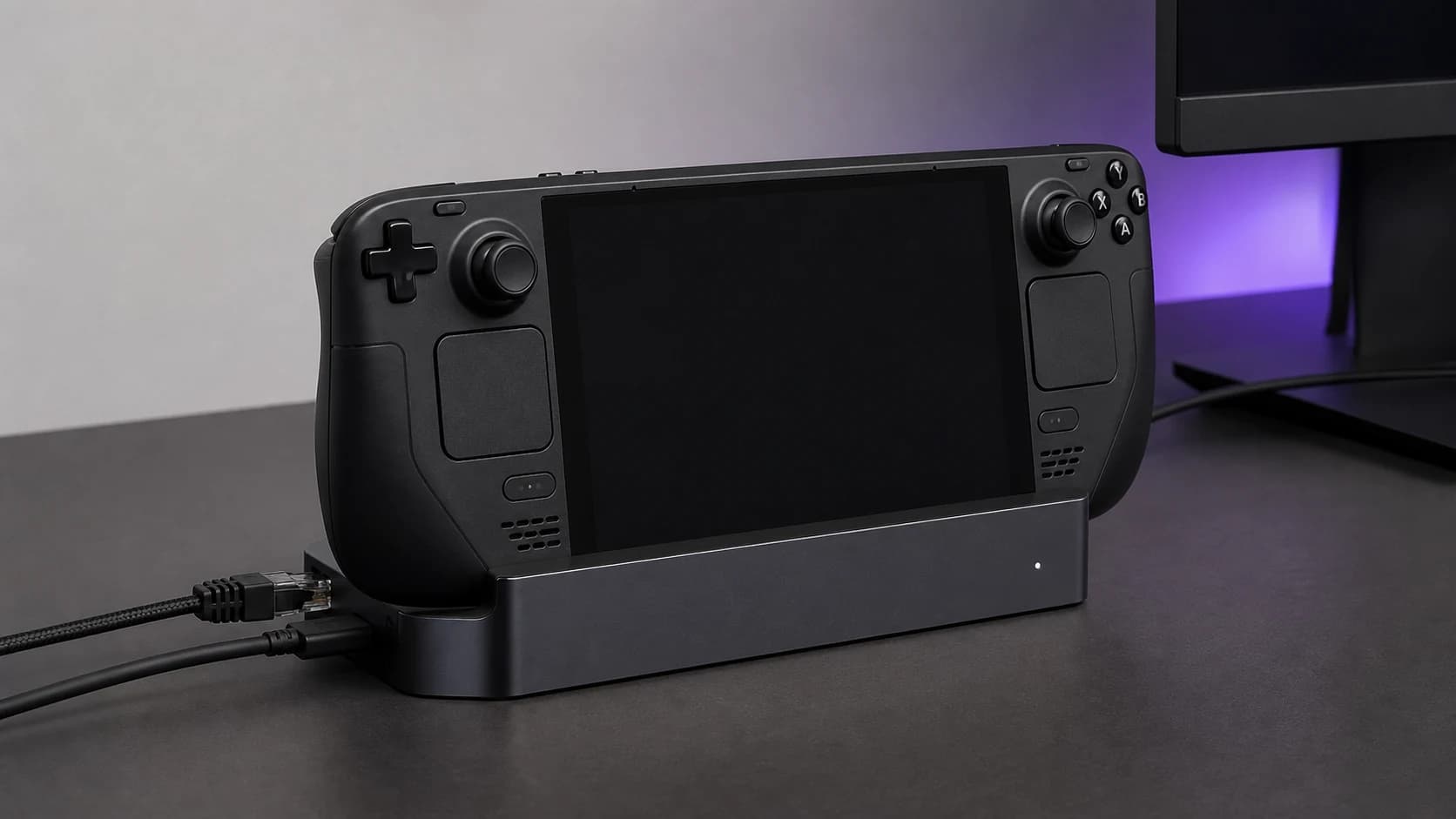
Steam Deck dock shows no signal? Try external display safe mode, isolate the cable and power path, and check the evidence before replacing your dock.
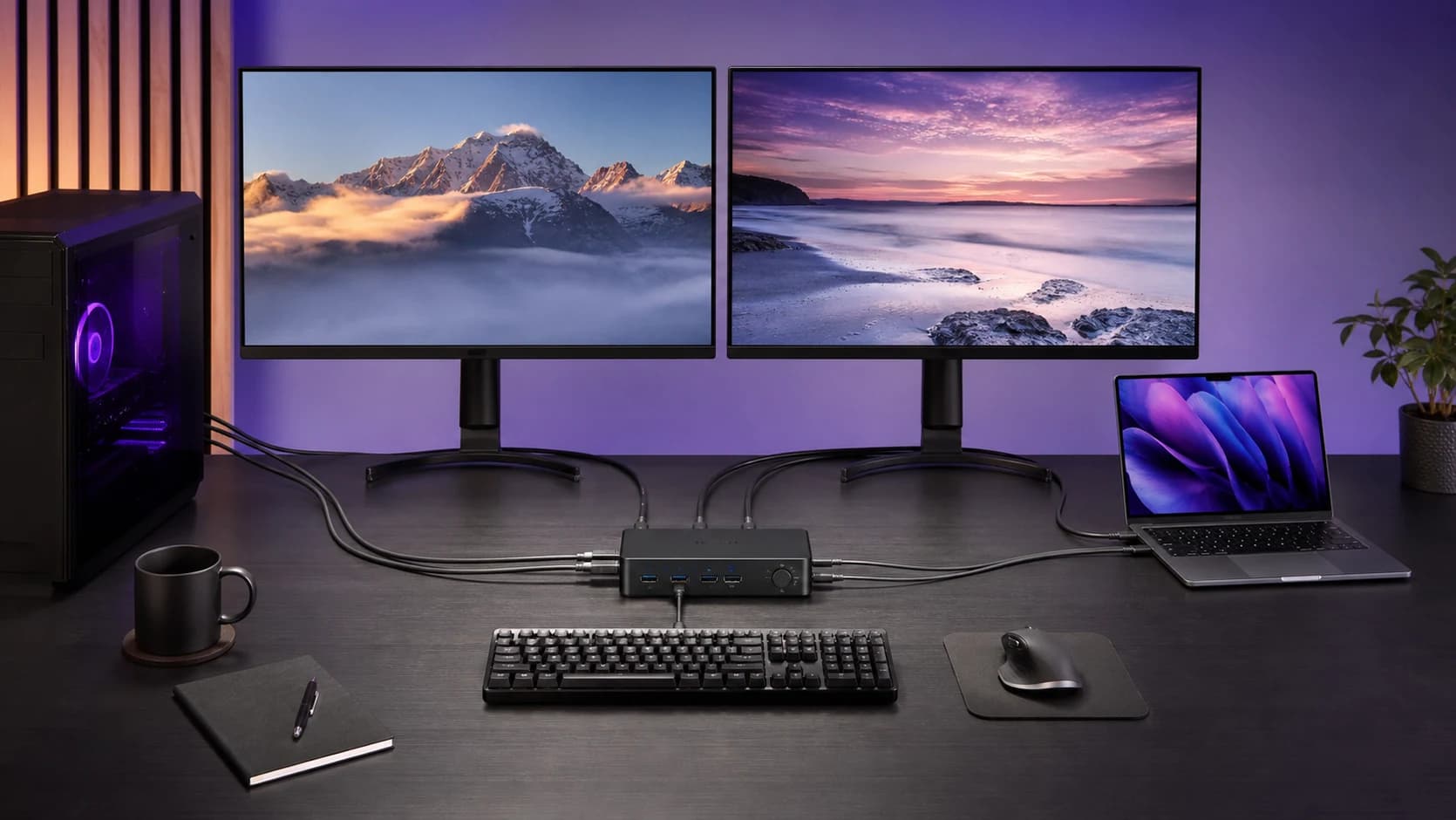
A KVM black screen is usually a signal-path, bandwidth, wake, or EDID problem. Use this order to isolate the fault without replacing everything.