Kindle Paperwhite vs Kobo Libra Colour (2026): The Honest E-Reader Choice
Updated June 2026. Kindle Paperwhite still wins for most readers, but the Kobo Libra Colour rewards anyone who sideloads, borrows library e-books, or wants colour highlighting. Five real differences that decide which one's right for you.
Editorial evidence review
Recommendations are checked against product documentation, availability, comparative evidence, and clearly disclosed hands-on work where it exists.
Quick picks
The short answer, with the trade-off
Best for Amazon ecosystem + most readers
Kindle Paperwhite (12th gen, 16GB, no lockscreen ads)
Best for sideloaders + library users
Kobo Libra Colour
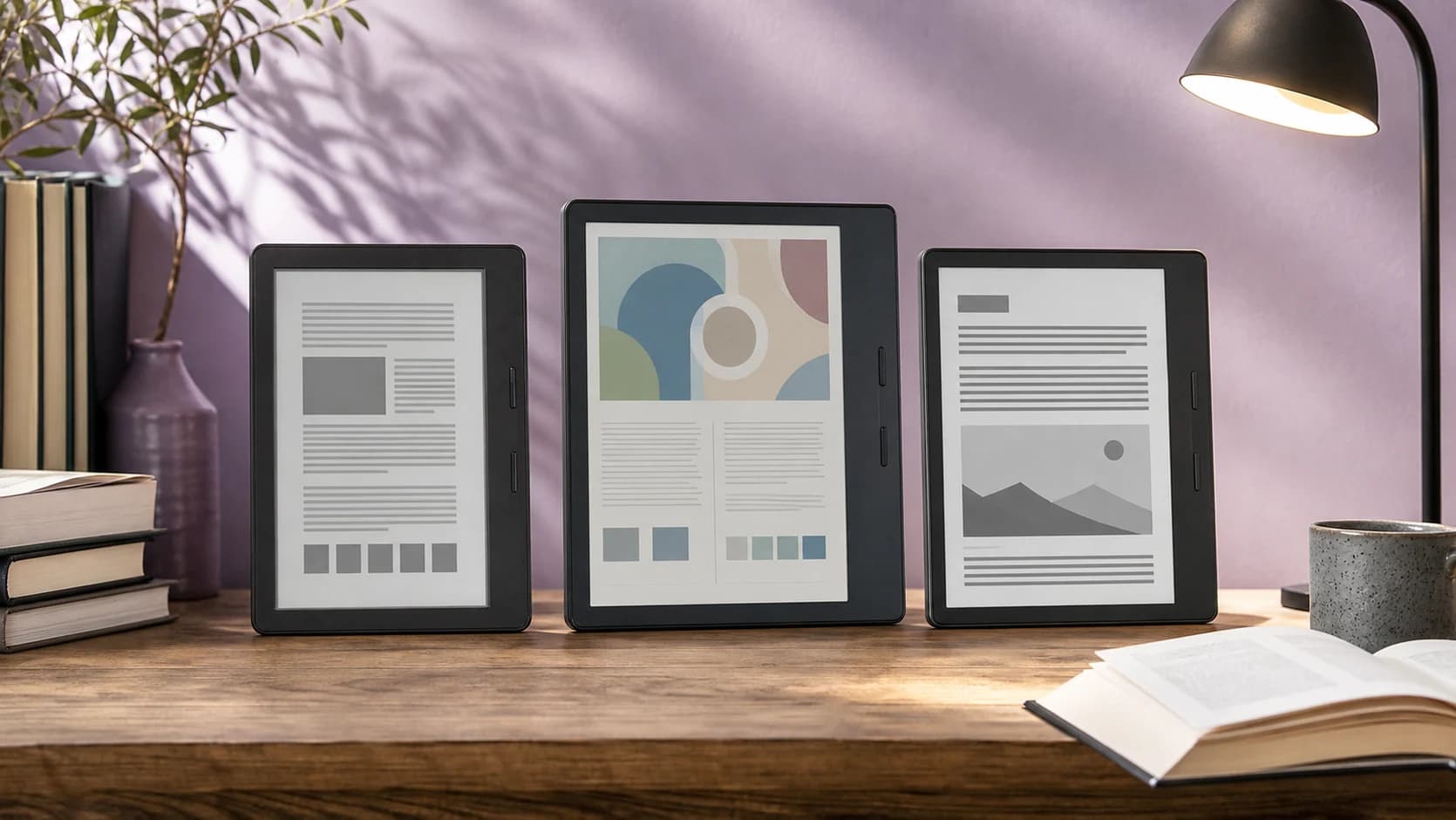
The Kindle Paperwhite and Kobo Libra Colour are both 7-inch front-lit e-readers, but they solve different problems. Paperwhite is the simpler Amazon choice; Kobo adds colour, physical page buttons, and a more open file workflow. If you have already chosen Kindle and are deciding whether colour matters, read our Kindle Colorsoft vs Paperwhite comparison.
Both have IPX8 water resistance, both have warm-light front-lighting, both have weeks-long battery life, and both display books just fine. If those are your only requirements, flip a coin. If you care about the things below, the right answer becomes obvious.
The one-line answer
Buy Amazon books and want the simplest experience: Kindle Paperwhite. Borrow library e-books, sideload EPUBs, or want page-turn buttons and colour highlights: Kobo Libra Colour.
The five differences that decide it
1. Library e-books
This is the single biggest practical difference in 2026:
- Kindle Paperwhite: Library e-book support depends on your region and library system. In the US, many Libby loans can be sent to Kindle, but the flow still routes through Amazon.
- Kobo Libra Colour: OverDrive support is built into the Kobo reading workflow in supported countries, so library e-book borrowing feels less bolted-on.
If you use your library card heavily for e-books, the Kobo has the cleaner device-first path. Library audiobooks are different: expect to use the Libby phone app rather than treating either e-reader as a full library-audiobook device.
2. Sideloading and format support
- Kindle Paperwhite: Send to Kindle accepts EPUB now (since 2022), converts internally to KFX, mostly works but occasionally bungles tables of contents and footnotes. PDFs render poorly. No native CBR/CBZ.
- Kobo Libra Colour: Native EPUB support. Drag-and-drop via USB or use Calibre. CBZ/CBR comics work. PDFs reflow better. Custom fonts via USB.
If you have a library of EPUBs or buy DRM-free books from Kobo, Smashwords, or Standard Ebooks, the Kobo is the friction-free choice.
3. Colour screen (Kobo's E Ink Kaleido 3)
- Kindle Paperwhite: 16-level greyscale only. Highlight colour shows in the Kindle app, not on the device.
- Kobo Libra Colour: E Ink Kaleido 3 colour layer. Highlights show in actual colour on the device. Book covers display in colour on the home screen. Comics and illustrated books look better.
The colour is muted (think newsprint, not iPad) and refresh rate is slower than greyscale. For text-only reading you might forget it's colour. For comics, manga, kids' books, magazines, illustrated non-fiction, or annotated study, it's a genuine upgrade.
4. Page-turn buttons
- Kindle Paperwhite: Touchscreen only. Tap-zone page turns. No physical buttons. (The pricier Kindle Oasis had buttons but was discontinued in 2024.)
- Kobo Libra Colour: Two physical page-turn buttons + asymmetric grip. Designed for one-handed reading.
If you read while lying down, on the bus holding a handrail, or while eating — physical buttons matter. The Libra's asymmetric body is genuinely the most comfortable e-reader to hold one-handed.
5. Ecosystem lock-in
- Kindle Paperwhite: Your Amazon book library, Audible audiobooks, Send-to-Kindle workflow. Tied to your Amazon account.
- Kobo Libra Colour: Kobo's own store (smaller catalogue but no quality drop), Libby library integration, Pocket read-later integration, OverDrive support.
If you've already bought 200 Kindle books, you're not changing platforms — they don't transfer (DRM). Kobo readers who switch to Kindle face the same friction in reverse. New readers without an existing library can pick freely.
What's the same
- Screen sharpness: Both are 300 ppi 7-inch displays. No visible difference for text.
- Front light: Both have adjustable warm light. Both go bright enough for outdoors.
- Water resistance: Both IPX8. Both bath-safe and pool-safe.
- Battery: Both 6+ weeks in normal use.
- Storage: Kindle 16GB / 32GB options. Kobo Libra Colour 32GB. Either holds thousands of books.
- Reading experience: With a downloaded book in front of you and your phone in another room, both deliver the same paper-like reading experience. The reading itself is not where they differ.
Price reality
The Kindle Paperwhite usually sits below the Kobo Libra Colour in Amazon's lineup, especially if you are looking at the base Paperwhite rather than the Signature Edition. The Signature Edition narrows the gap because it adds 32GB storage, wireless charging, and an auto-adjusting light.
Kobo's advantage is that the Libra Colour includes 32GB storage, physical page buttons, colour E Ink, and no lock-screen ads by design. Check the live price gap before buying: if the Paperwhite is meaningfully cheaper and you do not need colour or buttons, it is the safer value pick.
What about the Kindle Oasis or Voyage?
Discontinued. Amazon's current e-reader lineup has moved around the Kindle, Kindle Paperwhite, Kindle Scribe, and Kindle Colorsoft families. If your real decision is colour Kindle versus colour Kobo, read our Kindle Colorsoft vs Kobo Libra Colour comparison. For this page, the simpler Paperwhite vs Libra Colour split still comes down to Amazon convenience versus Kobo flexibility.
What about the Boox Go 7?
A different category. Boox Go 7 is an Android-powered e-reader that runs Kindle app, Libby app, Kobo app, comic readers, and so on. More flexible but slower, more battery hungry, and the UX is rougher. Right pick for power users who want one device to handle every store. Wrong pick if you want "open and read."
SolderMag Take: most readers should buy the Kindle, here's the exception
For 70% of readers, the Kindle Paperwhite is the right answer. You already have an Amazon account, the catalogue is the largest, the experience is the most polished, and it's cheaper.
The 30% who should buy the Kobo Libra Colour:
- You use your library card a lot for e-books — Kobo's OverDrive flow is the cleaner reading-device experience.
- You sideload EPUBs — DRM-free books, fanfiction, manuscript drafts, anything not from Amazon.
- You read comics, manga, or illustrated content — Colour and CBZ support both matter.
- You prefer physical page-turn buttons — Especially for one-handed reading.
- You want to keep ads out of your reading device on principle — Kobo has never had ads. Even the cheap Kindle has them unless you pay $20 to remove.
Frequently Asked Questions
Can I read Kindle books on a Kobo?
No, Kindle books are DRM-locked to the Kindle ecosystem. You can manually strip DRM and convert (legally grey, technically possible) but there's no built-in path. If you have a large Kindle library, switching costs are real.
Can the Kobo Libra Colour play Audible audiobooks?
No. Audible audiobooks only play on Kindle, the Audible app, or other Amazon ecosystem devices. Kobo supports Kobo audiobooks, but library audiobook listening is better handled through the Libby app on a phone.
Does the Kindle Paperwhite work with my library?
Yes for e-books (via Libby integration on US libraries — pick the title in the Libby app, send to Kindle, read on device). No for library audiobooks — those play on phone only.
Is the colour screen on the Kobo Libra Colour worth it for text-only reading?
Probably not. For pure text, the colour layer slightly reduces sharpness vs the greyscale Kobo Clara BW or Kindle Paperwhite. Worth it if you read comics, manga, illustrated non-fiction, or want highlights to display in colour.
Which has better battery life?
Both last 4–6+ weeks of normal reading on a charge. Kobo measures slightly higher in lab tests, Kindle measures slightly higher in real-world use with WhisperSync enabled. Not a meaningful differentiator.
Should I get the 16GB or 32GB Kindle?
16GB holds about 7,000 standard novels. Get 32GB only if you're loading hundreds of audiobooks (each ~100MB) or you specifically know you'll exceed it. Most readers never fill 16GB.