Best E-Readers (2026): Kindle Paperwhite vs Kobo Libra Colour vs Boox Compared
Kindle Paperwhite still wins for most readers, while Kobo, Boox, and Kindle Scribe suit library loans, open apps, colour reading, and handwritten notes.
Research-based buying guide
Recommendations are checked against product documentation, availability, comparative evidence, and clearly disclosed hands-on work where it exists.
Quick picks
The short answer, with the trade-off
Best overall
Kindle Paperwhite (16GB)
7-inch 300 ppi display with adjustable warm light
Trade-off: Locked to Amazon ecosystem

Best for library users
Kobo Libra Colour
Trade-off: Colour is muted compared to LCD

Best for colour notes
Kindle Scribe Colorsoft 64GB (Fig)
Trade-off: Amazon-centred ecosystem
Best open Android
Boox Go Color 7
Trade-off: Less polished than Kindle or Kobo
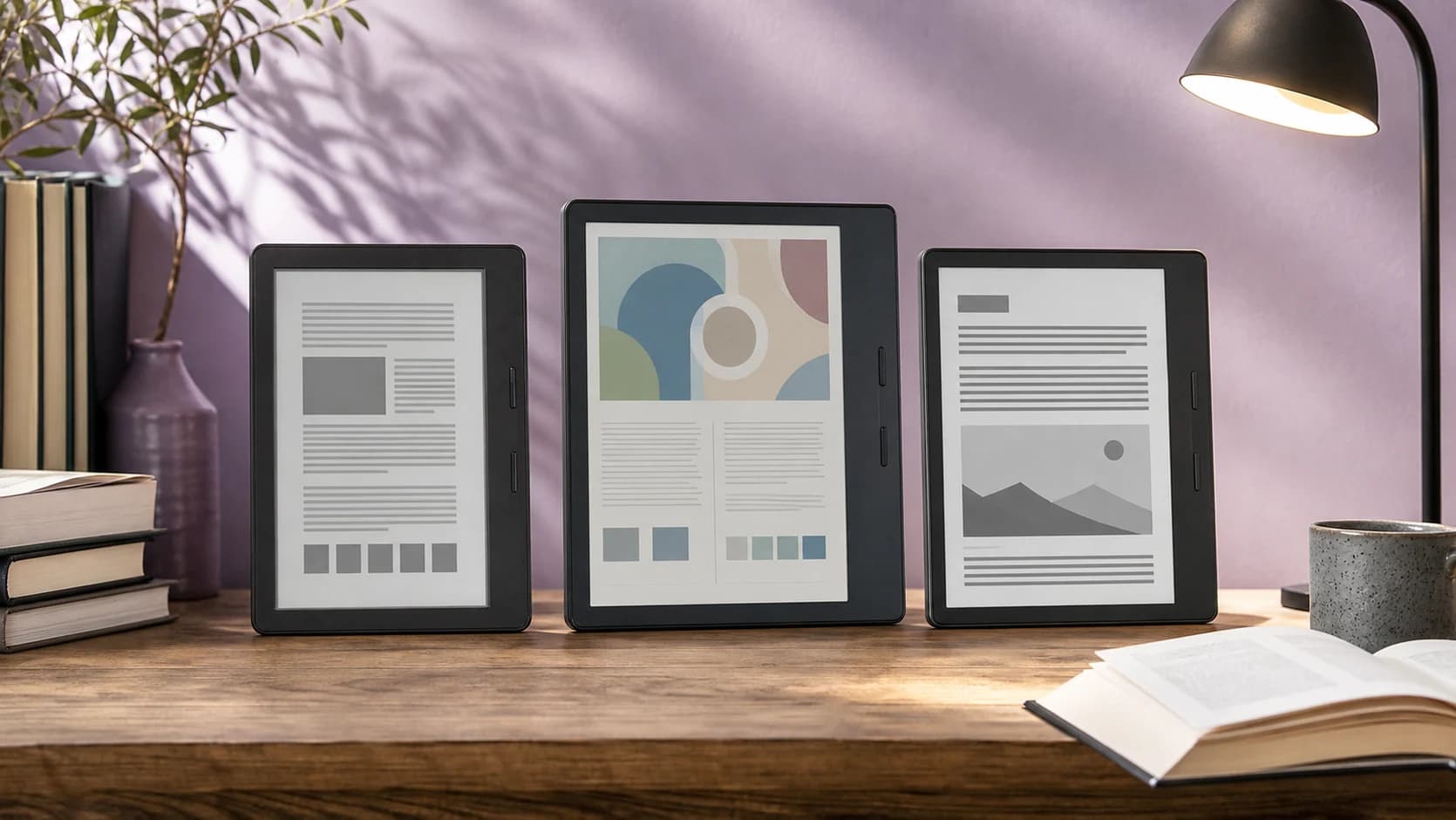
E-readers are the rare gadget that got better by doing less. No notifications, no doomscrolling, no "just one more video." You open it, you read, you close it. Battery lasts weeks.
The problem in 2026 isn't choosing between good and bad e-readers. It's choosing between four genuinely different ecosystems, each with real trade-offs in store selection, format support, and lock-in.
If your shortlist is already down to Amazon vs Kobo, read Kindle Paperwhite vs Kobo Libra Colour. If you have already chosen Amazon, our Kindle Colorsoft vs Paperwhite comparison explains when colour is worth the battery and price trade-off. If colour plus ecosystem flexibility is the reason you are shopping, use the Kindle Colorsoft vs Kobo Libra Colour comparison.
This is a research-based buying guide. We are not claiming lab testing of every model here; recommendations are based on current manufacturer specifications, platform features, availability, long-running ecosystem trade-offs, and buyer-use fit.
Quick decision table
| Pick | Buy it if | Skip it if |
|---|---|---|
| Kindle Paperwhite (16GB) | You buy Kindle books, use Audible, and want the least friction | You borrow most books from public libraries outside Amazon's flow |
| Kobo Libra Colour | Library borrowing, EPUB files, and physical page buttons matter | You already own a large Kindle library |
| Kindle Scribe Colorsoft | You want Kindle reading plus handwritten colour notes on a large E-Ink screen | You mainly want a pocketable reader or focused PDF notebook |
| Boox Go Color 7 | You want Android apps, multiple bookstores, and flexible sideloading | You want the simplest possible reading interface |
SolderMag Take: buy for the ecosystem, not the hardware
The mainstream e-readers worth shortlisting are all competent at showing text. The harder differences are screen size, colour method, file support, store access, note tools, and how much software complexity you will tolerate.
What actually determines your long-term experience:
- Kindle = deepest store, best Audible integration, most locked-in
- Kobo = native Overdrive/Libby (library books), EPUB support, less lock-in
- Boox = Android, install multiple reading apps, most flexible but least polished reading UX
If you borrow most of your books from the library, Kobo wins by default. If you buy from Amazon and listen to Audible, Kindle wins by default. If you need to sideload from multiple stores and apps, Boox is the flexible option, but it asks more of the reader.
Our top e-reader picks for 2026
Best overall: Kindle Paperwhite (16GB)
The standard Paperwhite is the e-reader equivalent of a reliable appliance. It combines a 7-inch 300 ppi display, adjustable warm light, USB-C charging, 16GB of storage, and Amazon's mature reading ecosystem.
Amazon's ecosystem lock-in is real: you are buying into Kindle books and Audible audiobooks. For people already in that ecosystem, the standard Paperwhite is the sensible default because it covers the core reading job without charging extra for convenience features.
Choose the Signature Edition only if you specifically want wireless charging, an auto-adjusting front light, and 32GB of storage. Those features are not included with the 16GB ASIN linked below.
Kindle Paperwhite (16GB)
Why it works
- 7-inch 300 ppi display with adjustable warm light
- 16GB storage and USB-C charging
- Straightforward fit for existing Kindle libraries
Main trade-off
- Locked to Amazon ecosystem
- No native EPUB support
Best for library users: Kobo Libra Colour
If you borrow e-books from the library, the Kobo Libra Colour is the obvious choice in supported regions. Native Overdrive integration means you can borrow compatible library e-books from the device. Library audiobooks are a phone-app job, not the reason to buy the Kobo.
The colour E Ink display (Kaleido 3) adds muted but functional colour for book covers, comics, and highlighted passages. It's not iPad colour. think pastel watercolour. But for manga, graphic novels, and colour-coded notes, it's a meaningful upgrade over greyscale.
The asymmetric design with physical page-turn buttons makes one-handed reading comfortable. EPUB support is native, so you're never locked into a single store.

Kobo Libra Colour
Why it works
- Native Libby/Overdrive for library books
- Colour E Ink for covers and comics
- Physical page-turn buttons, EPUB native
Main trade-off
- Colour is muted compared to LCD
- Smaller store than Amazon
Best for colour notes: Kindle Scribe Colorsoft
The current Kindle Scribe Colorsoft combines an 11-inch colour E-Ink screen, a no-charge Premium Pen, Kindle books, notebooks, document markup, and colour annotation. It is the Scribe to choose when reading is still the main job but handwriting is more than an occasional extra.
The catch is price and focus. Colour is unnecessary for plain novels, and a smaller Paperwhite is much easier to hold. A dedicated writing tablet can also be better for notebook and PDF workflows. Our Kindle Scribe Colorsoft vs reMarkable Paper Pro comparison explains that split.
The exact Amazon listing below is the 64GB Fig configuration. Confirm the selected storage and colour at checkout rather than assuming another variant shares the same page.

Kindle Scribe Colorsoft 64GB (Fig)
Why it works
- 11-inch colour E-Ink display
- Premium Pen included
- Kindle books plus notebooks and PDF markup
Main trade-off
- Amazon-centred ecosystem
- More device than text-only readers need
Best open Android: Boox Go Color 7
The Boox Go Color 7 is the open-reader pick for people who want a 7-inch colour E Ink device with Google Play access. That means you can install Kindle, Kobo, Libby, Google Play Books, and other reading apps instead of committing to a single store.
The trade-off is polish. Boox's interface is more configurable and less beginner-friendly than Kindle or Kobo, and Android apps are not always optimized for E Ink refresh behavior. Colour performance is still the muted Kaleido-style palette, not tablet colour.
But for power users who want one compact device for library apps, DRM-free files, Kindle purchases, PDFs, and manga, Boox makes more sense than trying to force Kindle or Kobo into every workflow.
Boox Go Color 7
Why it works
- Google Play access for multiple reading apps
- 7-inch colour E Ink format
- 64GB storage and microSD expansion
Main trade-off
- Less polished than Kindle or Kobo
- Colour E Ink is muted
- Not the easiest first e-reader
E-reader red flags to watch for
- "Android tablet" marketed as an e-reader. If it has an LCD screen and runs Android, it's a tablet. E Ink is what makes an e-reader an e-reader.
- No-name brands with no firmware updates. E-readers need software support for store integration and format compatibility. A brand that disappears means a device that stops working.
- "Colour E Ink" with no useful detail. Colour resolution, display method, front lighting, refresh behaviour, and screen size all matter. Do not assume every colour panel works the same way.
- Claims of "tablet replacement." E-readers replace paper books. They don't replace tablets. If you need apps, video, or a browser, buy a tablet.
- DRM lock-in you didn't plan for. Kindle books only work on Kindle devices/apps. Kobo books use Adobe DRM. Plan your library before your hardware.
What specs matter for e-readers (and what doesn't)
Screen resolution: read the black-and-white and colour figures
Compact monochrome readers commonly publish 300 ppi. Colour layers and larger writing tablets can use different effective resolutions, so one ppi figure does not settle text quality, colour detail, or writing response. Compare the exact mode and display technology.
Colour E Ink: nice-to-have, not essential
Kaleido 3 colour displays show muted, pastel-like colour. Great for covers, comics, and highlighted text. Not remotely comparable to LCD/OLED. If you read mostly novels, greyscale is perfectly fine.
Storage: 16GB is plenty for books
A typical ebook is 1-5MB. Even 8GB holds thousands. 32GB matters if you load PDFs, audiobooks, or manga volumes.
Battery: compare the workload behind the claim
E-Ink devices generally run far longer than LCD tablets, but reading, writing, front-light use, wireless sync, and page refreshes draw power differently. Manufacturer estimates are useful for rough planning, not a matched endurance ranking.
Frontlight quality
Most mainstream readers now include a front light, but warm-light adjustment, automatic brightness, and lighting evenness vary. Check the exact configuration: entry models and writing tablets do not all include the same lighting hardware.
Waterproofing
The Kindle Paperwhite and Kobo Libra are both IPX8 rated. safe for reading in the bath or by the pool. Boox readers are the wrong default if water exposure matters.
E-reader decision checklist
- Primary book source identified (Amazon, library, DRM-free, mixed)
- Ecosystem compatibility checked (Kindle = Amazon only, Kobo = Overdrive/EPUB, Boox = anything)
- Screen size chosen (6-7" for pocketable, 8"+ for PDFs and notes)
- Colour E Ink needed? (comics, manga, textbooks = yes; novels = no)
- Stylus/note-taking needed? (Kindle Scribe or Boox if yes)
- Budget includes case and screen protector
Sources and methodology
- Amazon Kindle Paperwhite (16GB) product page: https://www.amazon.com/dp/B0CFPJYX7P?tag=soldermag-20
- Kobo Libra Colour product specifications: https://us.kobobooks.com/collections/ereaders
- Boox Go Color 7 product specifications: https://shop.boox.com/products/gocolor7
- E Ink Corporation display technology specifications (Carta and Kaleido families)
- Library and format support checked against manufacturer documentation and platform support pages
Product links and specifications were reviewed on July 22, 2026. Prices and availability can change.
If you're considering a full tablet instead, see our best tablets of 2026 guide. it covers the crossover point where a tablet makes more sense than a dedicated reader. For portable audio to pair with audiobooks, check our best Bluetooth speakers.