Best Mini PCs for Home Servers (2026): Low-Power Homelab Picks
The best mini PCs for home servers, Plex, Jellyfin, Home Assistant, Docker, Proxmox, and low-power self-hosting.
Editorial evidence review
Recommendations are checked against product documentation, availability, comparative evidence, and clearly disclosed hands-on work where it exists.
Quick picks
The short answer, with the trade-offBest extra headroom
Intel N305 mini PC
Best compact value
Beelink / GMKtec N-series mini PC
Best premium option
Ryzen mini PC with 32GB RAM
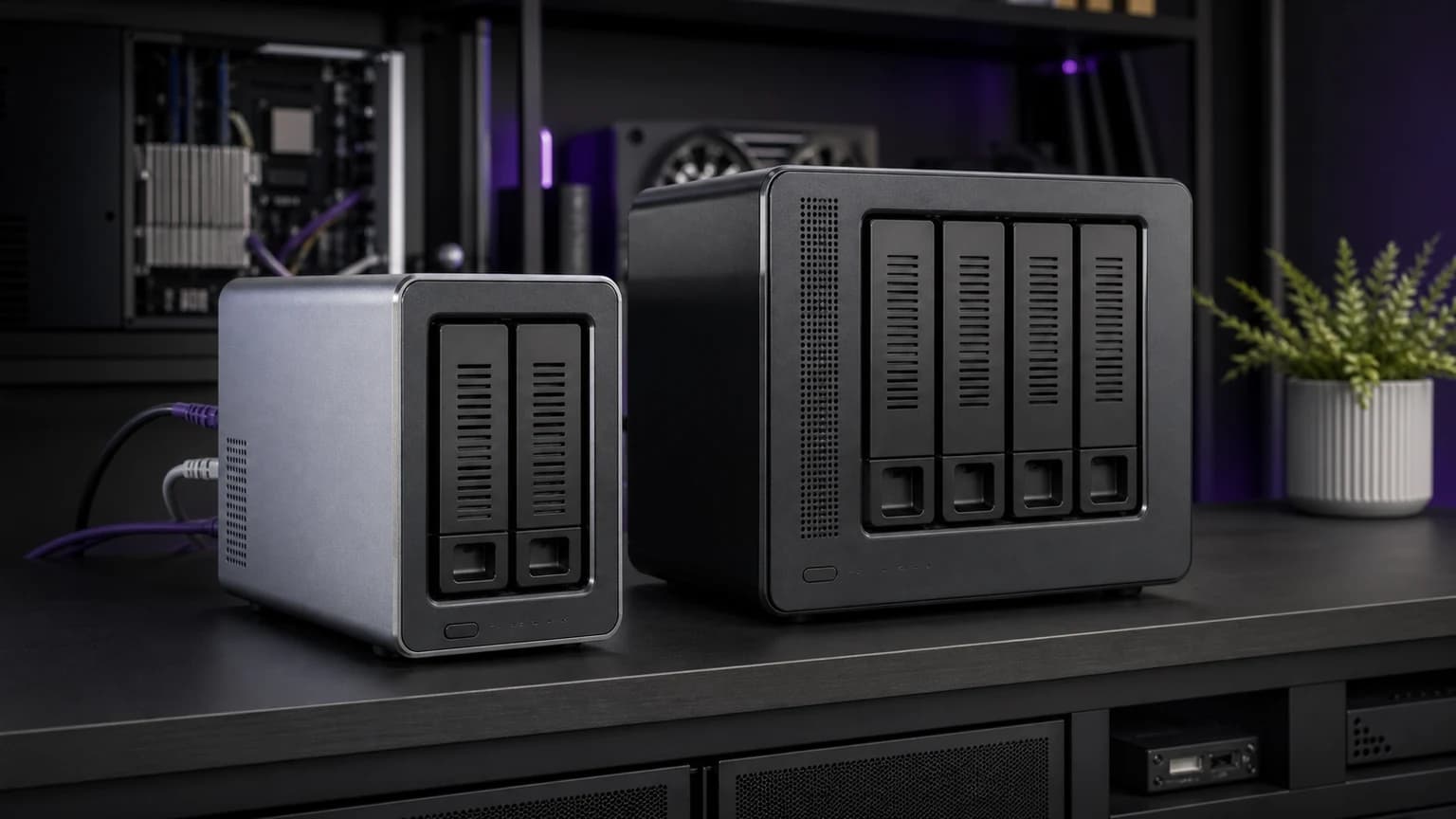
A mini PC is the easiest way to build a home server without buying a rack, repurposing a noisy desktop, or turning a NAS into a computer it was never meant to be.
The sweet spot is simple: low idle power, enough RAM for Docker or Proxmox, wired Ethernet, an NVMe boot drive, and a CPU with modern media features if you plan to run Plex or Jellyfin.
This guide focuses on mini PCs for always-on home servers: backups, Home Assistant, Pi-hole, Immich, Plex/Jellyfin, lightweight VMs, and self-hosted apps.
SolderMag Take: most home servers do not need a powerful desktop
For home server work, efficiency matters more than peak CPU speed. A box that idles quietly at low power and runs 24/7 is usually better than a fast desktop that wastes electricity and fan noise.
Buy a mini PC if you want to run:
- Home Assistant
- Pi-hole or AdGuard Home
- Docker apps
- Immich
- Plex or Jellyfin
- lightweight Proxmox VMs
- local dashboards and monitoring
Buy a NAS instead if your main problem is storage, drive bays, and simple backup management. For that path, read our best NAS drives and best NAS for Plex guides.
Which mini PC should you buy for a home server?
Intel N100 mini PC: best budget server
The Intel N100 class is the default recommendation for a first home server. It is cheap, efficient, widely available, and strong enough for a surprising number of Docker workloads.
Choose this class for Pi-hole, Home Assistant, file sync helpers, light Plex/Jellyfin use, and a small stack of containers. Look for 16GB RAM, a replaceable NVMe drive, and at least one wired Ethernet port.
Skip it if you want many VMs, heavy CPU tasks, or a large number of simultaneous media users.
Intel N305 mini PC: best extra headroom
The N305 class gives you more CPU room while staying efficient. It makes sense if you want Proxmox, several containers, Home Assistant, Immich, and media services on one box.
This is the sweet upgrade when you know you will keep adding services. Check cooling and noise carefully because some compact N305 systems run warmer than basic N100 boxes.
Beelink / GMKtec N-series class: best compact value
Brands like Beelink and GMKtec often hit the right price/spec mix for home servers: small chassis, N-series processors, bundled RAM/SSD, and enough ports for a basic stack.
Treat the included SSD as a convenience, not a sacred boot drive. If reliability matters, consider replacing it with a known-good NVMe and keeping configuration backups from day one.
Ryzen mini PC with 32GB RAM: best premium option
A Ryzen mini PC is overkill for Pi-hole, but useful for heavier workloads: more VMs, local development, media processing, or a combined desktop/server lab.
The tradeoff is power and cost. If the box runs 24/7, check idle power and fan behavior before buying.
What specs matter?
RAM
16GB is the practical floor for a flexible home server. 8GB is enough for basic services, but it gets tight once you add Proxmox, Immich, databases, or multiple containers. 32GB is comfortable if the mini PC supports it reliably.
Storage
Use NVMe for the operating system and containers. Store bulk media and backups on a NAS, external drive, or separate storage box. A mini PC is a compute node first and a storage server second unless it has proper drive bays.
Ethernet
Use wired Ethernet. 1GbE is fine for basic services. 2.5GbE is useful for fast file transfers, NAS links, and future-proofing. Dual Ethernet is nice for firewall/router projects but not required for a normal home server.
If your mini PC, NAS, and router already have multi-gig ports, a multi-gig home lab switch is the low-drama way to connect them without turning the mini PC itself into the router.
If the mini PC has fast USB but only gigabit Ethernet, a USB-C 2.5GbE adapter can add the missing endpoint. Check operating-system driver support before treating a USB adapter as a permanent server NIC.
Media support
If you plan to run Plex or Jellyfin, prioritize modern Intel graphics with Quick Sync support or verify the specific media workflow you need. Hardware transcoding can matter more than raw CPU speed.
Power and noise
An always-on server should be boring. Low idle power and quiet cooling are worth paying for. A loud mini PC in a closet will still annoy you if that closet is near a bedroom or office.
Mini PC vs NAS
Use a mini PC for compute:
- Docker
- Proxmox
- Home Assistant
- Jellyfin/Plex server logic
- app hosting
Use a NAS for storage:
- drive redundancy
- shared folders
- backup targets
- photo/media libraries
The best long-term home setup is often both: a NAS for storage and a mini PC for services.
The verdict
Most beginners should buy an Intel N100 mini PC with 16GB RAM and an NVMe SSD. Choose N305 if you want more headroom for Proxmox and heavier apps. Choose a Ryzen mini PC only when you know you need more CPU. Pair the mini PC with a NAS or external backup plan so your home server is not one tiny box away from data loss.
Related reading: How to Build a Home Server, Best Mini PCs, Best NAS for Plex, and How to Set Up NAS for Beginners.
Sources and methodology
We rank mini PCs for home servers by idle power, CPU headroom, RAM support, NVMe storage, Ethernet, media acceleration, noise, and how well the hardware fits 24/7 use.