Best Gaming Headsets (2026): Practical Wireless and Wired Picks
The Nova 7 Gen 2 is the sensible wireless pick for most buyers. Nova Pro Omni earns its premium only when multi-system mixing solves a real problem.
Research-based buying guide
Recommendations are checked against product documentation, availability, comparative evidence, and clearly disclosed hands-on work where it exists.
Quick picks
The short answer, with the trade-off

Best premium / multi-system
SteelSeries Arctis Nova Pro Omni (White)

Best for long battery life
HyperX Cloud III S Wireless
Wireless with wired backup
Logitech G Pro X 2 Lightspeed
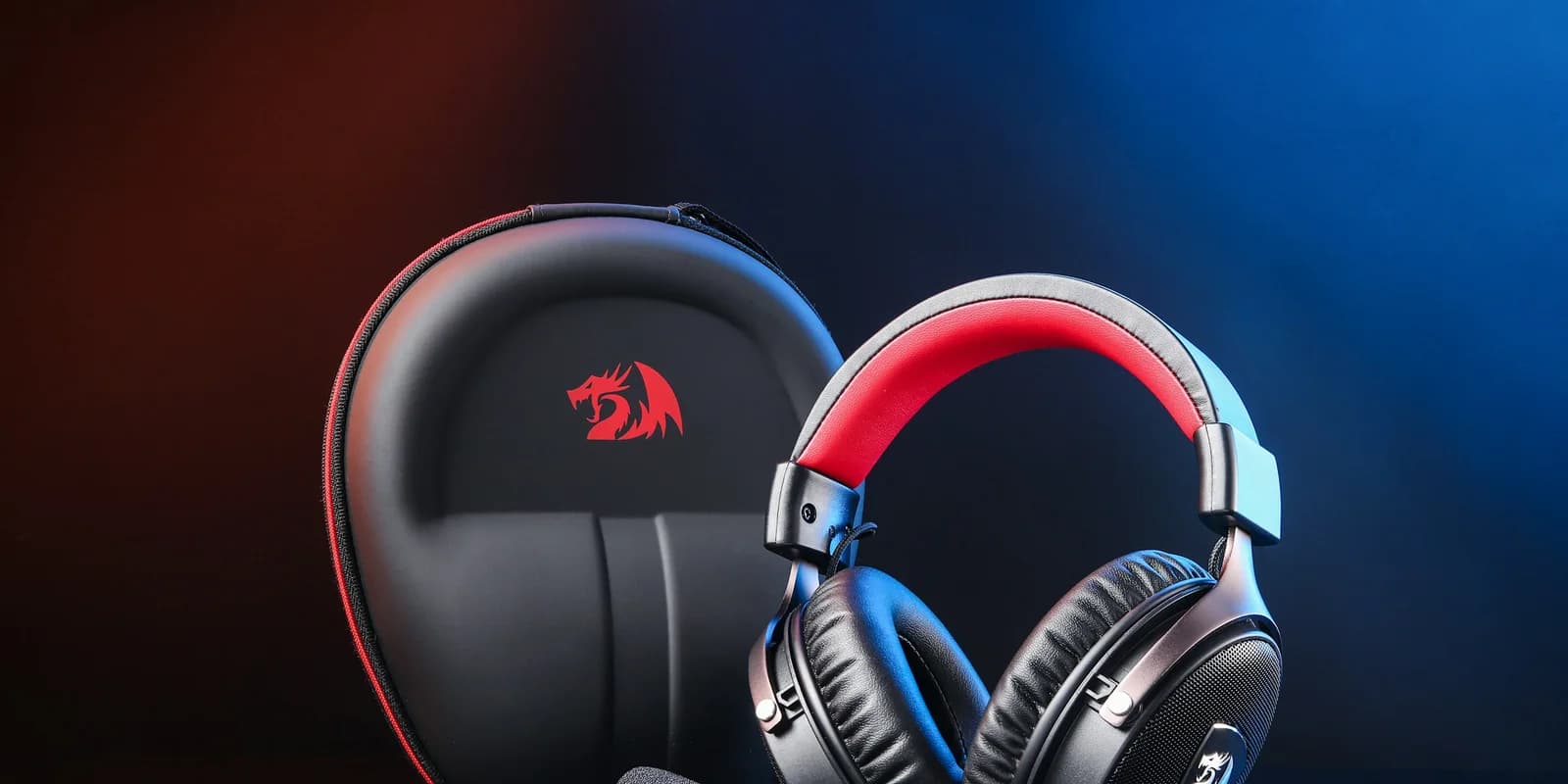
A gaming-headset shortlist should start with the daily job, not the driver diameter. Comfort, platform support, microphone routing, battery routine, and whether Bluetooth can play alongside game audio are more useful buying filters than a long feature list. For the rest of the desk, our wireless gaming keyboard guide covers the same low-latency-versus-everyday-comfort trade-off on the input side.
This guide is research-based. SolderMag has not completed matched hands-on sound, microphone, comfort, latency, battery, or long-term durability testing of every headset listed. We use current manufacturer documentation, platform compatibility, product availability, and comparative analysis to narrow the choices, then state where fit and performance remain unverified.
The picks are organized by what you will actually do with the headset: one-system wireless, multi-system routing, battery-first use, or a wired desk.
Before choosing a console version, use our Xbox and PS5 headset compatibility checklist. It explains why a matching USB plug or replacement dongle does not establish platform support.
Wireless is the sensible default for most buyers
Current 2.4GHz gaming links are designed for lower latency than ordinary Bluetooth audio, while a wired analog connection removes charging and radio management. Exact latency varies by headset, firmware, receiver, source device, and test method; this guide does not turn unmatched manufacturer numbers into a universal ranking.
Use the connection type this way:
- 2.4GHz wireless dongle: the practical default for low-latency game audio without a cable.
- Wired analog or USB: the simplest choice when one desk and no battery are more useful than mobility.
- Bluetooth: useful for phones, calls, music, and a second source; do not assume an ordinary Bluetooth path is the right primary connection for timing-sensitive games.
Choose wired when you want a fixed desk setup without battery management. Choose a supported wireless receiver when moving around is worth charging the headset. We have not measured these models under one latency test, so connection convenience should not be mistaken for proven performance parity.
Best gaming headsets at a glance
- The one to buy if you don't want to think: SteelSeries Arctis Nova 7 Gen 2. It keeps simultaneous 2.4GHz + Bluetooth, adds mobile app controls, and carries a 50+ hour battery claim.
- The premium multi-system pick: SteelSeries Arctis Nova Pro Omni. Its GameHub can mix PC and console audio, it works across Xbox and PlayStation, and one battery charges while the other is in use. Buy it for the routing, not the badge.
- Best value if you don't need fancy software: HyperX Cloud III S Wireless. Very long battery-life claims, 2.4GHz plus Bluetooth, simpler feature set, and a conventional padded headband.
- Alternative for a dedicated gaming setup: Logitech G Pro X 2 Lightspeed. LIGHTSPEED wireless, Bluetooth and a 3.5mm wired option suit buyers who want more than one connection path.
- Best for PlayStation specifically: Sony Pulse Elite. It is the straightforward first-party choice if you mainly play on PS5 and want system-level controls.
- Wired alternative: use compatible wired headphones with a separate microphone if one desk and no headset battery suit you. The Beyerdynamic MMX 200 wireless belongs among wireless alternatives, as its manufacturer documentation confirms; it is not a wired-only pick.
What actually matters in a gaming headset
1) Comfort across a 4-hour session
Comfort is a reason to try before buying, not a ranking we can establish from specifications. Headband pressure, cushion depth, glasses and ear shape can matter more than a small weight difference.
If possible, wear the headset with your usual glasses and check whether your ears touch the inner lining. Keep packaging until you have assessed a normal session within the seller's return conditions.
2) Microphone quality (Discord and Zoom)
A microphone feature name or capsule diameter does not establish how teammates will hear you. Evaluate the actual voice path, including the app processing you plan to use.
Check placement, mute controls and the connection you intend to use. Ask a friend to record the same short passage with your existing headset and the candidate, in the app you actually use. Keep app processing and room conditions comparable.
If game audio becomes muffled as soon as voice chat starts, work through our Bluetooth microphone and Windows audio fixes before buying a replacement. The connection and app routing can be the problem.
3) Battery life
Use manufacturer battery claims as planning estimates, not as SolderMag test results. The Nova 7 Gen 2 review and Cloud III S Wireless review explain their stated conditions and connection modes.
Think about how you charge: at the end of each day, between sessions, or with a spare battery ready. A longer headline runtime matters less if the charging routine already fits. Check whether the headset works during charging and what equipment you need before assuming it does.
4) 2.4GHz vs Bluetooth vs both
Use the headset's documented gaming receiver for your main wireless gaming connection. Bluetooth can handle a phone or another compatible source, but performance and microphone behavior depend on the actual connection and host.
Simultaneous mixing is a separate feature from having two connection modes. SteelSeries documents that the Nova 7 can mix Bluetooth and 2.4GHz audio, while its microphone serves one source at a time. A Bluetooth call takes the microphone. Check the same routing detail for any alternative rather than assuming that “dual wireless” means two simultaneous conversations.
5) Spatial audio (the marketing trap)
Treat spatial processing as something to evaluate in your own games. We have not measured an improvement in enemy detection or established a percentage advantage for any mode.
Compare the game's native headphone mix with your available processing options using the same scene. Follow the game's guidance about external spatial processing, and avoid assuming that a surround-sound badge proves better directional accuracy.
6) The base station / mixer question
A base station can be worth paying for when its actual inputs, controls or charging arrangement solve a setup problem. It is not evidence that the headset sounds better.
Write down which consoles and computers need connecting, whether their audio must play together, and where the microphone needs to go. Check the manufacturer's routing diagram against that list. Our Nova Pro Omni review is an example of evaluating those connections rather than assuming every premium system works the same way.
The picks, in detail
Best overall: SteelSeries Arctis Nova 7 Gen 2
The Nova 7 Gen 2 sits in the right place because it has the feature set most people actually use: a 2.4GHz dongle plus simultaneous Bluetooth, mobile app controls, a 50+ hour manufacturer battery claim, a retractable ClearCast mic, and the suspended Nova headband.
If you find the original model, do not assume it is the same listing. Gen 1 has a 38-hour battery claim and lacks Companion app support. Our Nova 7 Gen 2 vs Gen 1 comparison explains when the older model is still worth buying.
For the full product-level verdict, including who should skip it, read our SteelSeries Arctis Nova 7 Gen 2 review.
If Nova 7 feels like more headset than you need, our Nova 3 Wireless vs Nova 7 Gen 2 comparison explains when the lighter single-source model is the smarter buy.
If you only need one wireless source at a time, the lighter Nova 5 may be enough. Our Nova 7 Gen 2 vs Nova 5 Wireless comparison separates simultaneous mixing from QuickSwitch, and covers the wired and physical-control differences.
If HyperX is the alternative, use our Nova 7 Gen 2 vs Cloud III S Wireless comparison. It compares the current retail models rather than mixing new and discontinued generations.
If Logitech's lighter G522 is on the shortlist, read our Logitech G522 vs Nova 7 Gen 2 comparison. The deciding difference is not RGB or driver marketing: Nova mixes game and phone audio, while G522 makes you switch sources.
If the G522 is up against Razer's flagship instead, our Logitech G522 vs BlackShark V3 Pro comparison explains when ANC and simultaneous audio are worth the added weight.
If active noise cancellation is the reason you are shopping higher, compare the Nova 7 Gen 2 with the Razer BlackShark V3 Pro. Razer adds hybrid ANC and more ambitious microphone hardware; Nova remains the lighter all-round pick.
If the final choice is Razer against HyperX, our BlackShark V3 Pro vs Cloud III S Wireless comparison separates the features that matter: ANC and simultaneous audio on the Razer, or much longer claimed battery life on the HyperX.
The Nova 7X variant is the Xbox-compatible route. Nova 7P is the PlayStation-oriented version. Controls and compatibility differ, so check the exact suffix rather than treating the variants as interchangeable.
Pay for the premium system only if its documented battery arrangement, noise cancellation or source routing addresses a need. Compare current prices; the gap is not fixed.
The practical reason to pay more than a single-source alternative is simultaneous audio.
If your shortlist is down to the current SteelSeries and HyperX models, read our Nova 7 Gen 2 vs Cloud III S Wireless comparison before you buy. Choose SteelSeries for simultaneous sources and HyperX for the stronger battery claim.
Best premium: SteelSeries Arctis Nova Pro Omni
Buy the Nova Pro Omni when the desk needs more than one game source. SteelSeries documents three USB inputs, Bluetooth and line-in, with simultaneous mixing for two USB sources plus Bluetooth and line-in. That lets a PC handle chat while Xbox or PlayStation supplies game audio.
The GameHub also charges the spare battery, provides hardware audio controls, and removes the platform-SKU choice that made the original Nova Pro Wireless easy to buy incorrectly. Its microphone noise processing works onboard across platforms, and the Companion App can change presets without a PC.
Skip it for a single PC and phone. Our Nova Pro Omni review maps the GameHub ports, simultaneous-source limit, platform setup, hot-swap batteries, and untested claims. The Omni vs Nova Pro Wireless comparison is for existing owners deciding whether to upgrade.
Best value: HyperX Cloud III S Wireless
The Cloud III S Wireless is worth considering for its long manufacturer battery claims and Bluetooth option. Comfort is individual; retaining a familiar padded design does not guarantee it will suit your head.
What you give up: SteelSeries-style simultaneous Bluetooth and 2.4GHz audio, hardware mixer controls, and deeper software. HyperX Ngenuity is intentionally lighter than SteelSeries Sonar.
What you keep: a detachable boom mic and a conventional padded design. Our HyperX Cloud III S Wireless review covers its battery, switching, software and platform limits. If you want the older 2.4GHz-only model, read our Cloud III Wireless vs Cloud III S comparison before buying; the old model only makes sense when it is meaningfully cheaper.
For buyers cross-shopping the two current wireless families, we break down Nova 7 Gen 2 vs Cloud III S Wireless by source mixing, battery claims, app control, compatibility, and physical design. If the shortlist is cheaper, read SteelSeries Arctis Nova 3 Wireless vs HyperX Cloud III S Wireless instead.
The middle option is Arctis Nova 5 vs Cloud III S Wireless: choose Nova 5 for lower weight and phone-based presets, or HyperX for the much longer battery claim.
Wireless with wired backup: Logitech G Pro X 2 Lightspeed
The G Pro X 2 is worth considering when you want a gaming receiver plus a wired fallback. Logitech lists LIGHTSPEED wireless, Bluetooth and 3.5mm connections, 50mm graphene drivers and BLUE VO!CE microphone processing in its official product documentation.
Choose it for those connection options if they fit your desk. If you mainly use one PC with a working receiver, a wired fallback may not justify a higher price. Driver material alone is not a reason to expect clearer footsteps, and voice processing should be evaluated in the app you actually use.
Best for PlayStation: Sony Pulse Elite
Sony's first-party PS5 headset supports PlayStation Link, Bluetooth, system-level controls, and the PS5's Tempest 3D AudioTech. The retractable microphone is convenient, and Sony rates the battery for up to 30 hours. Check the current package contents and price before buying because retailer bundles can differ.
If you primarily play PS5, the tight console integration is the differentiator. Check its compatibility with every other system you use. For PS5-focused buyers who want the simplest path, the Pulse Elite makes sense. For multi-platform players, look at Nova 7.
Honorable mentions
Razer BlackShark V2 Pro (2023) — an older alternative to compare by exact model, connection support and current price. Try the fit before choosing it over a newer alternative.
Audeze Maxwell — an alternative to investigate if music listening shares the desk with gaming. Compare the exact model and your platform needs, then audition it if possible.
Astro A50 X — consider it if a base-station setup fits your desk. Check its supported platform routing before comparing prices.
Beyerdynamic MMX 200 wireless — a wireless gaming headset, rather than the wired option previously listed here. Check its documented connection modes and current regional stock before considering it.
Corsair Virtuoso Max Wireless — compare its specific source-routing and software requirements with your setup before treating it as a substitute for a Nova model.
What we'd skip
Unclear model or regional variants — do not assume that a shared product-family name means the same console support, dongle or microphone. Check the complete model name and package contents.
Old listings without a meaningful saving — compare an older headset with the current alternative before buying. An old product name is not a bargain on its own.
Feature-led purchases without a use case — lighting, processing modes and extra inputs are worth paying for only if you will use them. None establishes microphone quality or comfort.
Used headsets without condition details — check cushion condition, battery behavior, included receiver, replacement-part availability and return terms. A low price can be poor value if a required proprietary receiver is missing.
A note on separate headphones and microphones
Separate headphones and a microphone give you independent choices and replacement paths. They also add equipment and routing decisions. They are worth considering if you already own headphones you like or need a microphone positioned differently from a headset boom.
Compare the complete setup cost and the practical result in your own calls before replacing a working headset.
The bottom line
Buy the SteelSeries Arctis Nova 7 Gen 2 if you want one headset that covers PC or console gaming, phone audio, and everyday calls without constant mode switching.
Buy the SteelSeries Arctis Nova Pro Omni if its documented multi-system routing and spare-battery arrangement solve a problem you actually have.
Buy the HyperX Cloud III S Wireless if you want a simple, long-battery headset and you do not care about heavier software ecosystems. The older Cloud III Wireless is now mainly a clearance-value buy.
Consider the Logitech G Pro X 2 Lightspeed if its gaming receiver and 3.5mm wired fallback are useful to you.
Buy the Sony Pulse Elite if you play PS5 almost exclusively and want Sony's Tempest 3D audio working as designed.
Choose the required connections first, then check fit and a voice recording. Those checks are more useful than paying for a feature list you will not use.