Best Laptop Stands (2026): Fixed, Adjustable and Portable Picks
Choose a laptop stand by height, portability and keyboard setup. Compare fixed and adjustable designs, and know when you need a desk converter instead.
Research-based buying guide
Recommendations are checked against product documentation, availability, comparative evidence, and clearly disclosed hands-on work where it exists.
Quick picks
The short answer, with the trade-offAdjustable pick
Twelve South HiRise Pro for MacBook
Trade-off: Remove laptop before adjusting height
Portable pick
Roost V3 Laptop Stand
Rotating option
Lululook 360° Rotating Aluminum Stand
Simple riser
Soundance LS1 Aluminum Laptop Stand
Trade-off: Fixed working position
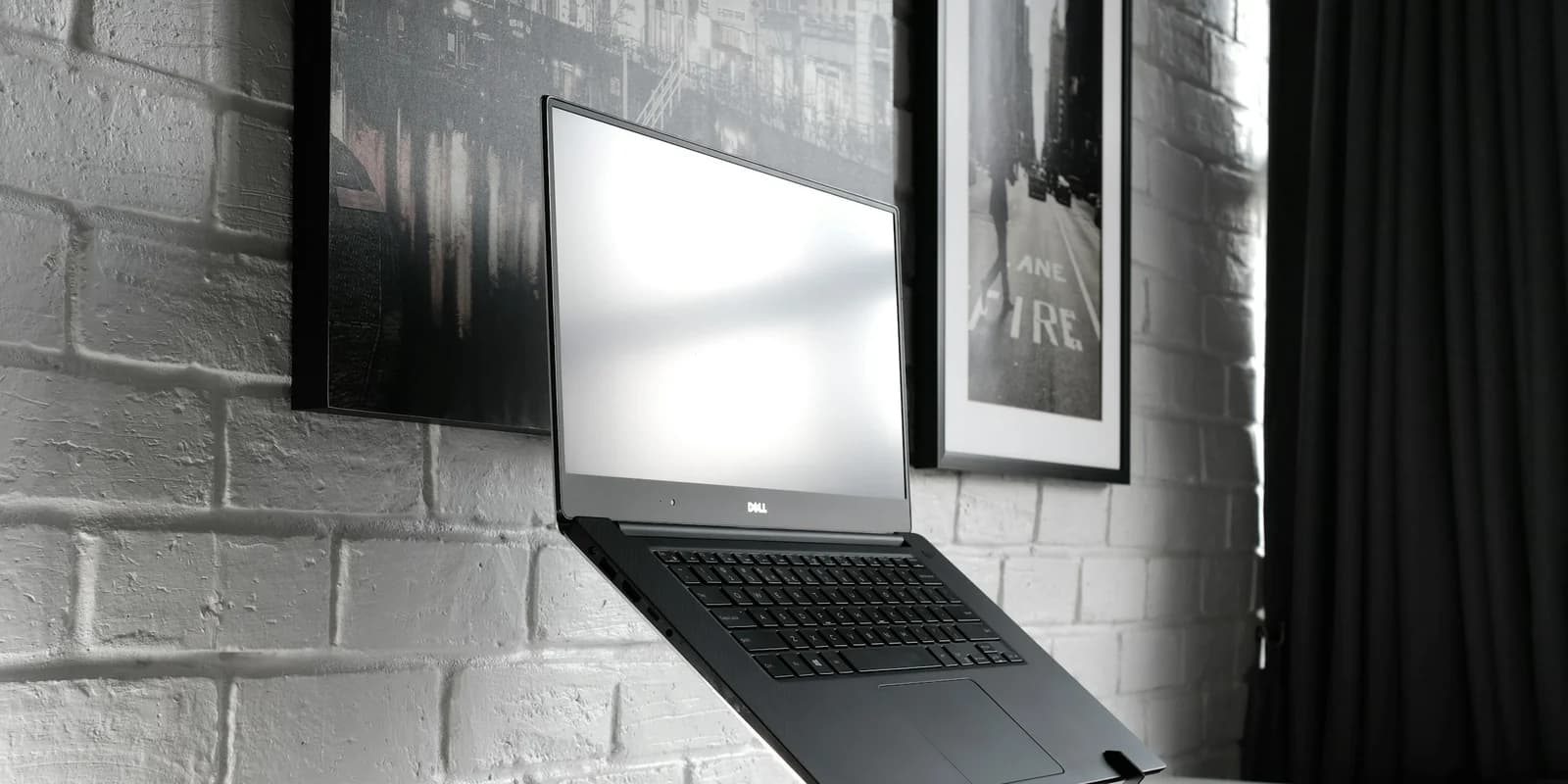
Choose a laptop stand around the setup you will actually use: fixed at one desk, adjusted between users, or folded into a travel bag. Check screen height, footprint and access to ports before paying for a mechanism you do not need.
Plan the keyboard and mouse position separately. Raising a laptop also raises its built-in keyboard; a screen stand is not automatically a complete sit-to-stand workstation.
These recommendations are research-based. We have not completed comparative hands-on testing of these stands, and specifications alone cannot establish stability at every height with every laptop.
Quick answer: choose the working setup first
For a permanent desk, start with the Rain Design mStand if its fixed height fits your setup. Choose HiRise Pro when height adjustment matters. For a bag you carry regularly, Roost V3 has the clearest portability case: the manufacturer specifies a folded size of 1 × 1.5 × 13 inches and a weight of 178 g.
All three raise the laptop keyboard along with the screen. Plan to use a separate keyboard and mouse when the laptop is elevated. Roost is not a shallow typing wedge or a complete standing workstation. If you need the screen and input devices to move together, compare desk converters with keyboard platforms.
Our picks reflect those design differences, not comparative lab results. We have not measured wobble, cooling performance or long-term hinge wear.
What to check before buying
Height and footprint
Measure the space available and the amount of lift you want with the laptop open. A stand's overall height, the height of its front support and the position of your screen are different measurements. There is no single lift height that suits every person, desk and laptop.
A fixed stand saves you an adjustment mechanism. An adjustable stand is more useful when you change desks or share the setup. Neither automatically aligns your laptop screen with an external monitor; check both screens' dimensions and adjustment ranges.
Fit and stability
Check laptop width, depth, thickness and weight against the exact stand's instructions. Screen diagonal alone does not establish a secure fit. Make sure support lips and pads do not interfere with ports, vents or opening the lid.
A wide base or a metal body is not proof of zero wobble. Stability also depends on the laptop, desk, height setting and whether you type on the raised keyboard. Follow the setup instructions and check the return terms before buying a stand you cannot try first.
Ventilation and cables
Locate the vents on your own laptop and keep them clear. Do not assume all laptops draw air from the same place, or that an open frame guarantees lower temperatures. We have no matched thermal tests showing that these stands prevent throttling.
Leave slack in connected cables, especially with a rotating base. A cable opening can tidy a permanent desk, but check that the connectors fit through it. Our dock guide covers the separate question of which connections your laptop supports.
The picks
Fixed desk pick: Rain Design mStand
Who it's for: someone who wants a fixed platform and has checked that its height works at their desk.
Rain Design specifies a single-piece aluminium body, a 5.9-inch overall height and a rear cable opening. This is a straightforward choice when you have no reason to adjust the stand during the day. The manufacturer lists MacBook compatibility, including the 16-inch MacBook Pro; check dimensions for other laptops.
Skip it if: you need the height to change or want a stand that folds for travel. Check the fixed height carefully: you cannot lower it after purchase.
Rain Design mStand Laptop Stand (Silver)
Why it works
- Single-piece aluminium body
- Rear cable opening
- No height mechanism to set up
Main trade-off
- Fixed height
- Does not fold for a travel bag
Adjustable pick: Twelve South HiRise Pro
Who it's for: someone who wants to change laptop height at a desk and uses separate input devices.
HiRise Pro offers height adjustment, but it is not a lift you should move with the laptop still on it. The manufacturer's manual says to remove the MacBook, loosen the adjustment screw while holding the stand, set the height and tighten it before replacing the laptop.
The MagSafe charger housing is in the base, not the laptop-supporting top. It is a place for a compatible charging puck, not a built-in MacBook charger. Check the supplied accessories and charger fit before counting that feature as a reason to buy.
Skip it if: you only need a fixed platform, or expect to change height repeatedly without removing the computer. Buy for the adjustment mechanism; do not assume it will match every external monitor.
Twelve South HiRise Pro for MacBook
Why it works
- Adjustable laptop height
- Base housing for a compatible MagSafe charger
Main trade-off
- Remove laptop before adjusting height
- Check charger compatibility and what is included
Portable pick: Roost V3
Who it's for: someone carrying a laptop stand between desks and willing to carry a keyboard and mouse too.
The Roost V3 product page lists seven height settings, 6.5–12.5 inches of screen lift, a weight of 178 g and a folded size of 1 × 1.5 × 13 inches. That is a narrow folded bundle, not a flat book. The same page distinguishes V3 from V3 Plus; do not apply the Plus model's adjustment range or features to V3.
The useful feature is compact storage with substantial screen elevation. The trade-off is the extra input-device kit. A high screen above a low desk does not create a suitable standing typing surface.
Skip it if: you want to type directly on a slightly tilted laptop, or need a complete sit-to-stand workstation. Confirm the grips suit your laptop's shape and any attached case; we have not tested fit across all laptop models.
Roost V3 Ultra-Portable Laptop Stand
Why it works
- 178 g specified weight
- Seven height settings
- Folds into a narrow 13-inch-long bundle
Main trade-off
- Plan for a separate keyboard and mouse
- Screen lift alone does not make a standing workstation
Rotating option: Lululook 360° Rotating Aluminum Stand
Who it's for: someone who regularly turns a laptop screen toward another person at the desk.
Lululook describes a folding, height-adjustable design with a rotating base and compatibility with 10–16-inch laptops. The linked Amazon catalogue title instead says 10–17 inches. That mismatch makes the exact version and support dimensions worth checking, especially for a large laptop; screen diagonal alone is not a fit guarantee. Rotation is worth considering when you actually share the screen; it adds little to a setup that stays facing one person.
Skip it if: rotation is irrelevant to your work. Leave cable slack before turning the laptop, and compare the footprint with a fixed stand before paying for rotation.
Lululook Foldable 360° Rotating Laptop Stand
Why it works
- 360-degree rotating base
- Folding design with height adjustment
- Check support dimensions for larger laptops
Main trade-off
- Check clearance and cable slack before rotating
- Hinge stability has not been tested by SolderMag
Simple riser: Soundance LS1 Aluminum Laptop Stand
Who it's for: someone comparing basic fixed risers for a second desk.
The Soundance LS1 assembly manual shows a three-piece structure that assembles and detaches. That is different from a hinged stand that folds flat. Check the exact listing's dimensions and laptop fit before ordering; do not assume that every Soundance model has the same construction.
Skip it if: you need height adjustment or a quick-fold travel stand. Consider it if the delivered price is meaningfully below the alternatives and the fixed position works for you. A detachable stand is easier to store than a single-piece riser, but it still needs reassembly when you move desks.
Soundance LS1 Aluminum Laptop Stand
Why it works
- Simple three-piece assembly
- Detachable construction for storage
Main trade-off
- Fixed working position
- Detaches rather than folding on a hinge
- Check exact model dimensions before buying
Taller laptop-screen option: Nulaxy Height-Adjustable Laptop Stand
Who it's for: people who need to raise a laptop screen and already have a separate keyboard and mouse at a suitable working height.
Treat the Nulaxy as a laptop holder, not a two-tier desk converter. Raising the laptop does not raise a separate keyboard and mouse. If you need all three to move between seated and standing positions, choose a desk converter with a keyboard platform instead.
The linked silver Amazon listing identifies the stand as model C5 and specifies a 2.1–13.8-inch adjustment range. Nulaxy's current C5 product page describes a different height range, so check the exact variant and dimensions before ordering. We would not use the manufacturer's larger range to describe this linked version.
Nulaxy also warns that typing directly on the laptop can produce wobble at some settings and recommends an external keyboard and mouse. We have not tested this stand; this is a specification-based assessment, and we cannot confirm its stability at your chosen height.
Skip it if: you need a raised keyboard platform or expect to type heavily on the laptop while it is elevated.
Nulaxy Height-Adjustable Laptop Stand
Why it works
- Adjustable laptop-screen height
- Height and tilt adjustment for positioning
Main trade-off
- No separate raised keyboard platform
- Check the exact variant's dimensions before buying
- SolderMag has not tested stability
Build the rest of the setup around the stand
A separate keyboard and mouse let you choose the input position independently of the laptop screen. Start with devices you already own; a stand purchase does not require a premium keyboard, dock or display.
If you need replacements, our keyboard guide and mouse guide explain different layouts. A USB-C hub is useful only if you need its ports.
For a desk built around an external display, decide whether you still want the laptop screen open. A vertical holder may save space with the lid closed, but check your laptop manufacturer's closed-display requirements and ventilation instructions before choosing that arrangement. A 27-inch 4K monitor or ultrawide is a separate buying decision, not a necessary companion to a stand.
See Desk Setup Essentials and Best Home Office Setup to plan the purchases in order.
Buying checklist
- Measure the desk space and desired screen position with your own laptop open.
- Check the exact stand's dimensions, load limit and grip design, including case clearance.
- Choose fixed, adjustable or folding construction based on how often the setup moves.
- Plan where the separate keyboard and mouse will sit.
- Keep the laptop's vents and ports clear and allow cable slack.
- Read the setup instructions and return terms. Neither a high review count nor an aluminium finish proves stability with your laptop.
Sources and methodology
This is a research-based comparison of stand designs and setup requirements, not a hands-on ranking. The linked Rain Design, Twelve South, Roost and Lululook documentation supports the specifications above. The Soundance assembly document is a manufacturer manual hosted by a third-party archive. The Nulaxy section retains its explicit warning about conflicting variant specifications.
We have not conducted comparative stability, temperature or durability tests. Check the exact model, dimensions, seller and included accessories on the retailer listing before ordering.
Related reading
- Best Ergonomic Keyboards: input options for an elevated laptop.
- Best Ergonomic Mice: choosing a separate pointing device.
- Best Monitor Arms: positioning an external screen.
- Best Office Chairs: another part of the desk setup.
- Best Home Office Setup: deciding which purchases matter first.
- Best Thunderbolt 4 / USB4 Docks: connections for a permanent desk.