Kindle Colorsoft vs Kobo Libra Colour (2026)
Kindle Colorsoft is cleaner for Amazon readers. Kobo Libra Colour is better for library borrowing, buttons, and notes. Here is the practical colour E Ink choice.
Research-based comparison
Recommendations are checked against product documentation, availability, comparative evidence, and clearly disclosed hands-on work where it exists.
Quick picks
The short answer, with the trade-off
Best for Kindle readers
Amazon Kindle Colorsoft Signature Edition

Best for library + EPUB users
Kobo Libra Colour
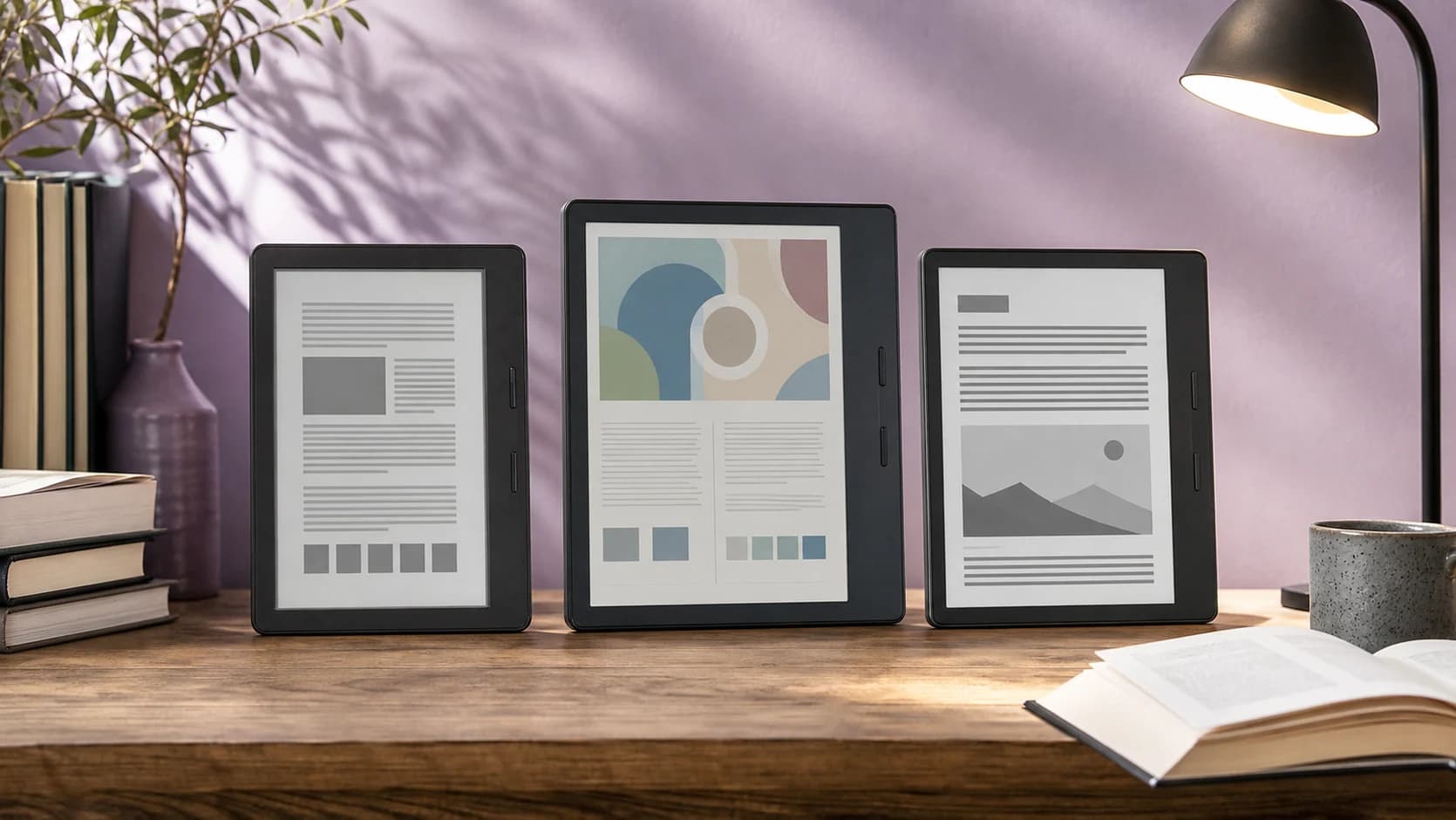
Colour E Ink makes e-readers more interesting, but it does not make the decision simple. The Kindle Colorsoft and Kobo Libra Colour both give you a 7-inch colour reading device. The better buy depends less on colour and more on where your books come from.
If you buy Kindle books and want the least friction, get the Kindle Colorsoft. If you borrow from the library, sideload EPUBs, want physical page buttons, or plan to mark up books, get the Kobo Libra Colour.
This is a research-based comparison using manufacturer specifications, platform documentation, current Amazon product pages, and SolderMag's existing e-reader coverage. We have not completed hands-on lab testing of these two devices side by side.
Quick answer
| Buyer type | Better pick | Why |
|---|---|---|
| You already own Kindle books | Kindle Colorsoft | Your library, highlights, and Kindle Unlimited flow stay in one place |
| You borrow from public libraries | Kobo Libra Colour | OverDrive/Libby support is built into the Kobo workflow |
| You read EPUBs, fanfic exports, or DRM-free books | Kobo Libra Colour | Native EPUB support and easier sideloading matter more than colour quality |
| You want colour highlights inside the Kindle ecosystem | Kindle Colorsoft | It keeps the familiar Kindle interface and adds colour highlights |
| You want physical page-turn buttons | Kobo Libra Colour | The asymmetric grip and buttons are a real comfort advantage |
| You want handwritten notes | Kobo Libra Colour | Stylus support gives it a wider note-taking role, though the stylus is separate |
SolderMag take
The Kindle Colorsoft is the safer pick for people who already live in Amazon's book store. It is the more locked-down device, but it is also the simpler one. Buy a book, sync it, read it, highlight it, move on.
The Kobo Libra Colour is the better reader for people who treat books as files, library loans, annotations, and different stores. It is less polished than Kindle in some areas, but the flexibility is not theoretical. EPUB support, library borrowing, page buttons, and stylus support all change day-to-day use.
We would not pay extra for colour alone if you mostly read plain novels. Colour is useful for book covers, children's books, charts, comics, graphic novels, highlighted passages, and study material. For black-and-white text, a Kindle Paperwhite or Kobo Clara BW is usually the more sensible buy.
The five differences that actually matter
1. Book ecosystem
Kindle Colorsoft is for Amazon readers. Kindle Store purchases, Kindle Unlimited, Send to Kindle, Audible, and Amazon household sharing all point you back into the same ecosystem. That is convenient if you already use it, and annoying if you want to leave it.
Kobo Libra Colour is better if you want a looser setup. Kobo supports EPUB and other common file formats, integrates with OverDrive for library borrowing, and can pull files from cloud storage on supported models. If you buy DRM-free books or manage a Calibre library, Kobo gives you fewer workarounds.
2. Colour screen use
Both devices use colour E Ink, which means colour is muted compared with an iPad, phone, or OLED tablet. Think book-cover colour, not magazine-gloss colour.
Kindle Colorsoft is strongest when you want colour inside Kindle books: covers, illustrated content, and colour highlights. Kobo Libra Colour is more useful if the colour is part of a wider workflow: comics, EPUBs, annotations, library books, and notes.
3. Page turns and one-handed reading
Kobo wins this part cleanly. The Libra Colour has physical page-turn buttons and an asymmetric side grip. That sounds minor until you read lying down, commute one-handed, or use the device for long sessions.
Kindle Colorsoft uses the familiar touch-only Kindle layout. It is simple, but if you miss physical buttons from older e-readers, Kobo is the obvious answer.
4. Notes and markup
Kobo Libra Colour supports the Kobo Stylus 2 for handwritten notes and markups. You should budget for the stylus separately, and it is not a replacement for a larger writing tablet, but it gives Kobo a genuine study and annotation angle.
Kindle Colorsoft is not the Kindle to buy for handwriting. If notes are the point, our Kindle Scribe Colorsoft vs reMarkable Paper Pro comparison covers the larger colour-writing devices built for that job.
5. Lock-in risk
If your library is already mostly Kindle books, the Colorsoft is practical. Moving a DRM-protected Kindle library to Kobo is not a normal supported workflow.
If you are starting fresh, Kobo keeps more doors open. You can buy from Kobo, borrow from libraries, sideload EPUBs, and manage files with fewer platform assumptions. That flexibility is the main reason to choose Kobo even if Amazon's store is larger.
Who should buy Kindle Colorsoft
Buy the Kindle Colorsoft if:
- You already own a meaningful Kindle library.
- You use Kindle Unlimited or Audible.
- You want the simplest colour e-reader with Amazon sync.
- You mainly read novels, illustrated books, and occasional comics.
- You do not care about physical page-turn buttons.
The main compromise is flexibility. The Colorsoft makes sense when Amazon is already your reading home. It is harder to justify as a first e-reader if you borrow heavily from libraries or want native EPUB handling.
Who should buy Kobo Libra Colour
Buy the Kobo Libra Colour if:
- You borrow e-books from your public library.
- You sideload EPUBs or manage books through Calibre.
- You want page-turn buttons.
- You read comics, graphic novels, PDFs, or illustrated books often enough for colour to matter.
- You want optional stylus notes without moving to a huge e-reader.
The main compromise is polish. Kindle is cleaner for store purchases and syncing. Kobo asks slightly more from the buyer, but gives more control back.
What about Kindle Paperwhite?
For most people, the Kindle Paperwhite is still the value baseline. If colour is not a specific need, the Paperwhite gives you a 7-inch black-and-white display, waterproofing, Amazon's longer battery claim, and the same Kindle ecosystem. Our Kindle Colorsoft vs Paperwhite comparison covers the exact standard 16GB decision.
If your real question is Amazon versus Kobo rather than colour e-readers specifically, read our Kindle Paperwhite vs Kobo Libra Colour comparison. If you want the wider shortlist, start with our best e-readers guide.
Alternatives to consider
Kindle Paperwhite is the sensible pick if you mostly read text and already use Amazon. Do not pay extra for colour unless covers, comics, illustrations, or colour highlights matter to you.
Kobo Clara Colour is the cheaper Kobo-style colour route, but you lose the Libra's page buttons and larger ergonomic grip.
Boox Go Color 7 is for people who want Android apps on E Ink. It is more flexible than Kindle or Kobo, but it is also less beginner-friendly and less focused as a pure reading device.
A tablet is still better for full-colour comics, magazines, PDFs, and web reading. If you want video, apps, or fast PDF zooming, an e-reader is the wrong tool. See our best tablets guide for that split.
Common mistakes
Buying colour E Ink for novels only
Plain text does not need colour. If you mostly read novels, spend less on a good black-and-white e-reader or put the difference toward books.
Ignoring your existing library
The device is cheaper than the library you build around it. If you already own many Kindle books, switching to Kobo is not painless. If you own mostly EPUBs, buying Kindle creates avoidable friction.
Treating colour E Ink like an iPad screen
Colour E Ink is slower and duller than LCD or OLED. It is easier on the eyes for reading, but it is not a tablet replacement.
Forgetting accessories
Both devices are better with a case. Kobo's stylus is separate. Kindle's wireless charging dock is separate. Do not compare only the base device if an accessory is part of the way you plan to use it.
FAQ
Is Kindle Colorsoft better than Kobo Libra Colour?
Only if you are already a Kindle reader. The Colorsoft is better for Amazon purchases and Kindle sync. The Kobo Libra Colour is better for library borrowing, EPUB files, page buttons, and stylus support.
Is the Kobo Libra Colour better for Libby?
Yes for library e-books in supported regions. Kobo's OverDrive support is part of the e-reader workflow, while Kindle library borrowing depends more on Amazon's ecosystem and regional support. For library audiobooks, use the Libby phone app.
Can Kindle Colorsoft read EPUB files?
Kindle does not treat EPUB like Kobo does. Amazon's Send to Kindle service can accept EPUB files and convert them for Kindle reading, but native EPUB management is a Kobo strength.
Which colour e-reader is better for comics?
Neither is ideal for serious comics compared with a tablet. For occasional comics and illustrated books, the Kobo Libra Colour's file flexibility and page buttons are useful. For Kindle Store comics, Colorsoft keeps the Amazon workflow simple.
Should I buy a colour e-reader or a black-and-white e-reader?
Buy colour if you read illustrated content, use colour highlights, or want comics and covers to look better. Buy black-and-white if you mainly read novels. Text quality, battery life, and value usually matter more than colour.
Sources and methodology
- Amazon Kindle Colorsoft Signature Edition product page: https://www.amazon.com/Introducing-Amazon-Kindle-Colorsoft-Signature/dp/B0CTMSNCHS?tag=soldermag-20
- Kobo Libra Colour official product page: https://us.kobobooks.com/products/kobo-libra-colour
- Kobo eReader platform documentation and file/cloud support pages: https://help.kobo.com/hc/en-us/articles/15335985512983-Add-books-to-your-eReader-using-Google-Drive
- SolderMag e-reader coverage: Best E-Readers 2026 and Kindle Paperwhite vs Kobo Libra Colour
As an Amazon Associate I earn from qualifying purchases.