Best Wi-Fi Extenders (2026): Fix One Dead Zone Without Rebuilding Your Network
A Wi-Fi extender is not a magic mesh system. These are the extenders worth considering when one room, garage, or garden office needs a stronger signal.
Editorial evidence review
Recommendations are checked against product documentation, availability, comparative evidence, and clearly disclosed hands-on work where it exists.
Quick picks
The short answer, with the trade-offBest overall
TP-Link RE715X AX3000 Wi-Fi 6 Range Extender
Best premium extender
Netgear Nighthawk EAX80 AX6000 Mesh Extender
Best for eero homes
Amazon eero 6 Extender
Best budget
TP-Link RE315 AC1200 Wi-Fi Extender
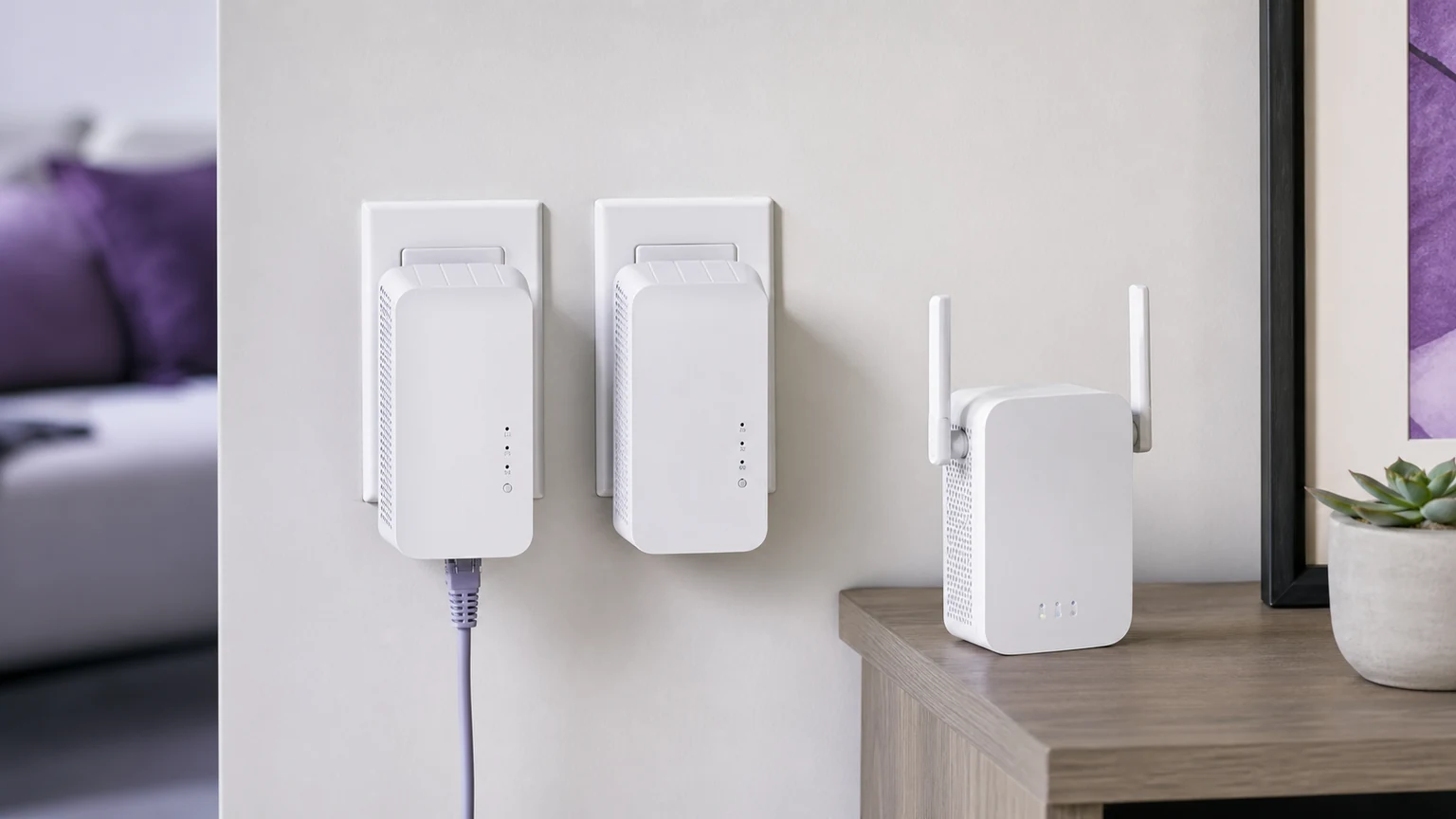
Wi-Fi extenders are the product category people buy when they are annoyed, which is exactly why the category is full of bad purchases. A cheap plug-in repeater can make the signal bars look better while making the network slower, less stable, and more annoying to roam around.
The right extender has a narrower job: fix one specific weak area when replacing the whole router or mesh system would be overkill. Think a back bedroom, garage gym, printer corner, patio camera, or desk on the far side of a brick wall. If the whole house is weak, read our best Wi-Fi 7 mesh systems guide instead. If the router itself is ancient, start with best Wi-Fi 7 routers.
SolderMag Take: buy an extender only when the problem is local
An extender is the wrong fix for a bad main router. It repeats whatever signal it receives. If the extender is placed where the signal is already weak, it repeats weakness. If your internet feels bad everywhere, an extender just gives you more places to experience the same bad network.
Buy one when you can say this sentence clearly: "The Wi-Fi is fine everywhere except this one area." Then place the extender halfway between the router and the weak area, not inside the weak area itself.
What matters
Backhaul quality matters more than advertised speed. Dual-band extenders use one radio for both talking to your router and talking to your device, so throughput drops quickly. Tri-band extenders or extenders with strong 5 GHz backhaul handle this better.
Ethernet out is useful. If the extender has a gigabit Ethernet port, you can wire a desktop, TV, console, printer, or small switch at the far end. That can be more stable than forcing every device to roam wirelessly.
Mesh compatibility is not universal. "Mesh extender" does not mean it joins every mesh system cleanly. If you use eero, buy eero. If you use TP-Link OneMesh or EasyMesh-capable gear, stay inside that ecosystem. Mixing brands can work, but roaming behavior is usually worse.
The picks
The TP-Link RE715X is the best default for most people because it has Wi-Fi 6, enough bandwidth for a single dead zone, a compact wall-plug design, and good value. It is not a whole-home rebuild. It is the thing you buy when the office on the other side of the house drops Zoom calls.
The Netgear Nighthawk EAX80 is the premium option when you want more headroom and have space for a larger desktop-style extender. It makes more sense for a garage office, entertainment room, or multiple devices at the edge of coverage. It is too much for a single smart plug.
The eero 6 Extender is the clean choice for eero homes. It is not the fastest pick here, but roaming and setup matter. If your main router is an eero gateway, staying inside eero is usually less painful than adding a generic repeater with a separate network name.
The TP-Link RE315 is the budget pick when the device at the edge is low bandwidth: a printer, smart plug, thermostat, basic camera, or occasional laptop. Do not buy it expecting full-speed downloads in a back room.
Red flags
Avoid extenders that advertise only giant theoretical speeds but do not clearly list the Wi-Fi generation, Ethernet port speed, or supported mesh standard. Also avoid placing any extender behind a TV, inside a cabinet, under a desk, or next to a microwave. Location is half the product.
If the extender creates a second network name like Home_EXT, that is not automatically bad, but it is less seamless. Phones and laptops may cling to the wrong network until you manually switch. For stationary devices, this is fine. For roaming around the house, it is annoying.
Buying checklist
Before you buy, answer these:
- Is the problem one room or the whole house?
- Can the extender sit where signal is still decent?
- Do you need Ethernet out?
- Are you already in an eero, TP-Link, Netgear, or Asus mesh ecosystem?
- Is the weak device stationary or mobile?
If the answer to #1 is "whole house," skip extenders and buy mesh. If the answer to #2 is no, run Ethernet, MoCA, or powerline instead.
Related reading
- Best Wi-Fi 7 routers
- Best Wi-Fi 7 mesh systems
- How to set up mesh Wi-Fi
- Why you do not need Wi-Fi 7 yet
Product availability and models verified May 2026. Prices move, and affiliate links route to current Amazon listings.