Best Cable Modems (2026): Stop Renting the Box From Your ISP
A good cable modem can pay for itself by replacing rental fees. Here are the DOCSIS models worth buying before you upgrade your router.
Editorial evidence review
Recommendations are checked against product documentation, availability, comparative evidence, and clearly disclosed hands-on work where it exists.
Quick picks
The short answer, with the trade-offBest overall
ARRIS SURFboard S34 DOCSIS 4.0 Cable Modem
Best DOCSIS 3.1 value
ARRIS SURFboard S33 Cable Modem
Best Motorola pick
Motorola MB8611 DOCSIS 3.1 Cable Modem
Best premium Netgear
Netgear Nighthawk CM3000 Cable Modem
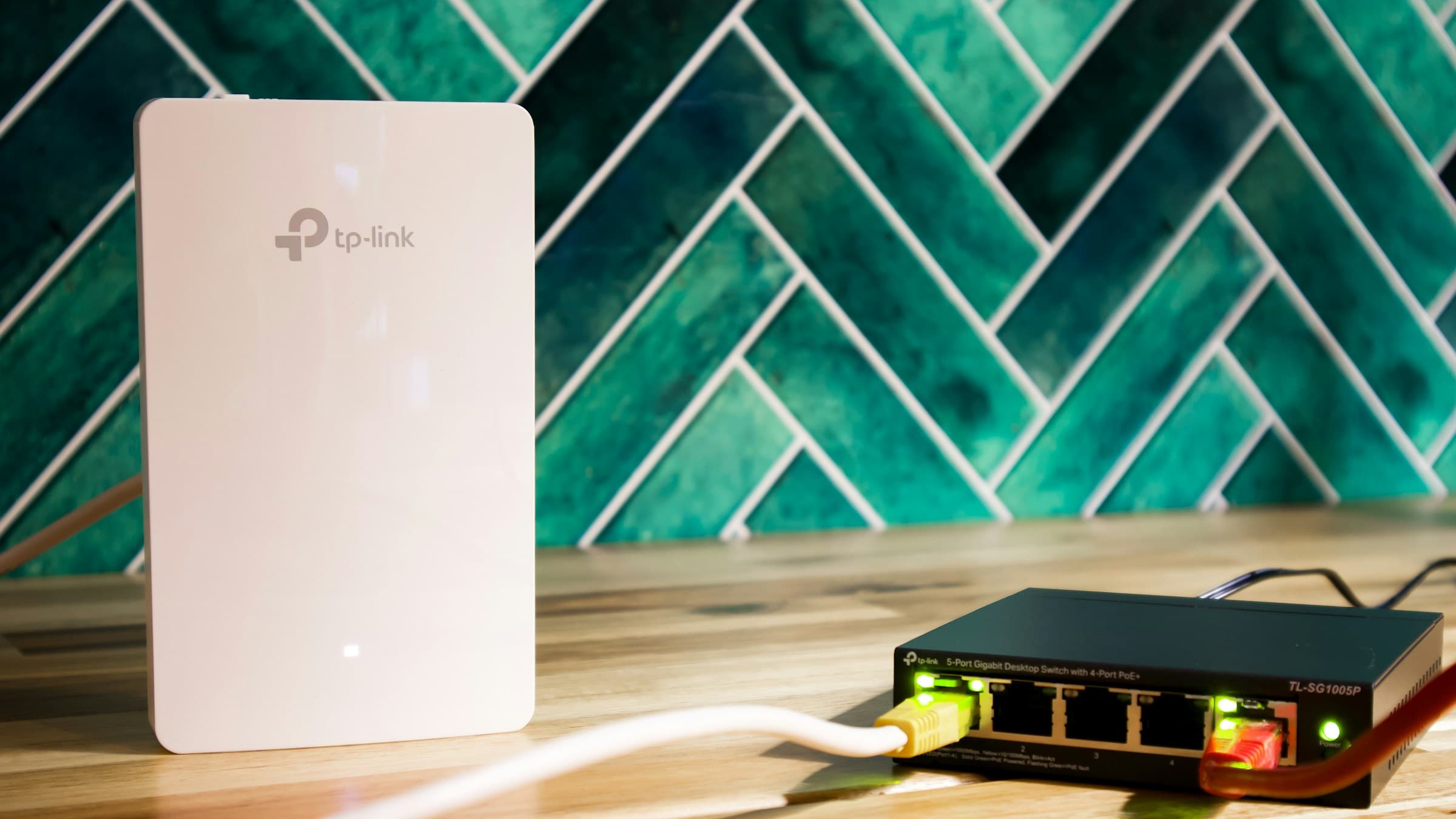
The modem is the boring box your ISP hopes you keep renting forever. If you have cable internet from Xfinity, Spectrum, Cox, Optimum, or another cable provider, buying your own modem can save money and remove one weak link before you upgrade the router.
The catch: modem compatibility matters. You must check your provider's approved modem list before buying. A great modem that your ISP will not activate is just an expensive paperweight.
SolderMag Take: buy the modem your plan can actually use
Most homes do not need the newest modem. If your plan is 300 to 800 Mbps, a proven DOCSIS 3.1 model is usually enough. If you pay for multi-gig cable or want to keep the same modem for years, DOCSIS 4.0 becomes more interesting.
Do not buy a modem/router combo unless you have a specific reason. Separate modem plus separate router is easier to upgrade, troubleshoot, and replace. Pair the modem with one of our best Wi-Fi 7 routers or best Wi-Fi 7 mesh systems after the line is stable.
The picks
The ARRIS SURFboard S34 is the forward-looking pick for cable customers moving into DOCSIS 4.0 territory. It is the modem to consider if your provider supports it, your plan is fast enough, and you want the modem to outlast your next router upgrade.
The ARRIS S33 remains the sensible DOCSIS 3.1 pick for many homes. It has a compact design, multi-gig Ethernet support, and a long track record in cable modem recommendations. For most gigabit-ish plans, this is the boring good answer.
The Motorola MB8611 is another strong DOCSIS 3.1 option with a 2.5 GbE port. It is the one to cross-shop when ARRIS pricing jumps or your ISP approval list favors Motorola. The key is not brand loyalty. The key is provider approval.
The Netgear Nighthawk CM3000 is the premium Netgear route for buyers who want a high-end modem and are already comfortable paying extra for the Nighthawk ecosystem. It is overkill for basic cable plans.
Compatibility checklist
Before you buy, check:
- Your ISP's approved modem list.
- Your exact internet plan speed.
- Whether your plan needs DOCSIS 3.1 or DOCSIS 4.0.
- Whether the modem has a 2.5 GbE or faster Ethernet port.
- Whether your router WAN port can accept that speed.
That last point matters. A 2.5 GbE modem connected to a router with only a 1 GbE WAN port is capped by the router. If you are building a multi-gig setup, verify the whole chain.
DOCSIS 3.1 vs DOCSIS 4.0
DOCSIS 3.1 is still the sensible default for many cable customers. It supports gigabit-class service, is widely approved by providers, and usually costs less than the newest DOCSIS 4.0 hardware. If your plan is under a gigabit, or your provider has not rolled out meaningful DOCSIS 4.0 support in your area, a proven DOCSIS 3.1 modem is the better value.
DOCSIS 4.0 matters when your provider offers faster upload tiers, multi-gig cable service, or a clear upgrade path that uses the newer standard. It is also a future-proofing buy if you hate replacing network hardware. Just do not buy it blind. The approval list still wins. A DOCSIS 4.0 modem that your ISP does not support today may sit unused while a cheaper DOCSIS 3.1 unit works immediately.
Rental-fee math
The affiliate-friendly answer is not always "buy the most expensive modem." Run the payback period. Divide the modem price by the monthly rental fee. If the modem pays for itself inside 8 to 14 months, ownership is usually compelling. If your ISP bundles the gateway for free or discounts it with service, the math changes.
Red flags
Avoid very old DOCSIS 3.0-only modems unless your plan is slow and your ISP still explicitly supports them. Avoid used modems unless you can confirm they are not still registered to someone else's account. Cable providers can refuse activation when the device history is messy.
Also avoid spending more on a modem than the rental fee math supports. If your ISP charges $15 a month, a $180 modem pays back in a year. A $450 modem needs a much stronger reason.
Modem first, router second
If your internet is unstable at the modem, no router will fix it. Check signal levels, splitters, coax runs, and provider activation first. Once the modem is stable, then improve Wi-Fi.
Related reading
- Best Wi-Fi 7 routers
- Best Wi-Fi 7 mesh systems
- How to set up mesh Wi-Fi
- Why you do not need Wi-Fi 7 yet
Product availability and models verified May 2026. Prices move, and affiliate links route to current Amazon listings.