Best Powerline Adapters (2026): When Wi-Fi Cannot Reach
Powerline networking is not glamorous, but it can solve awkward rooms where Wi-Fi extenders and mesh nodes struggle.
Editorial evidence review
Recommendations are checked against product documentation, availability, comparative evidence, and clearly disclosed hands-on work where it exists.
Quick picks
The short answer, with the trade-offBest value
TP-Link AV1000 Gigabit Powerline Kit
Best with Wi-Fi at the far end
TP-Link Powerline Wi-Fi Extender Kit
Best simple starter
Netgear Powerline 1000 Adapter Kit
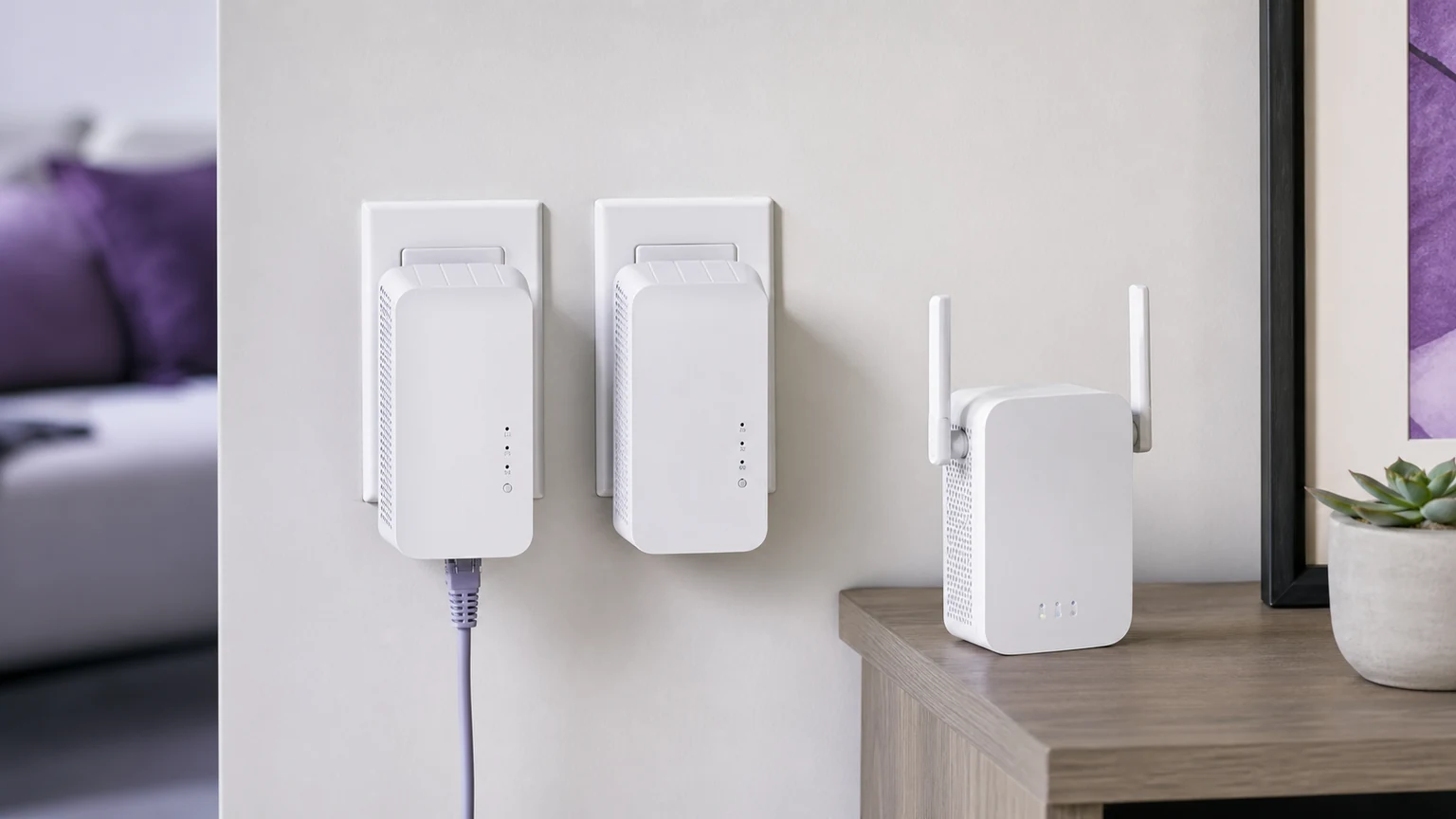
Powerline adapters are the least exciting network upgrade that can still save a bad room. They use your home electrical wiring to carry network traffic between two outlets: one near your router, one near the device that needs a better connection.
They are not faster than real Ethernet. They are not as elegant as a well-planned mesh system. They are also not dead. In apartments, brick houses, garages, garden offices, and rental homes where you cannot run cable, a good powerline kit can be more reliable than shouting Wi-Fi through walls.
SolderMag Take: powerline is for stability, not speed-test glory
The box might say AV2000. You will not get 2,000 Mbps. Real-world powerline speeds depend on wiring age, circuit layout, breakers, noise from appliances, and whether the two outlets are on the same phase. A good result is often "stable enough for a TV, console, desktop, printer, or work calls."
That is still valuable. A stable 100 to 300 Mbps connection beats a mesh node that drops every time someone closes a metal garage door.
When powerline makes sense
Use powerline when one device or one room needs reliability and Wi-Fi has failed. Good examples: a gaming console in a media cabinet, a desktop in a back bedroom, a TV that keeps buffering, a printer in a weird corner, or a garage workbench where you do firmware updates.
Do not use powerline as your main network backbone for a whole house unless you have tested it. For full-house coverage, start with best Wi-Fi 7 mesh systems. For a single dead zone, compare this against best Wi-Fi extenders.
The picks
The TP-Link AV2000 kit is the safest default because it has gigabit Ethernet, strong real-world headroom, and broad availability. It is the one to try first when the room matters and you do not want to gamble on the cheapest adapter.
The TP-Link AV1000 kit is the value pick. It is usually enough for streaming, browsing, smart TV apps, and casual console downloads. If your internet plan is under 500 Mbps and you only need one wired device, start here.
A powerline Wi-Fi extender kit makes sense when the far room needs both Ethernet and a small local Wi-Fi bubble. This is useful in a garage office or detached workspace, but it can create roaming weirdness if you expect it to behave like a full mesh system.
The Netgear Powerline 1000 kit is a simple alternative when it is cheaper than TP-Link in your area. It is not the performance pick. It is the basic "make this Ethernet port exist over there" pick.
What kills powerline performance
Power strips are the first problem. Plug adapters directly into the wall. Surge protectors and UPS units often filter the signal you are trying to send.
Appliances are the second problem. Microwaves, motors, cheap chargers, and old dimmer switches can add electrical noise. If performance changes when an appliance turns on, you found the cause.
Circuit layout is the third problem. Two rooms that look close may be electrically far apart. This is why every honest powerline recommendation has the same advice: buy from a retailer with a return window and test your actual outlets.
Buying checklist
Look for gigabit Ethernet, passthrough power if the outlet is scarce, encryption/pairing buttons, and a kit with at least two adapters. Do not pay extra for theoretical speed claims unless the model also has good ports and a strong return policy.
If you are connecting a gaming PC, prefer Ethernet over powerline instead of powerline with Wi-Fi at the far end. If you are connecting a phone, tablet, or camera, a powerline Wi-Fi kit can be fine.
Setup test before you commit
Test powerline in the exact outlets you plan to use before routing cables neatly. Plug the first adapter directly into the wall near your router, connect it by Ethernet, then plug the second adapter directly into the target-room outlet. Run a few real tests: a large download, a video stream, a work call, and a latency check if gaming matters.
If performance is bad, try adjacent outlets before giving up. Moving an adapter six feet can change the circuit path or reduce electrical noise. Avoid outlets shared with refrigerators, microwave ovens, old lamps, cheap chargers, or UPS units. If every outlet performs poorly, return the kit and use mesh, MoCA over coax, or a proper Ethernet run instead.
Powerline is best when it solves one stubborn connection. Treat it as a practical workaround, not a magic whole-home networking standard.
Related reading
Product availability and models verified May 2026. Prices move, and affiliate links route to current Amazon listings.