Best Wi-Fi 6 Routers (2026): Smart Buys Before Paying for Wi-Fi 7
Wi-Fi 6 is still the right router upgrade for many homes. Here are the specs, picks, and traps to understand before buying.
Editorial evidence review
Recommendations are checked against product documentation, availability, comparative evidence, and clearly disclosed hands-on work where it exists.
Quick picks
The short answer, with the trade-offBest simple mesh
eero 6+ mesh
Best ASUS option
ASUS RT-AX86U class router
Best budget mesh
TP-Link Deco X55 / X60 class
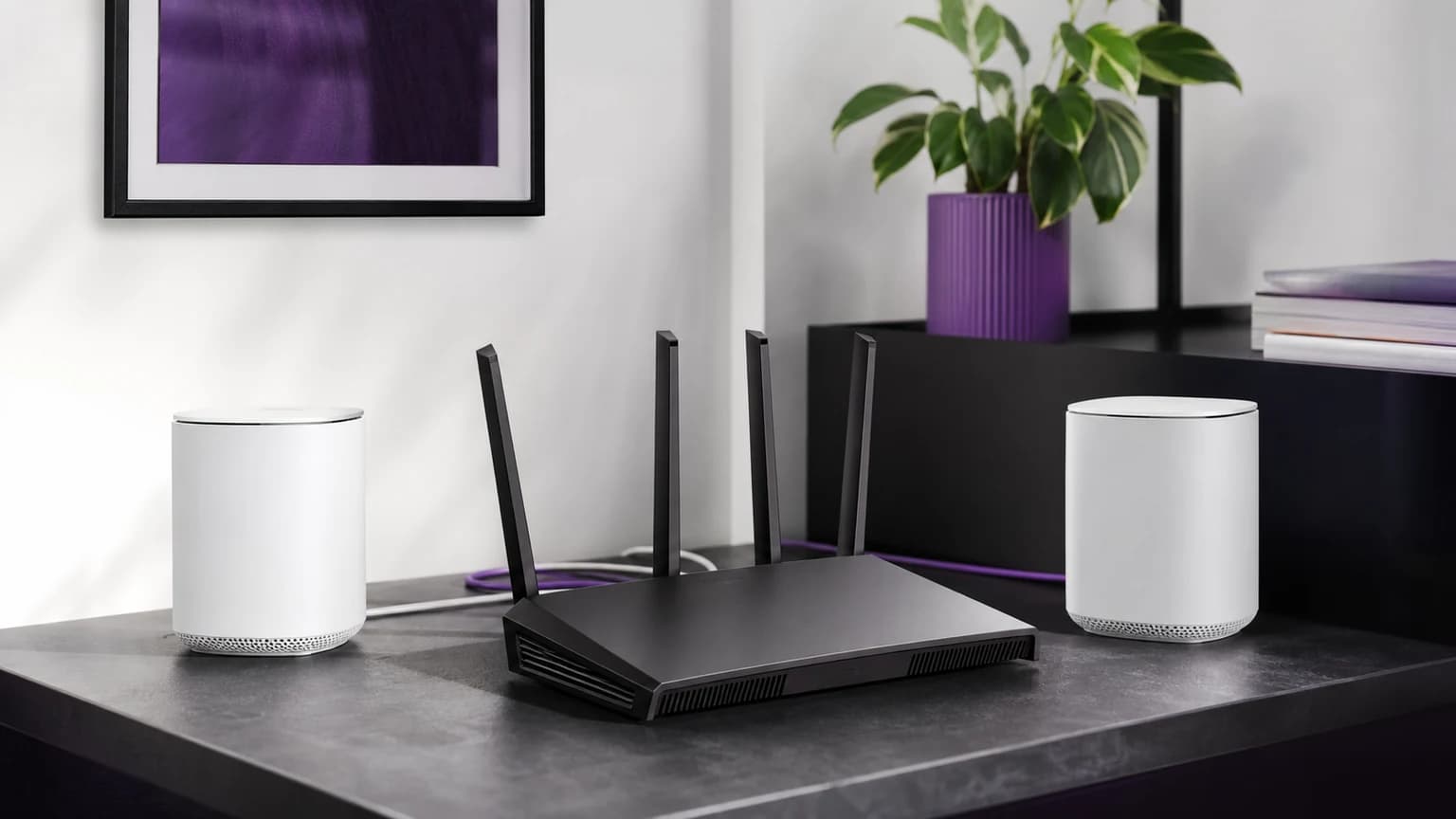
Wi-Fi 7 gets the attention, but Wi-Fi 6 is still the smarter buy for many homes in 2026. If your devices are mostly phones, laptops, streaming boxes, and smart-home gear, a good Wi-Fi 6 router can solve daily problems without flagship pricing.
The goal is not to buy the newest standard. The goal is stable coverage, fewer dropouts, enough wired ports, and firmware that will not be abandoned after setup.
SolderMag Take: Wi-Fi 6 is the value standard
Wi-Fi 6 is mature, widely supported, and fast enough for most internet plans. It is often a better deal than entry Wi-Fi 7 gear because you can buy a higher-quality router in an older standard rather than a cheaper implementation of a newer one.
Choose Wi-Fi 6 if:
- your internet plan is gigabit or below
- most client devices are Wi-Fi 5 or Wi-Fi 6
- you care about price and stability more than future-proofing
- you want a proven mesh system
Choose Wi-Fi 7 instead if:
- you have 6 GHz clients
- your home is crowded with modern devices
- you want multi-gig Ethernet and longer runway
- you are replacing network gear anyway and the price difference is small
For that newer path, read our best Wi-Fi 7 routers.
Which Wi-Fi 6 router should you buy?
TP-Link Archer AX55 / AX3000 class: best value
This class of router is the default recommendation for many apartments and smaller homes. It gives you modern Wi-Fi 6 performance without turning the purchase into a premium networking project.
Buy it if the router will sit centrally and your problem is old hardware. Skip it if your home has multiple floors, thick walls, or the modem is stuck in a bad corner.
eero 6+: best simple mesh
eero 6+ is for buyers who want mesh simplicity more than advanced tuning. It is easy to expand, easy to manage, and friendly to households where nobody wants to become the network admin.
The tradeoff is control. If you want deep settings, eero is not the platform. If you want the Wi-Fi to work and stay updated, it is a safe direction.
ASUS RT-AX86U class: best for power users
ASUS Wi-Fi 6 routers remain good picks for users who want stronger local controls, gaming-friendly settings, and more advanced configuration. They make sense for people who will actually use the settings.
If your router setup stops after naming the network, a simpler router or mesh kit may be the better buy.
TP-Link Deco X55 / X60 class: best budget mesh
Deco Wi-Fi 6 mesh kits are still strong value for coverage problems. If your home has dead zones, a mesh system can be more useful than one expensive router.
For best results, use wired backhaul if your home supports it. Wireless mesh is convenient, but it shares airtime.
What matters before you buy
Coverage beats standard
A well-placed Wi-Fi 6 router beats a poorly placed Wi-Fi 7 router. If the modem is stuck at one end of the house, plan for mesh, Ethernet, or a better access point layout.
Ethernet still matters
Wire fixed devices where you can: TVs, desktops, consoles, NAS boxes, and streaming devices. This frees wireless capacity for phones and laptops.
Do not overpay for speed ratings
AX3000, AX5400, and similar labels are combined theoretical speeds across radios. They are not the speed one device will get through walls. Use them as rough class labels, not promises.
Firmware support matters
Old routers become security risks when updates stop. Buy from brands with a visible history of firmware support, and check update settings after installation.
Wi-Fi 6 vs mesh: which is better?
Buy a single router when:
- the home is small or medium
- the router can sit near the center
- the issue is old hardware
- your devices are mostly near the router
Buy mesh when:
- dead zones are the problem
- the modem is in a bad location
- you have multiple floors
- outdoor cameras or garages need coverage
Our how to set up mesh Wi-Fi guide covers placement mistakes that cause many "bad router" complaints.
The verdict
Wi-Fi 6 is not obsolete. It is the value choice for homes that need reliable everyday Wi-Fi without paying for Wi-Fi 7 hardware they may not use yet. Start with a TP-Link Archer AX55-class router for simple value, eero 6+ for easy mesh, ASUS for hands-on control, and Deco for budget whole-home coverage.
Related reading: Best Gaming Routers, Best Wi-Fi 7 Routers, and Best Wi-Fi Extenders.
Sources and methodology
We rank Wi-Fi 6 routers by stability, coverage fit, Ethernet layout, firmware support, and value. We do not treat combined theoretical speed ratings as real-world throughput promises.