Uplift V2 vs Branch Standing Desk: Which Desk Should You Buy?
Uplift V2 and Branch target different standing-desk buyers. Here is the practical difference in stability, options, setup, and value.
Editorial evidence review
Recommendations are checked against product documentation, availability, comparative evidence, and clearly disclosed hands-on work where it exists.
Quick picks
The short answer, with the trade-offBest simple office desk
Branch Standing Desk
Best budget alternative
FlexiSpot Electric Standing Desk
Best simple retail alternative
Vari Electric Standing Desk
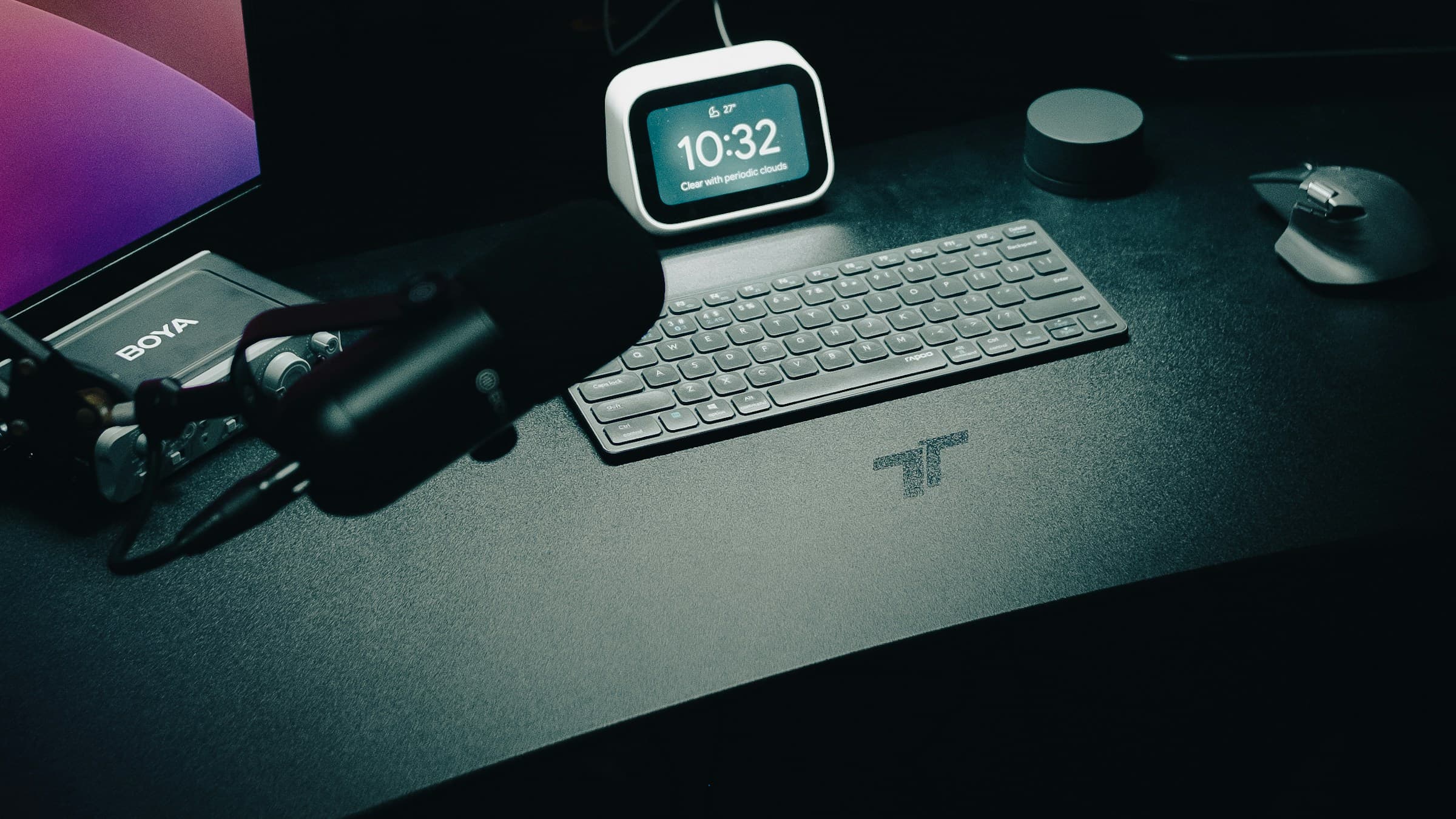
Uplift V2 and Branch are two of the most common standing-desk shortlists, but they are not trying to be the same product. Uplift is the modular, highly configurable desk system. Branch is the simpler, cleaner office desk that gets you to a good setup with less decision fatigue.
If you want a full category view first, read our best standing desks guide. This comparison is for buyers already deciding between Uplift and Branch.
Product lines and accessories were checked in May 2026. Desk pricing changes with top size, frame color, accessories, and discounts, so treat prices as moving targets and compare configured carts before buying.
Quick verdict
Buy the Uplift V2 if you want configuration depth: more desktop sizes, materials, accessories, frame options, and long-term upgrade flexibility.
Buy the Branch Standing Desk if you want a cleaner purchase, modern office look, and fewer choices to manage.
For most heavy workstation setups, Uplift is the safer pick. For a normal laptop-and-monitor home office, Branch is easier to live with.
Stability
Standing desk stability depends on frame design, desktop size, monitor weight, floor type, and height. Both desks are stable enough for normal work, but Uplift has the advantage when you configure a larger desktop, heavy monitor arms, speakers, or multiple displays.
If your setup includes a large ultrawide from our ultrawide monitor guide or a dual-arm monitor setup, lean Uplift. The heavier and wider the load, the more you benefit from a frame designed around configuration headroom.
Branch is stable for standard office use. It is the better answer when your desk is a laptop, one monitor, keyboard, mouse, lamp, and maybe a dock.
Configuration
This is where Uplift wins clearly. Uplift offers a broad menu of desktop sizes, materials, grommets, frames, keypads, wire trays, CPU holders, drawers, and accessories. That can be useful or exhausting depending on your personality.
Branch narrows the choices. Fewer options means less risk of building a weird cart and less time spent comparing bamboo, laminate, rubberwood, and walnut finishes. The downside is that you have less ability to tune the desk around a specific room or gear load.
Assembly and setup
Both are normal flat-pack standing desks: desktop, frame rails, lifting columns, feet, control box, keypad, cable routing. Uplift can take longer because accessory decisions and configuration details add steps. Branch is usually simpler because there are fewer moving pieces.
The biggest setup mistake is not cable management. A sit-stand desk moves vertically, so every cable needs slack, routing, and strain relief. Start with a cable tray, a surge protector or UPS mounted under the desk, and a single power cable leaving the desk if possible.
Desktop quality
Uplift gives you more material choices, including premium desktop options. That matters if the desk is a long-term furniture purchase and you care about texture, edge finish, and exact size.
Branch focuses more on a polished office look. It is less about enthusiast customization and more about giving you a desk that looks coherent in a modern workspace.
Controls and daily use
Memory presets are mandatory. Do not buy a standing desk without them. Both Uplift and Branch offer programmable height controls, which makes the desk feel much more useful than basic up/down buttons.
The right daily pattern is not standing all day. Use sitting, standing, and movement blocks. Add a mat for standing periods and consider a walking pad only if you will actually use it.
Which desk is better for tall users?
Check the height range on the exact frame you are buying. Tall users should measure elbow height while standing and compare it with the desk's max height after accounting for desktop thickness. If you use a thick anti-fatigue mat or walking pad, you need additional height.
Uplift's wider frame/configuration ecosystem makes it easier to solve unusual height or desktop-size needs. Branch is fine for many users, but Uplift is the safer answer when fit is not standard.
Which desk is better for small rooms?
Branch is often easier because the product line is simpler and visually quieter. Uplift can also work in small rooms if you choose a smaller top, but the temptation is to overconfigure.
If you are building a compact apartment setup, also check best laptop stands and monitor arms. The desk is only one piece of the footprint.
Alternatives
Vari is the retail-friendly alternative if you want simple assembly and a polished desk without deep customization. FlexiSpot is the budget alternative when price matters more than premium fit and finish.
The verdict
Uplift V2 is the better desk for buyers who care about customization, heavier workstations, and long-term flexibility. Branch is the better desk for buyers who want a clean office setup with fewer decisions and a modern default look.
For affiliate-conversion purposes, the buying intent is clear: if the reader says "I want the exact desk for my room," point them to Uplift. If they say "I just need a good standing desk," Branch or Vari is usually enough.
Related reading: Best Standing Desks, Complete Ergonomic Workstation Guide, and Best Home Office Setup.