Best Webcams for Video Calls (2026): Look Good Without Looking Like You Tried
Most bad webcam problems are lighting and exposure, not resolution. What to buy, what to skip, and how to look great on Zoom in 2026.
Editorial evidence review
Recommendations are checked against product documentation, availability, comparative evidence, and clearly disclosed hands-on work where it exists.
Quick picks
The short answer, with the trade-off
Best overall
Logitech MX Brio
4K sharp image, excellent low light, Show Mode for desk view
Trade-off: USB-C cable only
Best value
Anker PowerConf C200
Trade-off: Not true 4K

Best budget
Elgato Facecam Neo
Trade-off: Average image quality

Best for power users
OBSBOT Tiny 3
Trade-off: No privacy shutter
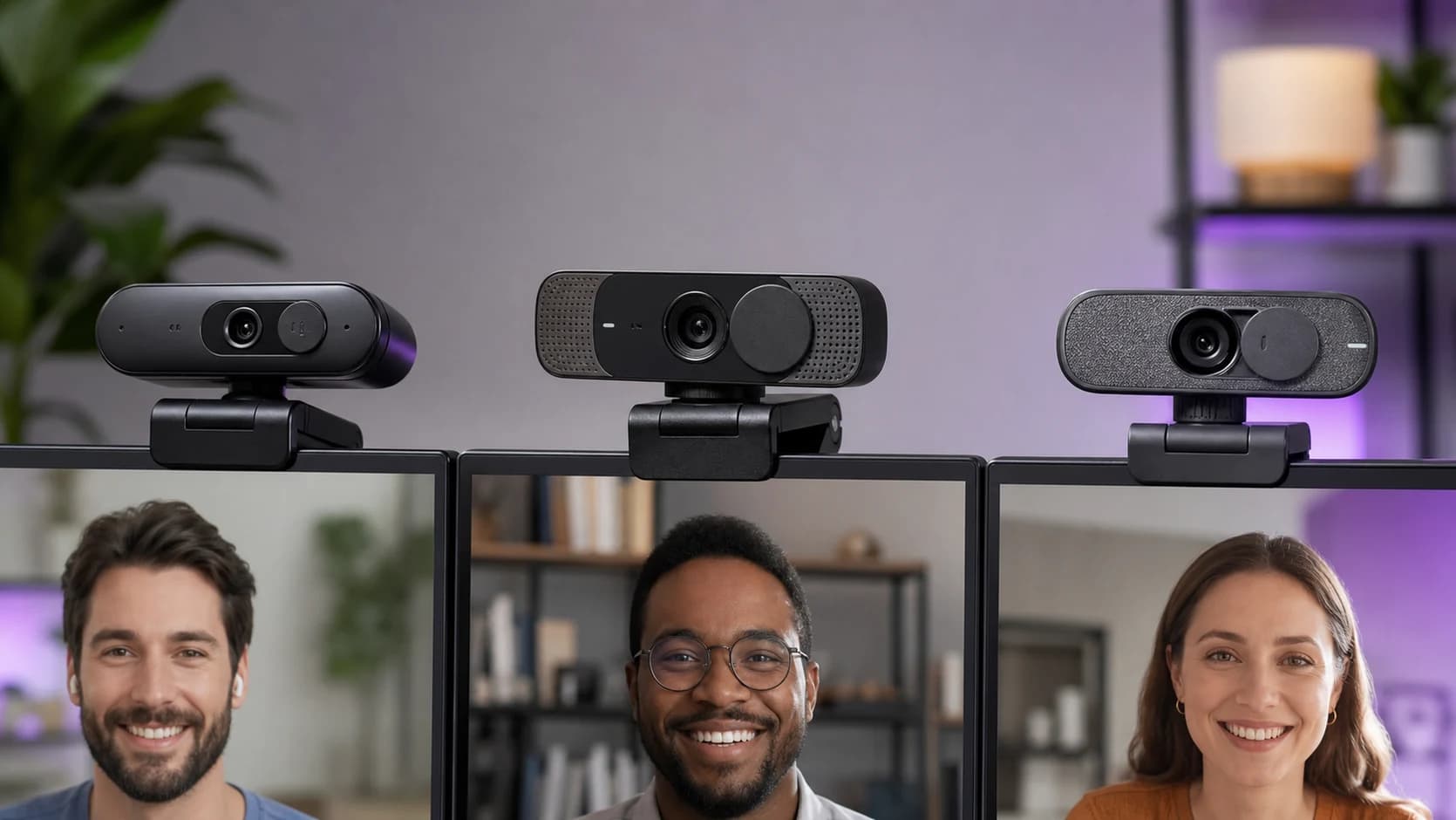
If you’re shopping for a webcam in 2026, here’s the annoying truth: most webcams are fine. and most webcam setups are not.
The difference between “you look great” and “you look like a hostage video” is usually:
- light (quantity + direction)
- exposure behaviour (does it keep your face correctly exposed?)
- focus behaviour (does it hunt when you move?)
- microphone choice (spoiler: use something else if you can)
This is a mixed editorial + buying guide: we’ll name the kinds of webcams worth buying, but we’ll also call out the failure modes that make people rage-return cameras that were technically “4K.”
SolderMag Take: the best webcam is the one that doesn’t freak out when your room changes
Specs are easy. Rooms are chaos.
Your video call lighting changes constantly: a monitor glow at night, a window at 9am, a ceiling light at 6pm, a lamp that’s warm as toast. A good webcam is the one that:
- holds exposure on your face instead of the background
- doesn’t turn you into a smoothed-out wax statue
- doesn’t pulse brightness like it’s breathing
- keeps focus on you even when you gesture
Buying bias: if your work calls matter, buy a webcam that’s boring and consistent. then spend the real money (or effort) on lighting.
What actually matters when choosing a webcam
1) Lighting beats resolution (yes, still)
A $20 lamp pointed at the wall can make a $70 webcam look like a $200 webcam.
If you do one thing, do this:
- put a light in front of you (not above/behind)
- make it soft (bounce off a wall or use a diffuser)
- keep the background a little darker than your face
Why it works: webcams have tiny sensors. Tiny sensors hate dim rooms.
2) Autofocus behaviour: “fast” isn’t always good
Autofocus hunting is the #1 “why does my video look cheap?” giveaway.
- If you sit fairly still, set-and-forget focus (or a very calm autofocus) is ideal.
- If you present, demonstrate objects, or move around, you need reliable autofocus that doesn’t constantly re-focus on your background.
3) Exposure behaviour: face-first, not background-first
Good webcams prioritize your face. Bad webcams prioritize the brightest thing in frame.
Common failure patterns:
- bright window behind you → webcam underexposes your face
- dark room → webcam pushes gain → grainy, smeary noise
- mixed lighting → skin tones go green/orange
4) Field of view (FOV): don’t buy a fisheye by accident
Wide FOV sounds cool until your face is at the edge and you look like a GoPro meme.
- 70-80° is usually flattering for a single person.
- 90°+ is for groups, whiteboards, or very tight spaces.
If the webcam has adjustable FOV, great. but it must be easy to set and actually stick.
5) Mounting and framing (the unsexy dealbreaker)
If the mount is wobbly, your video will be too.
Checklist:
- Does it sit securely on your monitor?
- Can it tilt down enough if your monitor is high?
- Can you mount it to a tripod (¼-20 thread) if you want better positioning?
The buying checklist (2-minute decision)
Use this when you just want a sane purchase.
-
What’s your lighting reality?
- decent front light already → prioritize sharpness + calm exposure
- dim/mixed lighting → plan for a key light (often a better upgrade than “4K”)
-
What’s your calling platform + constraints?
- Zoom/Teams/Meet on a work laptop → prioritize plug-and-play UVC reliability
- need background blur / virtual cam features → check software support for your OS
-
How do you sit?
- mostly still → fixed focus or calm AF is great
- you move/present → better autofocus matters
-
How do you want to frame?
- head-and-shoulders → 70-80°
- showing desk/whiteboard → wider or adjustable FOV
-
Do you care about audio?
- if yes, don’t: use a dedicated USB mic or a headset. Webcam mics are the last resort.
Red flags (stuff that wastes your money)
If you see these, be cautious. even if the spec sheet looks great.
- “4K” with no mention of low-light, HDR, or exposure behaviour. Resolution is easy. Good exposure is hard.
- Aggressive beauty smoothing you can’t fully disable (you’ll look like a plastic mask).
- Autofocus that hunts during normal head movement.
- Software-only features required for basic use (and the software is flaky on macOS/Windows updates).
- Micro-USB power/cables in 2026 unless it’s a legacy discount deal.
- No clear return policy for a device where “it looks weird in my room” is a valid reason.
Common setups that look great (without trying too hard)
Setup A: “Just make me look normal” (most people)
- 1080p webcam with stable exposure
- cheap dimmable lamp or a small key light (bounced off a wall)
Setup B: “I’m in a window-lit room and I’m always blown out”
- move so the window is in front of you (or to the side)
- add a small front light to keep your face consistent
- avoid ultra-wide FOV unless you need it
Setup C: “I demo electronics / show boards / hands”
- adjustable FOV helps
- consider a small tripod mount so the camera can sit higher and point down
- lock exposure if your software lets you (reduces brightness pumping)
Our top picks
Logitech MX Brio
Why it works
- 4K sharp image, excellent low light, Show Mode for desk view
Main trade-off
- USB-C cable only
Anker PowerConf C200
Why it works
- 2K resolution cheap, privacy shutter, good mics
Main trade-off
- Not true 4K

Elgato Facecam Neo
Why it works
- 1080p 60fps smooth, privacy shutter, plug-and-play
Main trade-off
- Average image quality
OBSBOT Tiny 3
Why it works
- AI tracking PTZ, excellent colors, snappy autofocus
Main trade-off
- No privacy shutter
Sources
- USB Video Class (UVC) overview and interoperability notes (USB-IF / general UVC documentation)
- Manufacturer spec sheets for current webcam models (Logitech, Elgato, Anker, Dell, etc.)
- Independent reviewers who show exposure transitions, autofocus behaviour, and low-light (not just still frames)
For the rest of your WFH video setup, see our desk setup essentials guide. If you are trying to stay under $100, use the focused best budget webcams guide instead of paying for creator features you may never use.
Next in this cluster: this post pairs well with “best desk lighting for video calls” (future). because lighting is the real webcam upgrade.