The $5 Soldering Iron That (Almost) Works: A Brutally Honest Teardown
A brutally honest teardown of a cheap soldering iron from online marketplaces. With a few modifications, it becomes a decent backup tool. but should you bother?
Written by the SolderMag Editorial Team. We update recommendations against current product availability, disclose affiliate links, explain ranking criteria in our testing methodology, and correct material errors through the contact page.
As an Amazon Associate I earn from qualifying purchases. Product prices and availability can change.
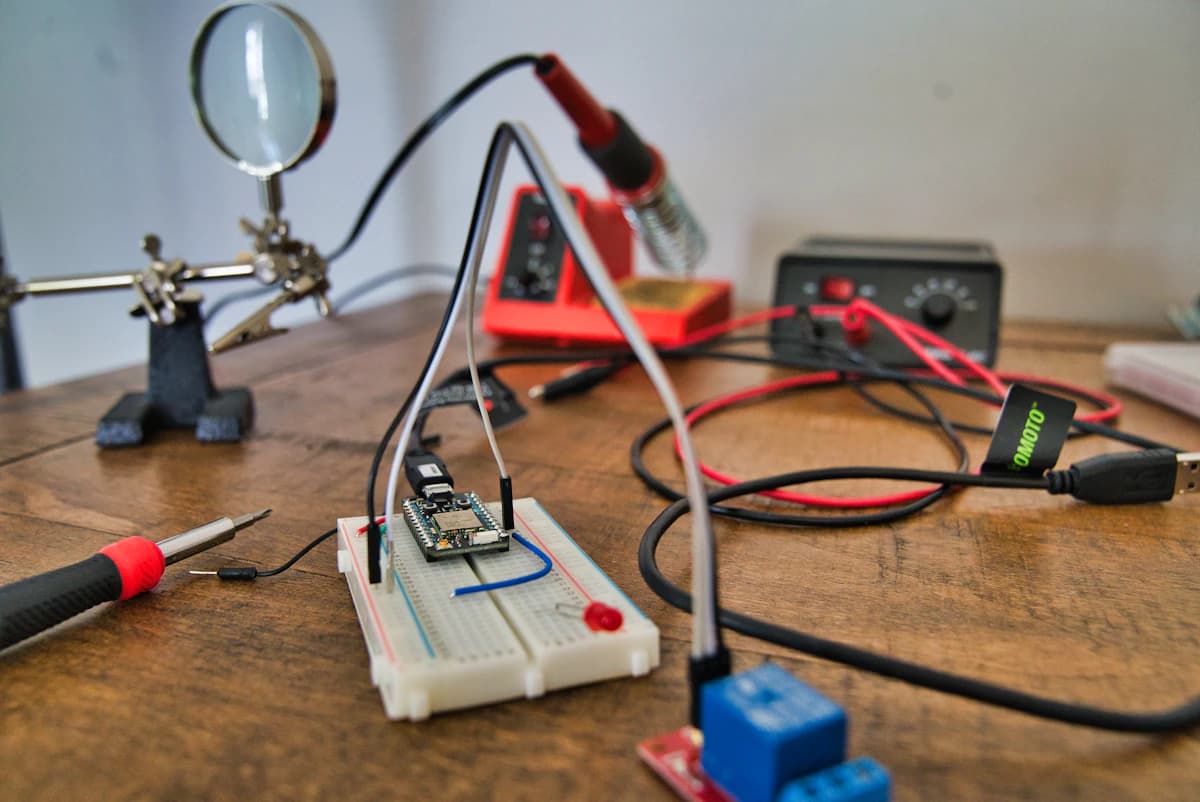
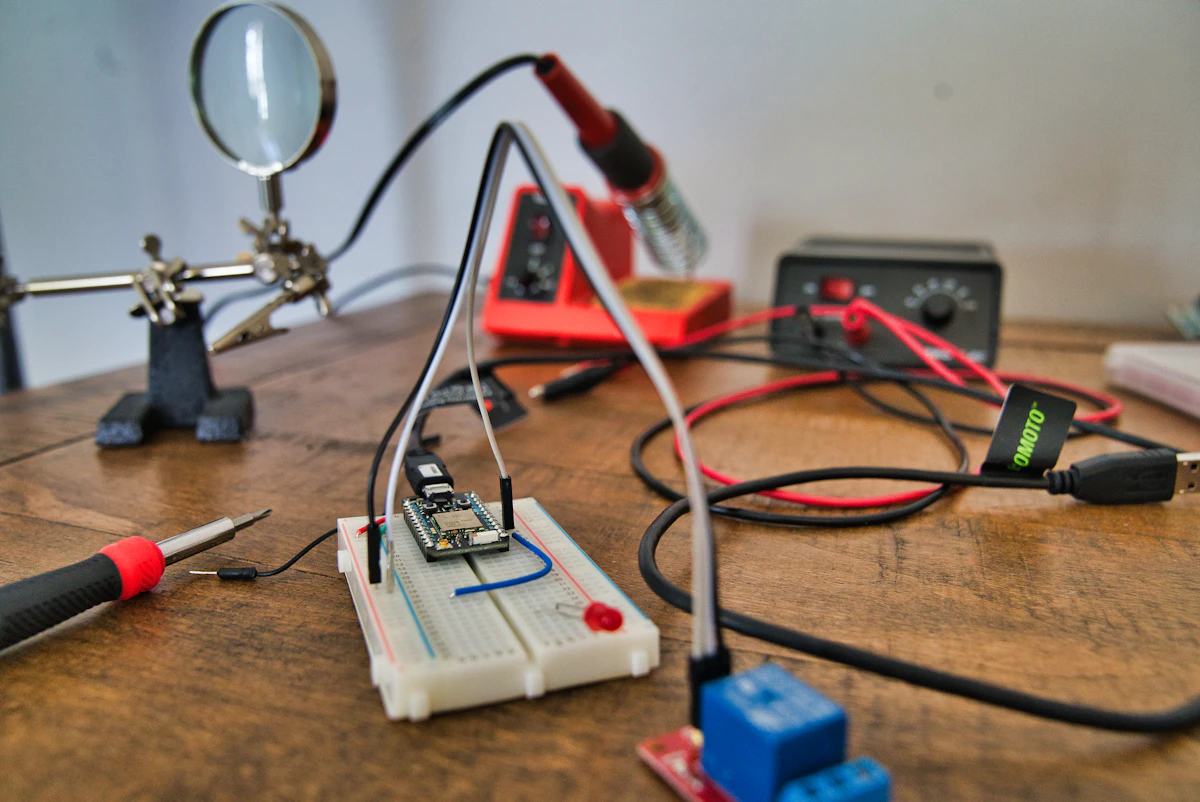
Let's be clear: a $5 soldering iron is not a good idea. But when you're starting out, broke, or just need a backup for emergencies, those generic yellow-handle irons on AliExpress and Amazon are tempting. I bought one to see if it could be saved.
First Impressions: You Get What You Pay For
The iron arrived in a crushed cardboard box with minimal documentation. just a single sheet warning about fire hazards. The build quality is exactly what you'd expect at this price point:
- Plastic housing feels like it came from a toy factory
- Power cord is stiff, cheap PVC that likes to retain its coiled shape
- Tip looks like it was sharpened by hand with a file. uneven plating, rough surface
- Stand is a bent piece of sheet metal that wobbles
The iron claims 60W but doesn't specify temperature control. That's because there basically isn't any. just an on/off switch.
The Teardown: What's Inside
I cracked open the handle to see what $5 buys you. The internals are instructive.
Heating element: A nichrome wire wound around a ceramic core. This is the same basic design used in irons from the 1970s. The wire is thinner than what you would find in a Hakko or Weller element, which means higher resistance and less consistent heat delivery. The ceramic core had a visible crack. probably from thermal cycling during quality testing (if there was any).
Thermostat: A bimetallic strip positioned near the tip. When the strip heats up, it bends and breaks the circuit. When it cools, it reconnects. This is the "temperature control" mechanism. The problem is that the strip's trigger temperature is fixed at the factory, and the hysteresis (the gap between on and off temperatures) is enormous. I measured swings of roughly 60 to 80 degrees Celsius at the tip using a thermocouple.
Wiring: Two wires run from the plug through the handle to the element. No ground wire. The insulation is thin PVC that gets soft when the handle warms up. There is no strain relief where the cord enters the handle. just a rubber grommet that was already loose out of the box.
Tip retention: A set screw holds the tip in a brass sleeve. The sleeve has noticeable play, so the tip wobbles slightly during use. This makes precision work harder than it needs to be.
Overall assessment: The iron is functional in the same way a butter knife is functional as a screwdriver. It technically does the job, but every detail works against you.
The Problems: Everything Matters
After a week of testing, the fundamental issues became clear:
1. Tip Quality
The stock tip is the worst part. The plating is uneven, the surface is rough, and it doesn't wet properly even with good flux. Within three projects, the tip started pitting. This is the #1 reason cheap irons fail. they ruin every joint with poor heat transfer. Even the right flux can only do so much when the tip surface is this bad.
2. Temperature Control
There's none. The iron uses the bimetallic strip thermostat described above. The result: temperature swings of 50 to 100 degrees Celsius. For leaded solder it's barely usable. For lead-free, it's a nightmare of cold joints and overheated pads.
3. Handle Ergonomics
The handle gets warm during extended use (30+ minutes). Not painfully hot, but enough to be annoying. The shape forces your hand into an awkward grip for precision work.
4. Power Cord
Stiff, prone to kinking, and doesn't stay where you put it. When you're trying to solder in tight spaces, fighting your iron's cord is the last thing you need.
5. Thermal Recovery
This is the hidden killer. When you touch the tip to a large copper pour or a ground plane, the temperature drops and takes 8 to 10 seconds to recover. A decent station recovers in 1 to 2 seconds. Those extra seconds mean you're holding the iron on the joint longer, which increases the risk of pad damage, lifted traces, and heat damage to nearby components.
The Fixes: $15 More Makes It Usable
Here's what I did to make this iron semi-decent:
Replace the Tip ($8-12)
I swapped the garbage stock tip for a genuine Hakko 900M-compatible tip. Night and day difference. Better wetting, consistent heat, and it actually stays tinned. This is the fix that matters most. These tips are available from multiple sellers, but make sure you are buying genuine or high-quality clones, not another round of the same bad plating.
Add a Dimmer Switch ($5)
I wired a simple lamp dimmer between the wall and the iron. Now I can actually control temperature instead of hoping. The bimetallic thermostat still clicks, but the dimmer lets me keep it in the sweet spot. For SMD work, this is essential.
Important safety note: This mod works, but a dimmer on a resistive heating element is not the same as proper PID temperature control. The iron has no feedback loop. you are just reducing average power. It's a rough adjustment, not precision control.
Handle Wrap ($3)
Self-fusing silicone tape (Rescue Tape or similar) wrapped around the handle solves the heat issue and improves grip significantly. Plus it looks more professional.
Cord Replacement ($8)
I swapped the stiff PVC for a flexible silicone cord from an old appliance. Now it moves with me instead of fighting back. Not strictly necessary but a quality-of-life upgrade.
Add a Proper Stand ($10-15)
The included sheet metal stand is a fire hazard. A weighted iron holder with a sponge or brass wool ball costs $10 to $15 and dramatically reduces the chance of burning something on your bench. If you have a hot air rework station, you may already have a stand that works.
Total Mod Cost
| Mod | Cost | Impact | |---|---|---| | Hakko-compatible tip | $8-12 | Huge. The single most important upgrade. | | Lamp dimmer | $5 | High. Gives you rough temperature control. | | Silicone handle wrap | $3 | Medium. Comfort and heat reduction. | | Cord replacement | $8 | Low. Nice to have, not essential. | | Proper stand | $10-15 | Medium. Safety improvement. | | Total | $34-43 | Turns a bad iron into a mediocre one. |
Look at that total. For $34 to $43 on top of the $5 iron, you have spent $39 to $48. A Miniware TS100 costs $40 to $50 and is a genuinely good iron out of the box. The math does not work in the cheap iron's favor.
The Verdict: Backup Only
With $20-25 in upgrades, this becomes a usable backup iron. something you keep in a travel kit or lend to friends. Without them, it's frustrating enough to make you quit electronics.
Should you buy one? Only if you:
- Already own a good iron and need a disposable backup
- Are traveling and might lose/destroy it
- Want a project for practicing iron mods
- Have literally no budget and patience for frustration
Don't buy one if you:
- Are learning to solder (bad habits, worse results)
- Plan to do SMD work (temperature stability matters too much)
- Value your time (spend $40 on a TS100 instead)
Alternatives Worth Considering
- TS100/TS80: $40-50, temperature controlled, portable, actually good
- Hakko FX-888D: $100, industry standard, bulletproof
- KSGER T12: $60-80, Hakko-compatible tips, good performance
- Weller WLC100: $50, basic but reliable, widely available tips
For a deeper breakdown with full reviews and comparisons, our best soldering stations guide ranks options at every price point. If you do any surface-mount work, a hot air rework station is the better investment than trying to make a cheap iron work for QFN and QFP packages. The practical tool split is covered in our hot air rework station vs soldering iron guide.
What to Buy Instead at Each Budget
Under $20: Honestly, save up. A bad iron teaches bad habits. If you absolutely must start now, buy a $15 soldering iron kit from a known brand (Weller, Hakko) on clearance rather than a generic $5 iron.
$40-60: The Miniware TS100 or TS80 are the sweet spot for beginners. Genuine temperature control, portable, USB-C powered (TS80), and backed by a real community of users and mods.
$60-100: The KSGER T12 station gives you Hakko T12 tip compatibility (a massive ecosystem) with proper PID control. This is where "budget" stops meaning "compromise."
$100+: The Hakko FX-888D or Weller WE1010NA. These are the stations that professionals use daily. They last for years, tips are everywhere, and thermal recovery is measured in fractions of a second.
A Note on Safety
Cheap irons are not just frustrating. they can be dangerous. The lack of a ground wire is a real concern. If the element shorts to the barrel (which happens when cheap insulation degrades), the tip becomes live. On a properly grounded iron, that trips the breaker. On this iron, it means the tip is carrying mains voltage.
If you use a cheap iron, at minimum:
- Plug it into a GFCI-protected outlet
- Never leave it unattended while plugged in
- Inspect the cord regularly for damage
- Replace it at the first sign of anything unusual (sparks, smell, inconsistent heating)
Bottom Line
The $5 iron is a testament to modern manufacturing. something this terrible can be sold profitably. With mods, it's barely acceptable. Without them, it's a false economy that teaches bad habits.
If you're serious about electronics, save up for a TS100 or better. And while you're building your bench, make sure you're using the right flux. it makes more difference than the iron itself. For anyone exploring electronics as a hobby, pairing a decent iron with a beginner 3D printer opens up a world of custom enclosures and jigs for your projects. Your future self (and your projects) will thank you.
Last updated: March 2026
Affiliate disclosure: Links may earn commission at no cost to you