Best Beginner 3D Printers (2026): The No-Drama Way to Start Printing
A beginner 3D printer should feel like an appliance, not a weekend project. Here’s what actually matters (auto-levelling, slicer sanity, support) and what to ignore.
Research-based buying guide
Recommendations are checked against product documentation, availability, comparative evidence, and clearly disclosed hands-on work where it exists.
Quick picks
The short answer, with the trade-offBest overall
Bambu Lab A1 mini
Automatic calibration
Trade-off: Smaller 180mm build volume

Best budget
Creality Ender 3 V3 SE
Best for beginners
Creality SparkX i7
Trade-off: No SolderMag hands-on print data
Best value
Anycubic Kobra X
Trade-off: Open-frame material limits
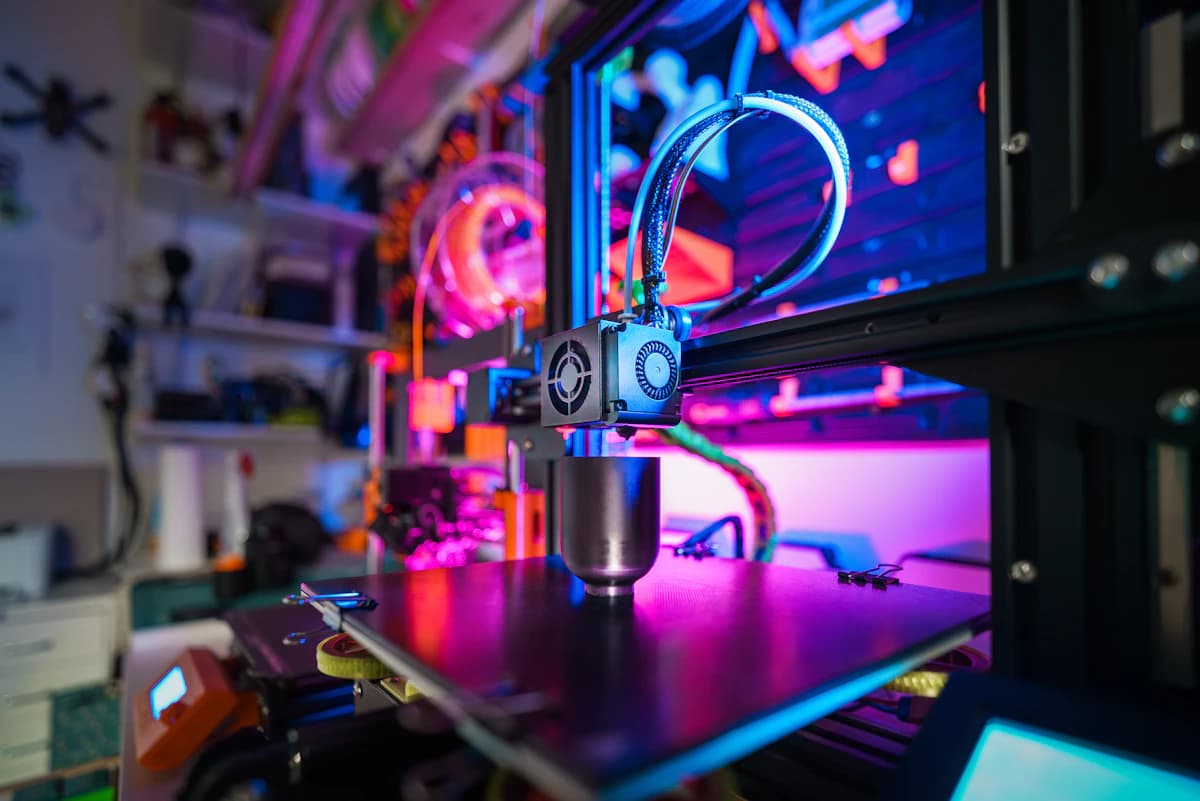
Buying your first 3D printer is weirdly similar to buying your first espresso machine: the internet will tell you to embrace the ritual and learn the craft.
That’s fine if you want a new hobby.
But if your goal is simply to print useful things reliably (jigs, brackets, enclosures, parts for projects), you should buy the printer that removes the most failure modes up front.
SolderMag Take: beginners don’t need “cheap”. they need predictable
The most expensive 3D printer is the one that prints three sad benchies, clogs, then becomes a shelf ornament.
For beginners, the real priorities are:
- first-layer reliability (automatic bed levelling that actually works)
- filament path sanity (less friction, fewer weird jams)
- a slicer workflow you’ll keep using
- support + spare parts that exist
If a printer is “a great deal” but requires constant tuning to stay in calibration, it’s not a beginner printer. it’s a kit. For a closer look at the two most popular beginner options, our Bambu A1 Mini vs Creality Ender 3 V3 comparison covers the tradeoffs in detail.
Quick picks (by personality)
If you want the easiest start (minimal tinkering)
Look for a modern, mostly-assembled printer with:
- automatic bed levelling / mesh compensation
- automated calibration routines
- a well-supported slicer profile
If you want to learn, but still print useful stuff
A midrange printer with good community support can be great. as long as you’re okay with:
- occasional nozzle swaps
- learning how to re-tension belts
- updating firmware safely
If you want “cheap” on purpose
Totally valid. Just budget your time. If you buy a bargain printer, you’re also buying:
- troubleshooting
- upgrades
- “why is this corner lifting?”
Our Bambu Lab A1 Mini review covers the printer that most commonly wins the “easiest start” category.
What specs actually matter (and why)
1) Auto bed levelling (ABL) and first-layer tools
First layer is the game.
Good beginner features:
- ABL/mesh levelling that runs fast and consistently
- a bed surface that grips PLA/PETG without rituals
- an easy way to set Z-offset (and remember it)
Red flags:
- “auto levelling” that’s really just a probe + a confusing process
- a printer that expects you to shim the bed forever
2) Extruder style: direct drive is the beginner-friendly default
Direct drive generally makes life easier for:
- flexible filaments (TPU)
- retractions (less stringing drama)
Bowden can be fine, but it’s less forgiving.
3) Motion system + frame stiffness (quietly determines quality)
A printer can have great marketing specs and still produce:
- ringing/ghosting
- inconsistent layers
Beginner takeaway: prefer designs with a reputation for rigidity and stable tuning.
4) Enclosure (optional for PLA, helpful for “adult” materials)
For PLA you can print open-frame in most homes.
An enclosure matters more when you want:
- ABS/ASA
- less warping
- more consistent temps
Also: ventilation becomes your problem. (Even “safe” plastics can smell, and some materials produce more fumes/particles.)
5) Slicer ecosystem: you’re buying software as much as hardware
A printer with good default profiles in a mainstream slicer is a huge quality-of-life win.
Beginner-friendly signs:
- official profiles for OrcaSlicer/PrusaSlicer/Cura
- clear “material presets” that don’t require secret knowledge
Common beginner traps (please don’t learn these the hard way)
- Chasing speed before reliability. Fast printers are great after you can print a solid cube.
- Assuming bigger build volume = better. Bigger beds are harder to heat evenly and harder to keep flat.
- Buying the cheapest filament you can find. Bad filament creates fake “printer problems.”
- Ignoring where the printer will live. You need a stable surface, decent airflow, and somewhere that can handle noise.
A beginner decision checklist (fast)
- Does it have reliable ABL/mesh levelling?
- Is it mostly assembled, with clear setup steps?
- Are spare nozzles/parts easy to buy where you live?
- Does it have solid slicer profiles (not “community maybe”)?
- Are you primarily printing PLA/PETG? (Start there.)
If you can’t answer #2-#4 confidently, pick a more mainstream model.
Our top picks
Bambu Lab A1 mini
Why it works
- Automatic calibration
- Network transfer and camera
- AMS lite compatible
Main trade-off
- Smaller 180mm build volume
- Open-frame material limits

Creality Ender-3 V3 SE
Why it works
- 220 × 220 × 250mm build volume
- CR Touch levelling and automatic Z offset
- Direct-drive extruder
Main trade-off
- No Wi-Fi connectivity
- No filament runout sensor
Our Creality Ender-3 V3 SE review explains when the lower-cost workflow is worth accepting and when paying more for automation makes sense.
Creality SparkX i7
Why it works
- Mostly assembled setup
- Direct-drive extruder
- Optional multicolour expansion
Main trade-off
- No SolderMag hands-on print data
- Current retailer options vary by region
Anycubic Kobra X
Why it works
- Native four-colour workflow
- 260mm-cube build volume
- Direct-drive extruder
Main trade-off
- Open-frame material limits
- No SolderMag hands-on reliability data
Sources
- Bambu Lab Wiki (printer docs + maintenance guidance): https://wiki.bambulab.com/
- Prusa Knowledge Base (setup, troubleshooting, materials): https://help.prusa3d.com/
- PrusaSlicer documentation (profiles, calibration, printing basics): https://help.prusa3d.com/category/prusaslicer_204
- Klipper documentation (popular firmware in the hobby ecosystem): https://www.klipper3d.org/
- OrcaSlicer project docs/releases (widely used modern slicer): https://github.com/SoftFever/OrcaSlicer
For a detailed comparison of two of the most popular beginner options, see our Bambu A1 Mini vs Creality Ender 3 V3 head-to-head.