Wi‑Fi 7 Explained Without the Marketing (What Actually Matters in 2026)
Wi‑Fi 7 is real. but most people buy the wrong router for the wrong reason. Here’s what to care about (latency, congestion, backhaul), and what to ignore.
Editorial evidence review
Recommendations are checked against product documentation, availability, comparative evidence, and clearly disclosed hands-on work where it exists.
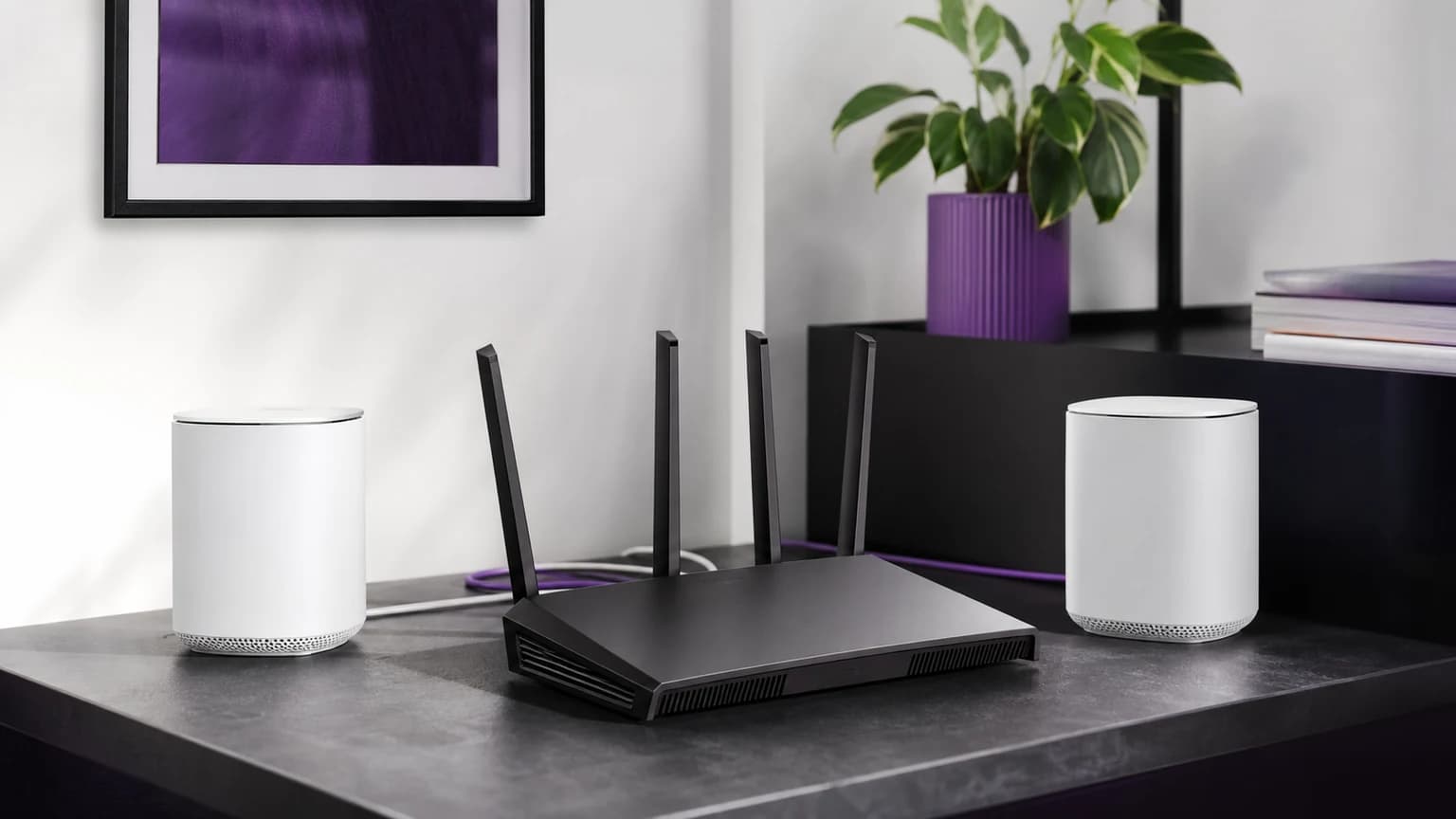
Wi‑Fi 7 marketing is basically “bigger number = better internet.”
In real life, Wi‑Fi performance is mostly about three boring things:
- how much congestion you’re in (apartments, dense suburbs)
- whether your network has a solid backhaul (wired or mesh)
- how well your router handles many devices at once
Wi‑Fi 7 can help, but only if you buy for the right reasons.
SolderMag Take (the part nobody tells you)
The best Wi‑Fi upgrade for most homes is still: Ethernet where it matters.
If you can’t run Ethernet, the second-best upgrade is: better placement + better backhaul, not a fancier spec sheet.
Wi‑Fi 7 is worth it when it reduces friction: lower latency spikes, fewer dead spots, better performance under load.
What Wi‑Fi 7 actually changes
Wi‑Fi 7 (802.11be) is a collection of improvements. You don’t need to memorize them, but you should know what outcomes they target.
1) Better performance in congestion
If you live in an apartment building and can see 30 networks, the problem isn’t “peak speed.” It’s contention.
Wi‑Fi 7 improves how devices share spectrum, which can reduce stutter and latency when the air is busy.
2) Lower real-world latency (when implemented well)
A lot of people buy “gaming routers” and still get lag spikes. Why?
Because the bottleneck is often:
- bufferbloat
- interference
- weak signal
- bad mesh backhaul
Wi‑Fi 7 can help, but only if the router has:
- good radios
- good firmware
- good QoS/SQM options
3) Multi‑link operation (MLO)
This is one of the genuinely interesting parts: devices can use multiple bands more intelligently.
In English: your phone/laptop can have more options to keep the connection stable.
4) “Higher speed” claims
Yes, Wi‑Fi 7 can be faster on paper.
But if your internet plan is 100-1000 Mbps, you’re not buying Wi‑Fi 7 for top speed. You’re buying it for consistency.
Who should actually buy Wi‑Fi 7 in 2026?
Buy Wi‑Fi 7 if:
- you have lots of devices (smart home + laptops + consoles)
- you’re in a congested area
- you want lower latency spikes (video calls, gaming, streaming)
- you’re upgrading anyway and want a 3-5 year router
Skip Wi‑Fi 7 if:
- your current Wi‑Fi is already stable
- you live in a low-congestion area and mostly browse/stream
- you’re using a weak ISP modem/router and haven’t fixed basics (placement, channels)
The checklist that matters (buying advice)
1) Backhaul first
If you use mesh:
- wired backhaul beats everything
- if wireless backhaul, ensure nodes are close enough and not separated by concrete
A top-tier Wi‑Fi 7 mesh with bad backhaul will still perform badly.
If you already have Ethernet between rooms, a multi-gig switch for wired backhaul is often the cleaner upgrade than replacing every router or mesh node at once.
2) Placement beats price
A $600 router in a cabinet is worse than a $200 router placed properly.
- central location
- elevated
- away from microwaves and thick walls
3) Firmware and support
Don’t underestimate software.
Choose brands that:
- ship security updates
- don’t abandon products after 12 months
4) Don’t overpay for “gaming” labels
Look for real features:
- SQM / smart queue management
- decent QoS
- stable updates
RGB doesn’t reduce packet loss.
Setup tips (quick wins)
- Split your network (optional)
- Keep IoT devices on a separate SSID if your router supports it
- Use WPA3 (where possible)
- security upgrade with minimal downside
- Use a channel scan
- avoid the busiest channels
- Test bufferbloat
- if your router supports SQM, turn it on
Common mistakes
- buying a new router when the real issue is ISP modem placement
- using mesh nodes too far apart
- expecting Wi‑Fi to punch through concrete like it’s magic
- ignoring backhaul
Bottom line
Wi-Fi 7 is worth it in 2026 if you care about stability under load, not just speed tests.
If you want the highest ROI: run Ethernet where you can, fix placement, then upgrade hardware.
Ready to shop? See our picks for the best Wi-Fi 7 routers or, if you need whole-home coverage, the best Wi-Fi 7 mesh systems.
Sources
- Wi‑Fi Alliance / IEEE overview pages for Wi‑Fi 7
- Router vendor documentation for MLO and QoS features
- Independent reviewers who test latency under load (not just peak throughput)