Hot Air Rework Station vs Soldering Iron: Which One Do You Actually Need?
A practical electronics bench guide: when a soldering iron is enough, when hot air is worth buying, and when the right answer is both.
Written by the SolderMag Editorial Team. We update recommendations against current product availability, disclose affiliate links, explain ranking criteria in our testing methodology, and correct material errors through the contact page.
As an Amazon Associate I earn from qualifying purchases. Product prices and availability can change.
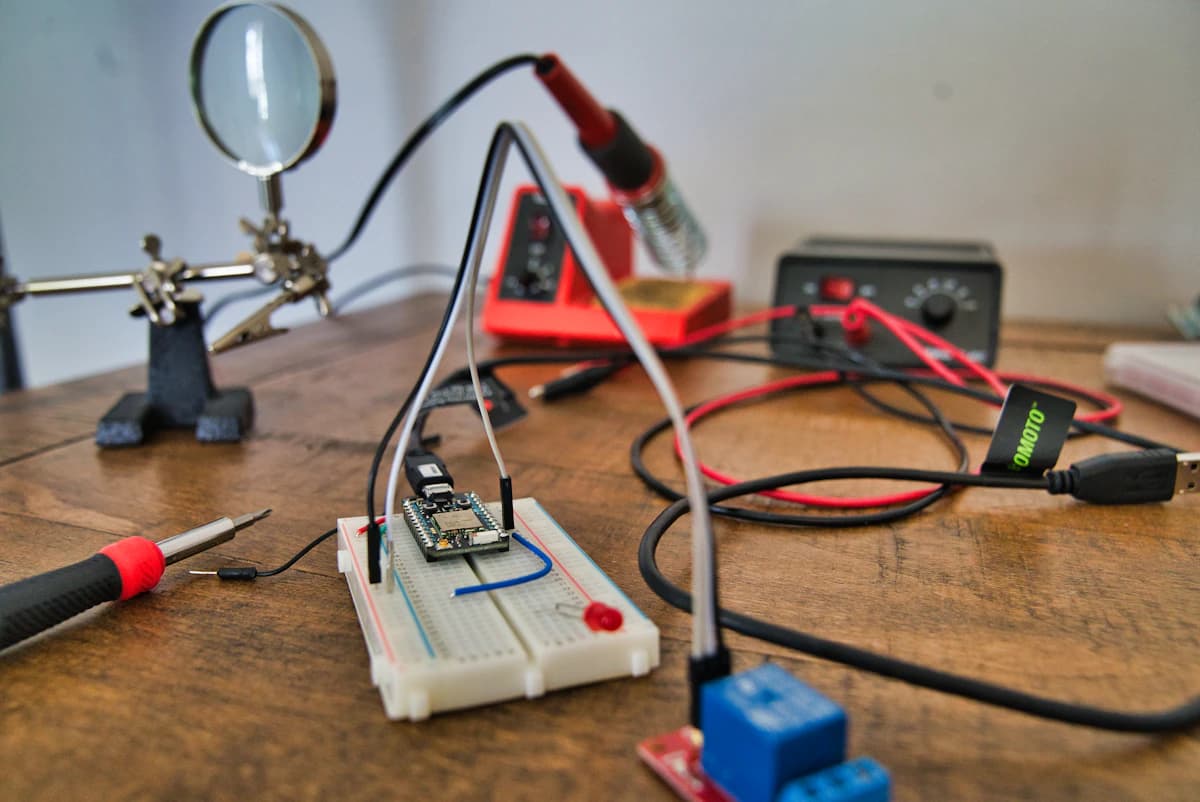
Most electronics benches need a soldering iron before they need hot air.
That does not mean hot air is a luxury toy. It means the jobs are different. A soldering iron is the precise contact tool. Hot air is the controlled heat blanket. If you buy the wrong one first, you either fight every through-hole joint with a rework station or try to remove surface-mount parts with an iron until pads start lifting.
Quick answer: buy a soldering station first if you are building kits, fixing wires, replacing jacks, soldering keyboards, or learning electronics. Add a hot air rework station when you regularly remove SMD parts, repair USB-C or HDMI ports, reflow QFN/QFP packages, lift shield cans, or work around large ground planes.
The short version
| Job | Better tool | Why | | --- | --- | --- | | Wires, headers, switches, through-hole parts | Soldering iron | Direct contact, precise heat, easy cleanup | | Touching up one pad or adding solder | Soldering iron | You only need heat at the joint | | Removing SOIC, QFN, QFP, SOT packages | Hot air | Heats all pins at once without dragging pads | | USB-C, HDMI, Lightning, or board-edge connector removal | Usually hot air plus an iron | Hot air loosens the part; the iron handles cleanup | | Shield cans and large grounded metal parts | Hot air, often with preheat | A small iron tip struggles against thermal mass | | Learning basic soldering | Soldering iron | Better feedback and fewer ways to overheat the board | | Repairing expensive boards | Both, plus practice boards first | Technique matters more than tool specs |
If you are buying your first bench tool, start with our best soldering stations guide. If you already have a decent iron and SMD repair is becoming normal, use our best hot air rework stations guide.
What a soldering iron is best at
A soldering iron wins when you need controlled contact with one joint at a time.
That covers most beginner and intermediate electronics work:
- tinning wires
- soldering headers
- assembling keyboards
- replacing barrel jacks
- touching up bad joints
- drag soldering accessible fine-pitch pins
- cleaning pads after a part has been removed
The advantage is feedback. You can see whether the solder wets the pad, whether the flux is still active, and whether the joint is flowing. With the right tip size and enough flux, a good iron is faster and safer than blasting a whole area with air.
The mistake is trying to use a needle tip for everything. A medium chisel tip moves heat better, shortens dwell time, and reduces pad damage. If your iron feels weak, the problem is often tip geometry, not wattage.
What hot air is best at
Hot air wins when all the joints need to reach reflow temperature together.
That is why it makes sense for:
- removing small SMD components without scraping at pads
- lifting ICs with pins on several sides
- reworking QFN and QFP packages
- replacing USB-C and HDMI connectors
- loosening shield cans
- correcting solder paste assembly mistakes
- working on parts where an iron cannot physically touch every joint
The big advantage is even heating. Instead of pulling on one pin while the others are still solid, hot air brings the whole part up gradually. Done well, the part releases with less force. Done badly, it overheats plastic connectors, shifts nearby 0402 parts, or cooks the board because the operator keeps turning the temperature up.
This is why airflow control matters more than the maximum temperature printed on the listing. A cheap station that can hit a high number but cannot hold stable low airflow is harder to use on real boards.
The tool you need by buyer scenario
You are learning electronics
Buy a soldering station first.
Hot air adds too many variables when you are still learning what a good solder joint looks like. A decent iron, chisel tips, brass wool, and good flux will teach better habits. A bargain plug-in iron can work in an emergency, but our $5 soldering iron teardown explains why it is usually false economy.
You build kits, keyboards, cables, or Arduino projects
A soldering station is enough.
You might use hot air later for SMD mistakes, but it is not the first purchase. Spend the money on a better iron, more tip shapes, flux, a board holder, and magnification. Those upgrades will improve almost every project.
You repair phones, laptops, controllers, drones, or game consoles
Plan on owning both.
Modern electronics repair often means connectors, shields, small passives, and ground-heavy boards. A soldering iron handles cleanup and precise touch-up. Hot air handles part removal and reflow. For connector work, the common flow is: add flux, preheat, use hot air to release the part, then use the iron and wick to prepare the pads.
You mostly do through-hole, wires, and big connectors
Buy the better iron, not hot air.
A hot air station will not make a bad through-hole workflow good. Through-hole joints need contact heat and solder flow through the barrel. If the joint is connected to a big ground plane, use a larger tip and a station with better thermal recovery before you reach for hot air.
You work with QFN, QFP, BGA-adjacent parts, or shield cans
Hot air becomes hard to avoid.
An iron can sometimes drag-solder fine-pitch leads, but it is a poor removal tool for packages with pins on multiple sides or hidden pads underneath. Hot air gives you a cleaner path, especially if you also use proper flux and avoid forcing the part before the solder has actually reflowed.
Can hot air replace a soldering iron?
No.
Hot air can melt solder, but it does not replace the precise mechanical control of an iron. You still need an iron for:
- tinning pads
- removing solder bridges
- adding solder to a specific joint
- through-hole work
- wire work
- pad cleanup with wick
- installing parts that need pressure or alignment
Think of hot air as the removal and reflow tool. Think of the iron as the placement, cleanup, and precision tool.
Can a soldering iron replace hot air?
Sometimes, but not cleanly.
You can remove some SMD parts with two irons, low-melt alloy, solder braid, or a large tip. That is fine for occasional work. It gets ugly when the package has many pins, hidden pads, plastic nearby, or heavy copper pulling heat away.
If you keep doing these workarounds every week, buy hot air. The point is not speed. The point is reducing force on pads and making repeatable repairs possible.
What to buy first
First tool: soldering station
Prioritise:
- stable temperature control
- fast thermal recovery
- common replacement tips
- a comfortable handle
- auto-sleep or standby
- a safe stand
For most benches, this is the foundation. The best soldering stations guide breaks down the sensible budget, midrange, and hobbyist picks.
Second tool: hot air rework station
Prioritise:
- usable low airflow
- stable temperature control
- automatic cool-down
- common nozzles
- a handle and hose that does not fight your hand
- enough power for connectors and shield cans without constant temperature chasing
If you are at this stage, the hot air rework station guide is the right next read.
Do not skip flux
Flux matters with both tools. It lowers the amount of force and dwell time you need, which is the whole game. If you are not sure what to use, start with our flux guide before buying more hardware.
The main risks
Risk 1: too much heat for too long
Boards usually fail from dwell time, not just temperature. If you keep heating because nothing is moving, stop and reassess. You may need more flux, a larger iron tip, a bigger hot air nozzle, preheat, or lower airflow. Cranking the number higher is the last lever, not the first one.
Risk 2: moving the part too early
Pads lift when people pull before all joints have released. With hot air, wait for the solder to visibly relax. With an iron, avoid prying against pads. The part should move because the solder is liquid, not because you are stronger than the adhesive bond.
Risk 3: blasting nearby parts
Hot air heats everything in the zone. Shield plastic connectors, use the right nozzle size, and keep airflow controlled. Tiny passives can move before the main part releases.
Risk 4: buying a combo station for the wrong reason
Two-in-one soldering and hot air stations can be good value for hobby benches. They are less compelling if you already own a strong soldering station or expect daily repair work. Separate tools are easier to upgrade and replace.
A practical buying decision
Buy only a soldering station if:
- you are new to electronics
- you mostly solder wires, headers, switches, and through-hole parts
- you repair audio jacks, DC jacks, and simple connectors
- you have not yet learned tip care and flux control
Buy a hot air station next if:
- SMD removal is becoming routine
- you repair USB-C, HDMI, phones, laptops, controllers, or drones
- you need to remove shield cans
- you work around ground planes where an iron alone is slow and risky
- you are damaging pads with iron-only workarounds
Buy both from the start only if:
- you already know you will repair modern consumer electronics
- you have practice boards
- you can budget for flux, nozzles, tweezers, wick, tape, and magnification
- you are willing to learn technique before touching valuable hardware
FAQ
Is hot air better than a soldering iron?
Hot air is better for removing or reflowing multi-pin SMD parts. A soldering iron is better for precise joints, wires, through-hole parts, pad cleanup, and touch-up work. Most repair benches use both.
Do beginners need a hot air rework station?
Usually no. Beginners should learn with a soldering station first unless they specifically want to repair modern boards with SMD parts. Hot air is useful, but it adds airflow, nozzle choice, shielding, and board-heating variables.
What is the first soldering tool I should buy?
Buy a temperature-controlled soldering station with common tips. Add good flux and a medium chisel tip before spending money on hot air.
When is hot air worth buying?
Hot air is worth buying when you regularly remove SMD parts, replace USB-C or HDMI connectors, work with shield cans, or use iron-only tricks often enough that you are risking lifted pads.
Can I use a heat gun instead of a hot air rework station?
Do not use a general-purpose heat gun for board repair unless you are working on scrap. It usually has poor temperature control, crude airflow, and a large heat zone. A rework station gives you nozzles, controllable airflow, standby behavior, and better repeatability.
Sources and methodology
This is research-based guidance, not a claim that SolderMag has lab-tested every tool in every scenario. It is based on electronics assembly process guidance, manufacturer maintenance notes, published tool specifications, and repair-bench workflow analysis.
- NASA workmanship guidance for soldered electrical connections: https://standards.nasa.gov/standard/nasa/nasa-std-87393
- IPC J-STD-001 certification overview for soldered electrical and electronic assemblies: https://www.ipc.org/training/certifications/j-std-001
- Hakko soldering tip care and maintenance guidance: https://www.hakko.com/english/support/maintenance/detail.php?seq=183
- JBC cartridge system overview for heater/sensor tip architecture: https://www.jbctools.com/cartridges-c-11.html